





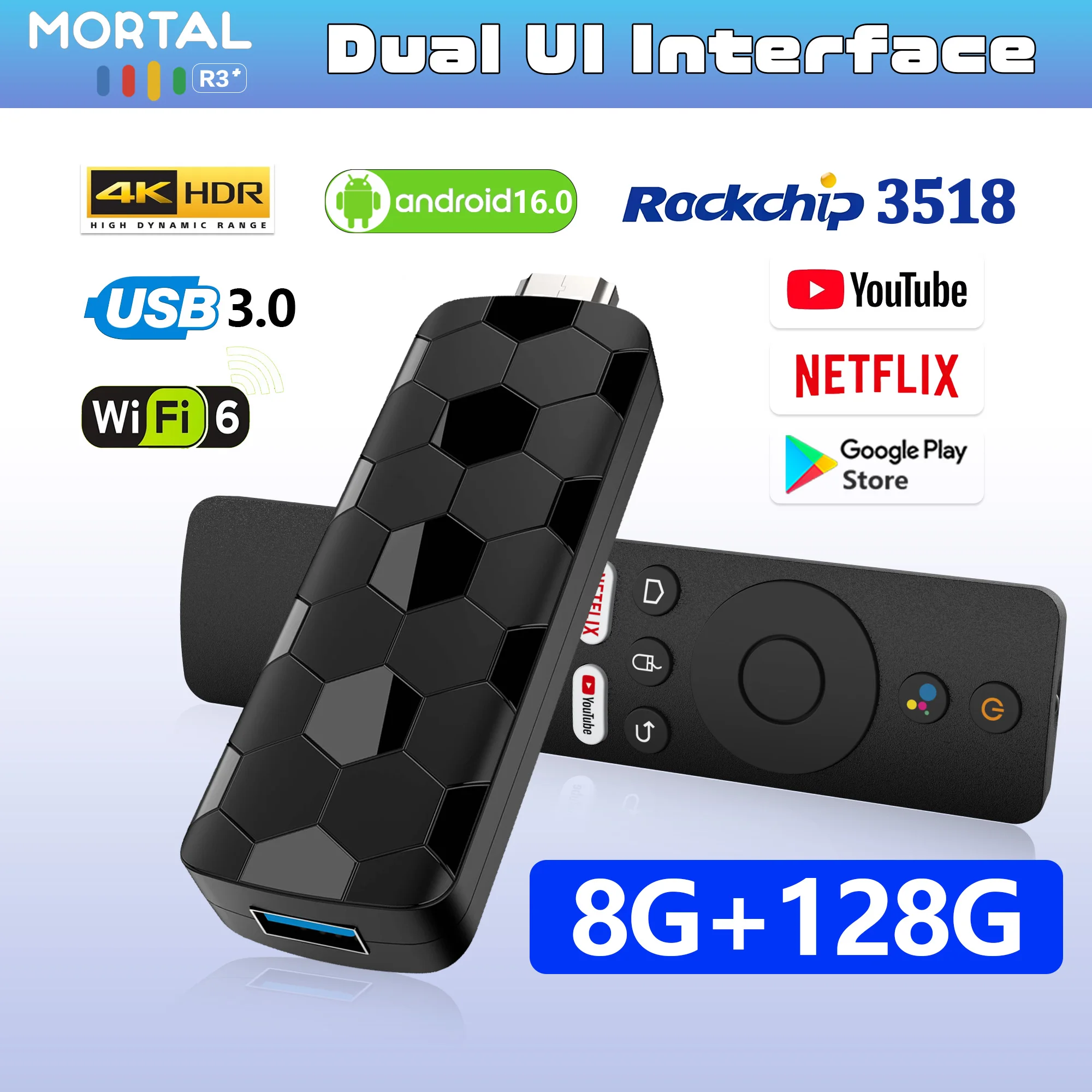
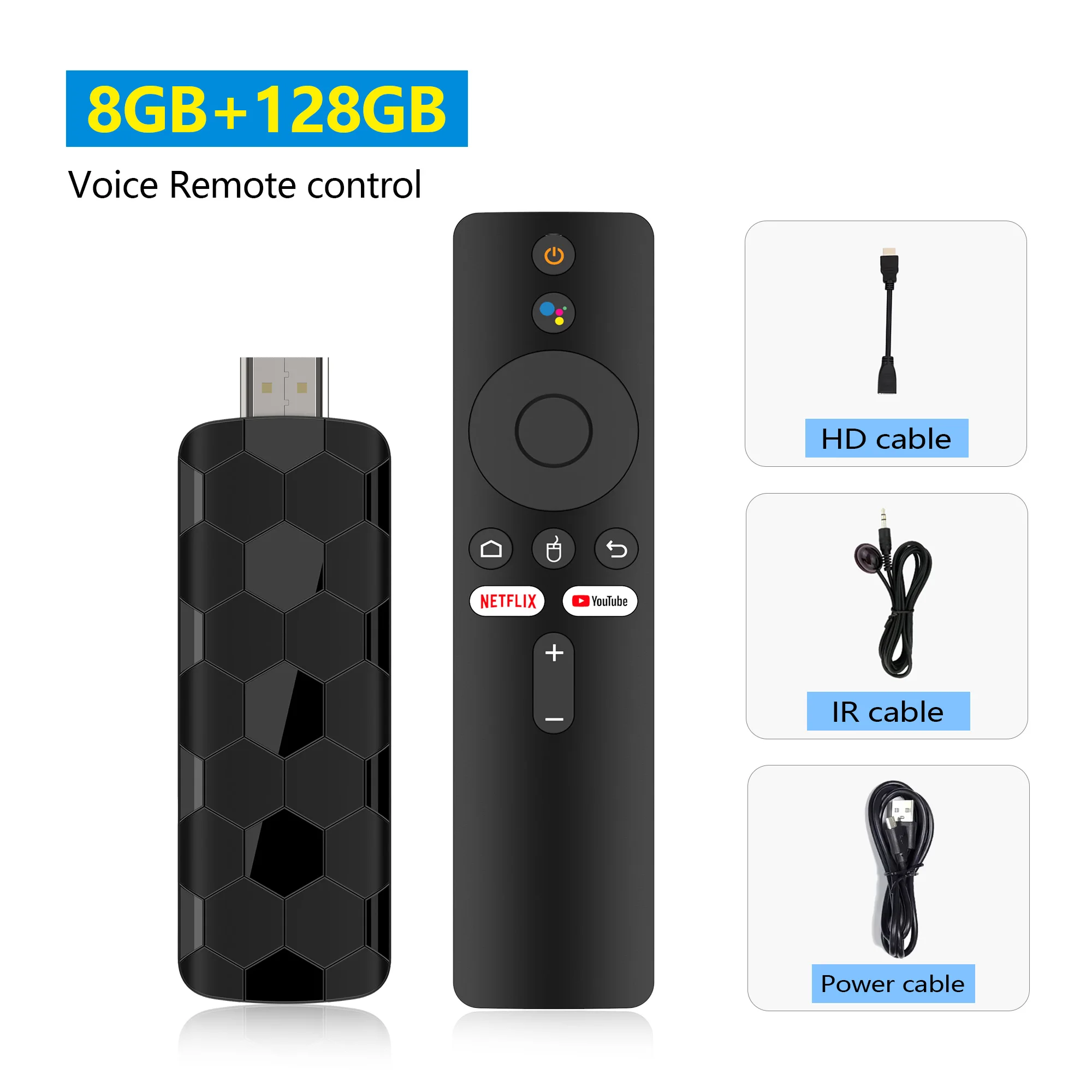
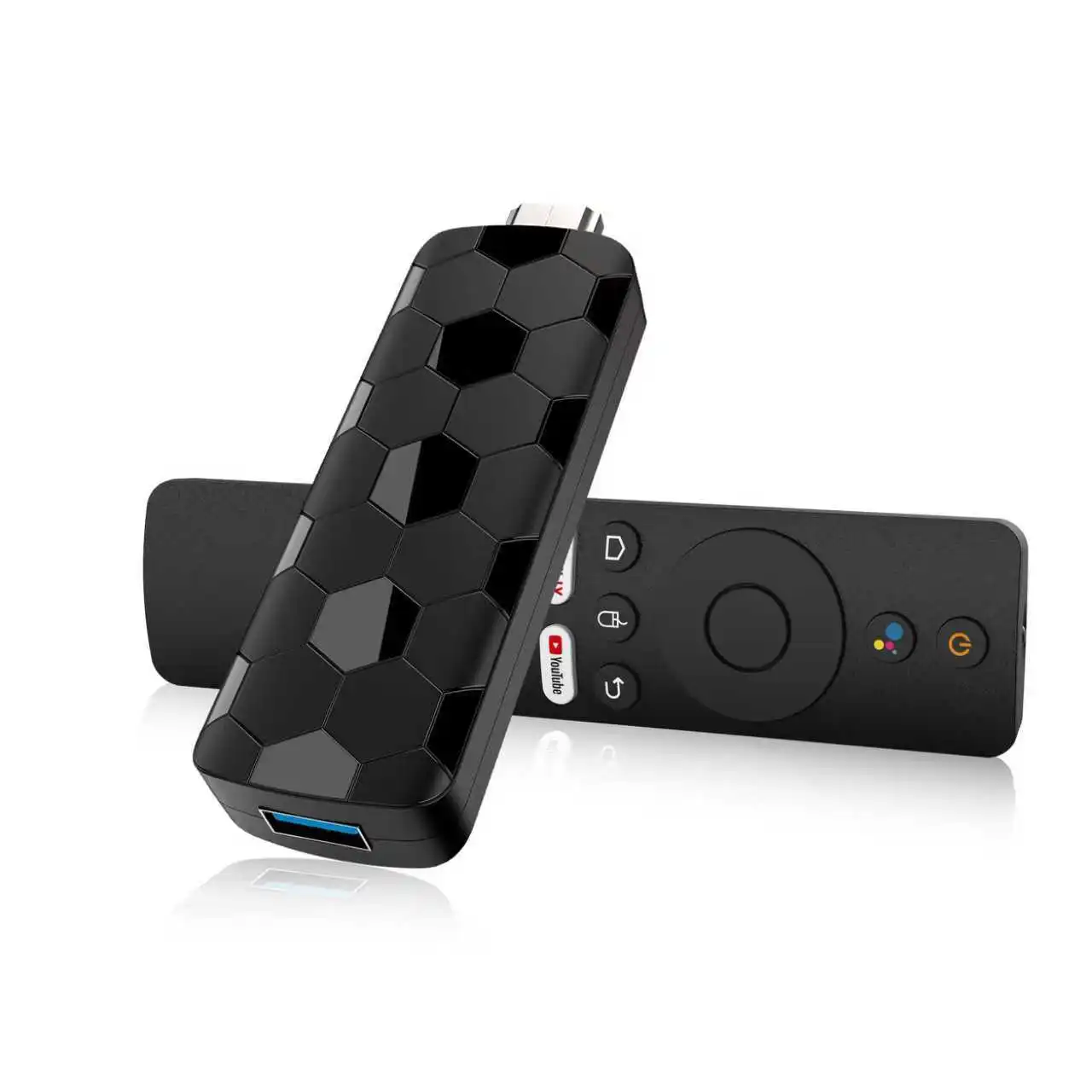
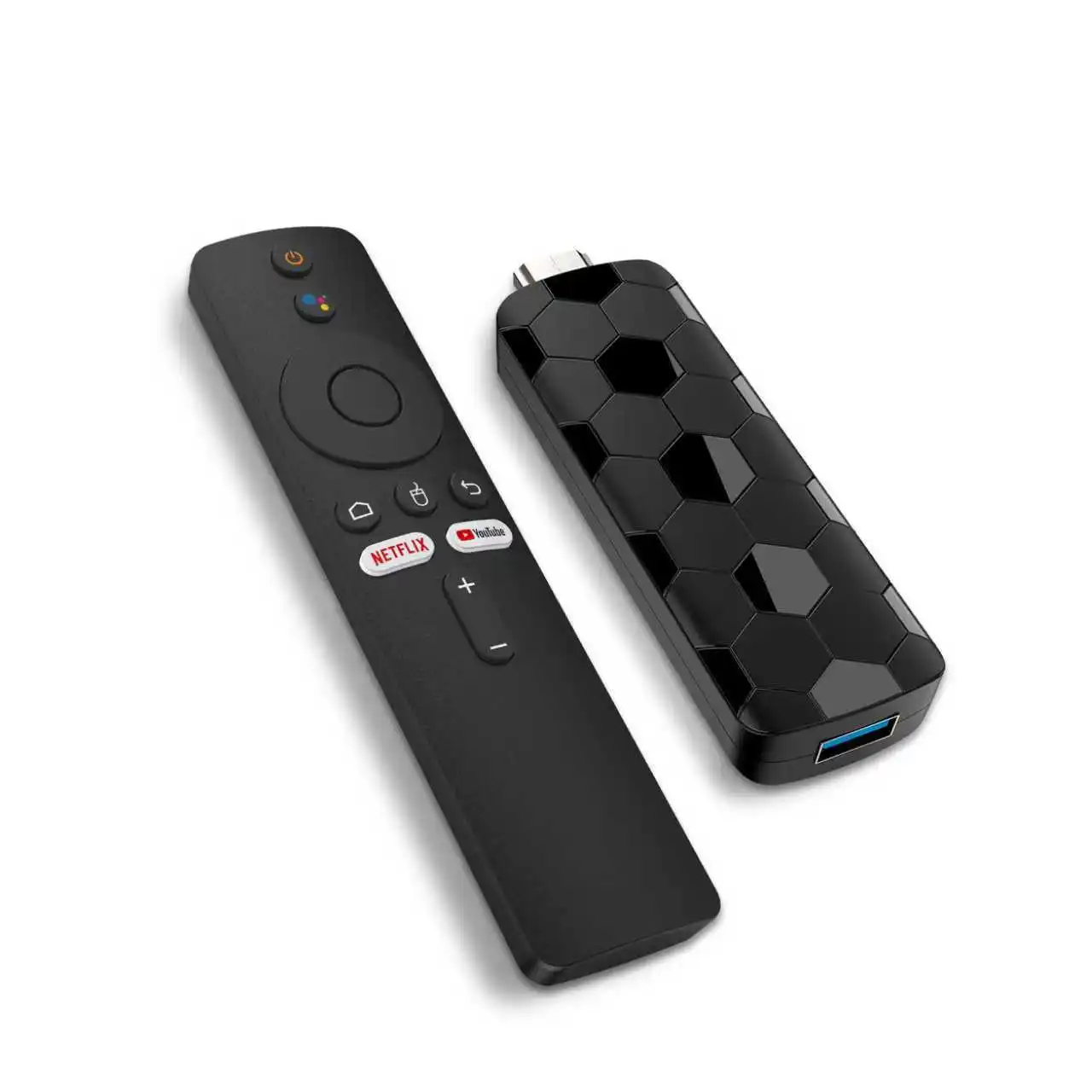
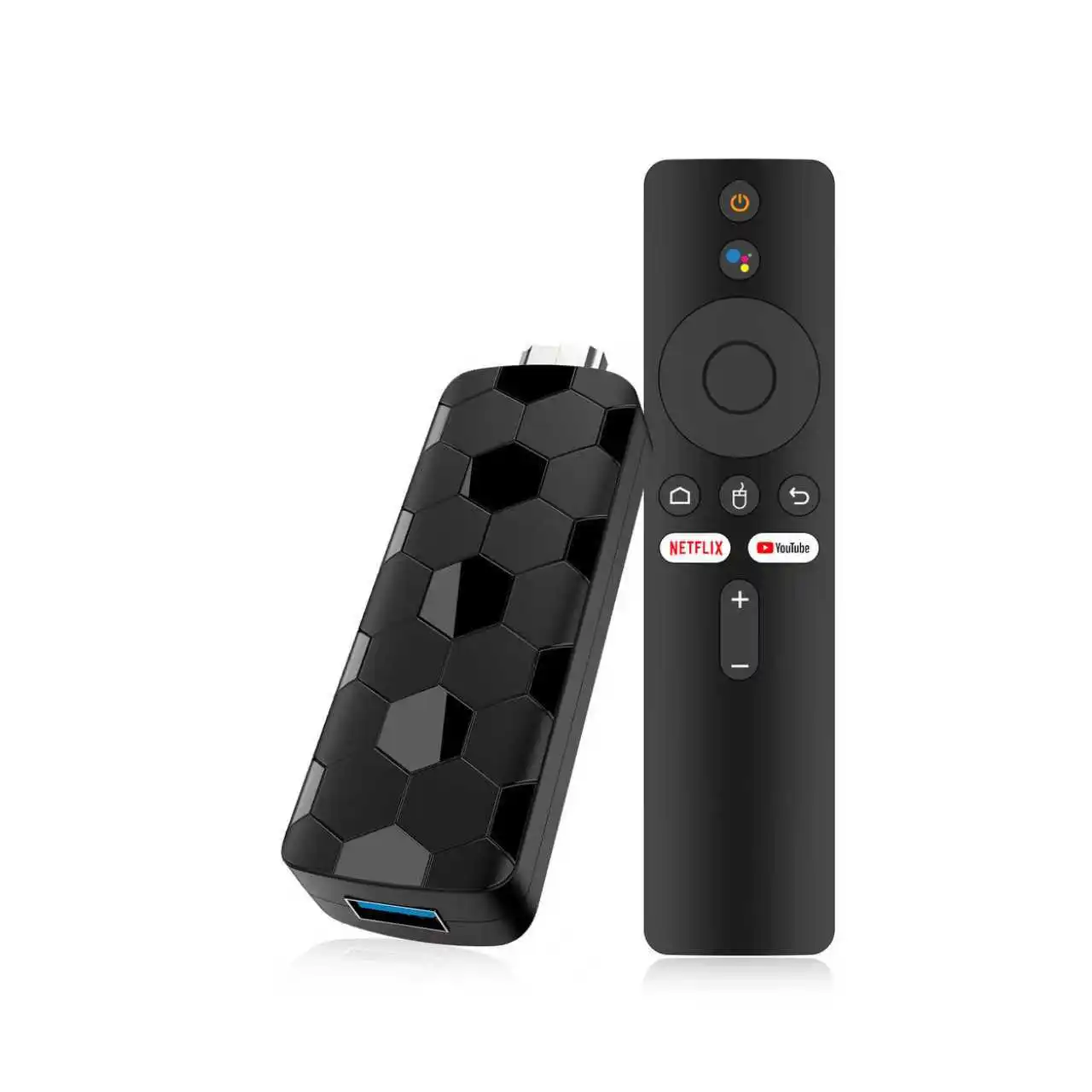
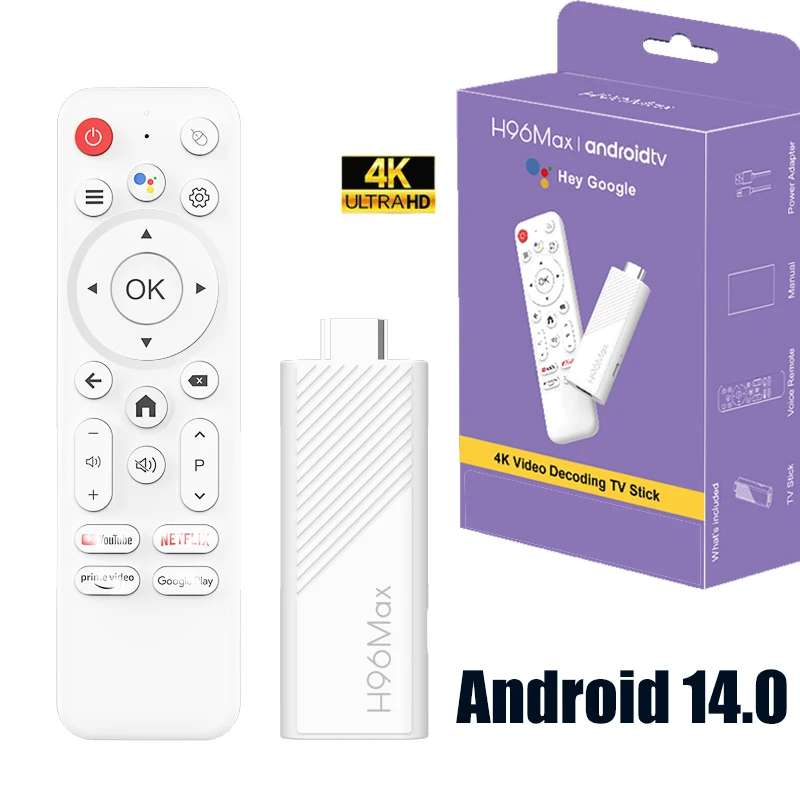
R3+ Mini TV Stick Dual UI Interface Android 16 ATV Ram 8GB Rom 128GB RK3518 Wifi 6 Voice Remote Control Global Streaming TV Box
The new TV Stick is here!
Here's what sets our product apart from the competition:
✅Dual-system UI interface with unexpectedly smooth switching!
✅ Customize your wallpaper with favorite dynamic videos! Turn your TV Stick into your personal homepage!
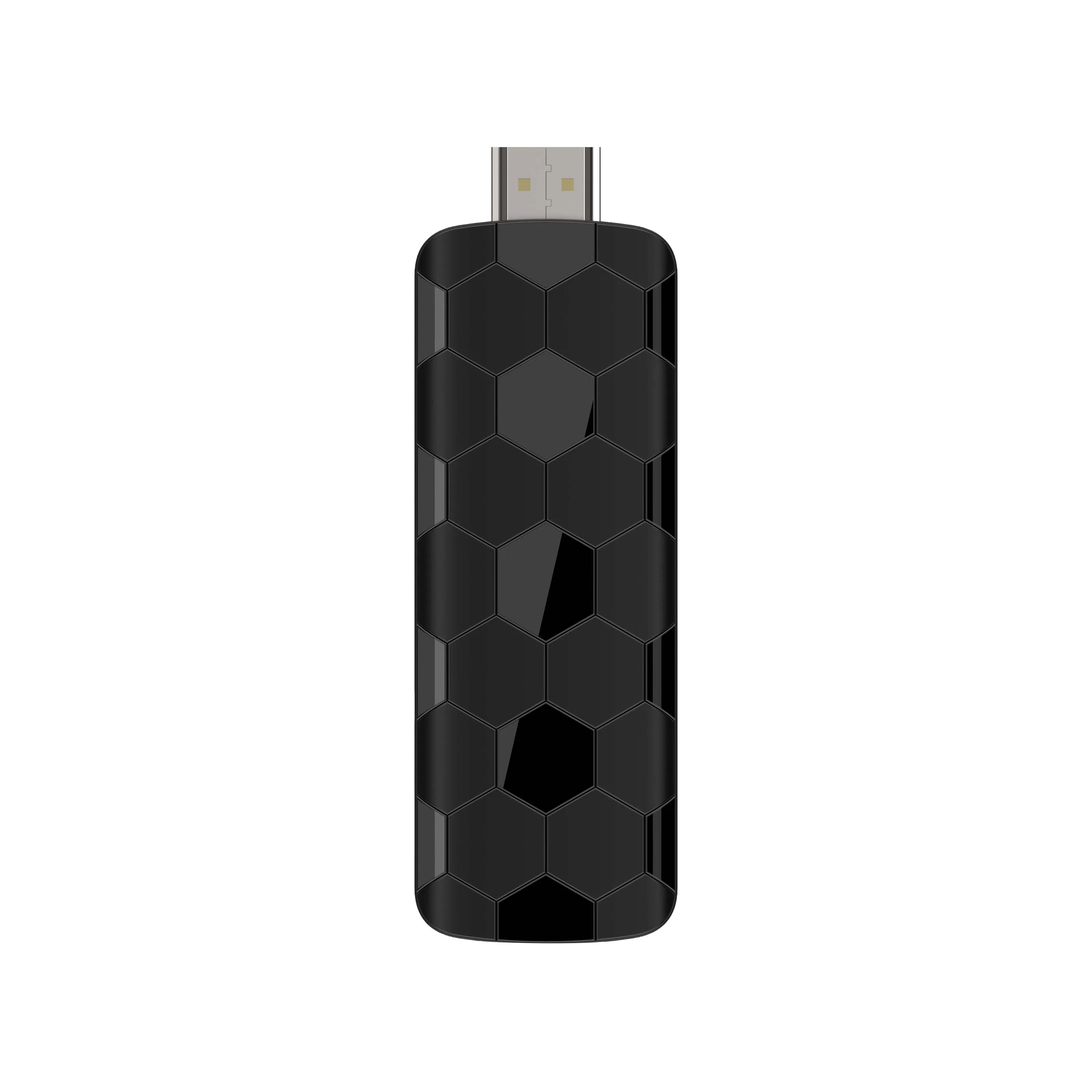
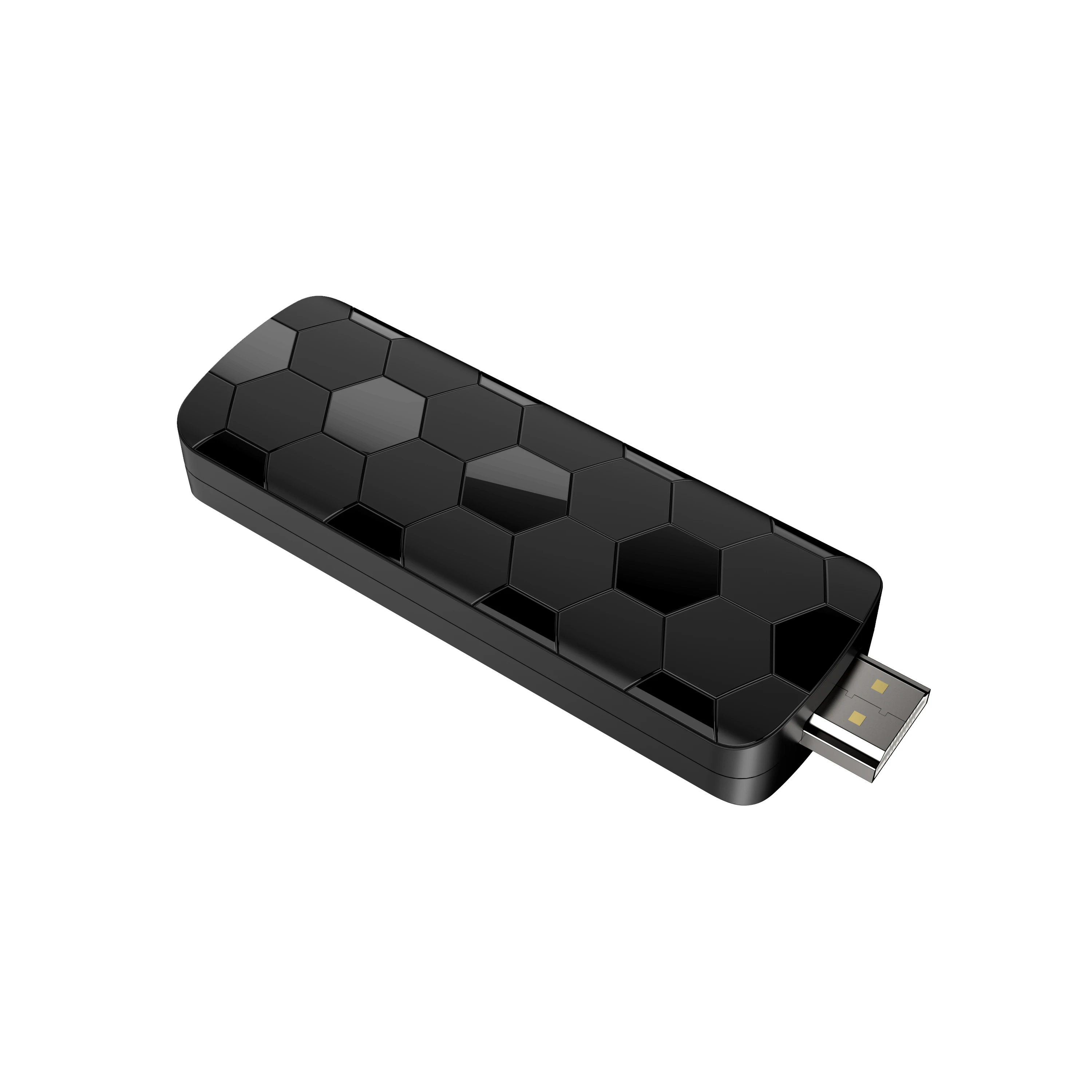
✅ Official FIFA 2026 World Cup TV Stick—give football fans that exclusive, romantic sense of occasion!
✅ APK shortcut keys for instant app switching!
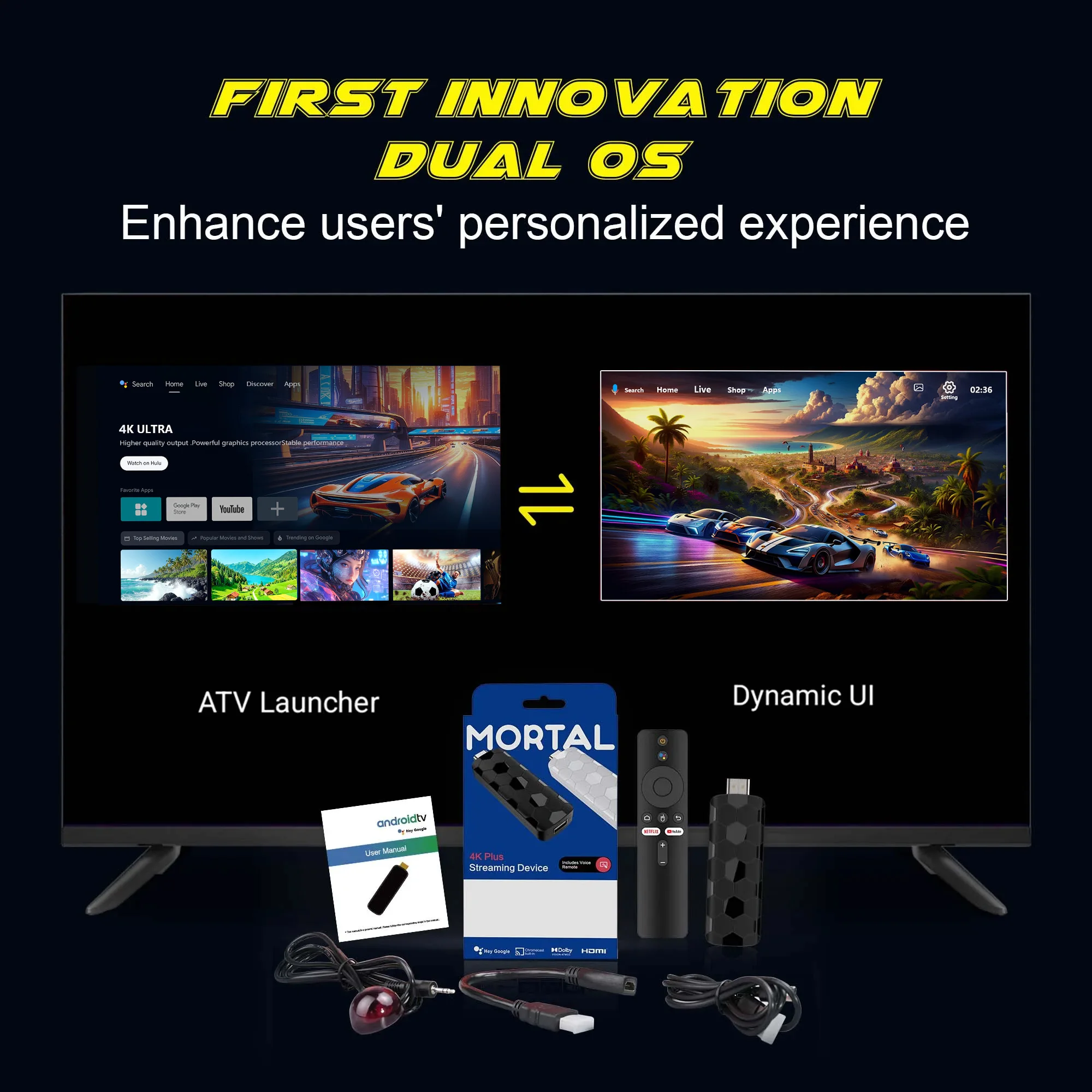
Dynamic UI
Dual UI Interface, Customizable dynamic video,Switching with unexpectedly smooth transitions
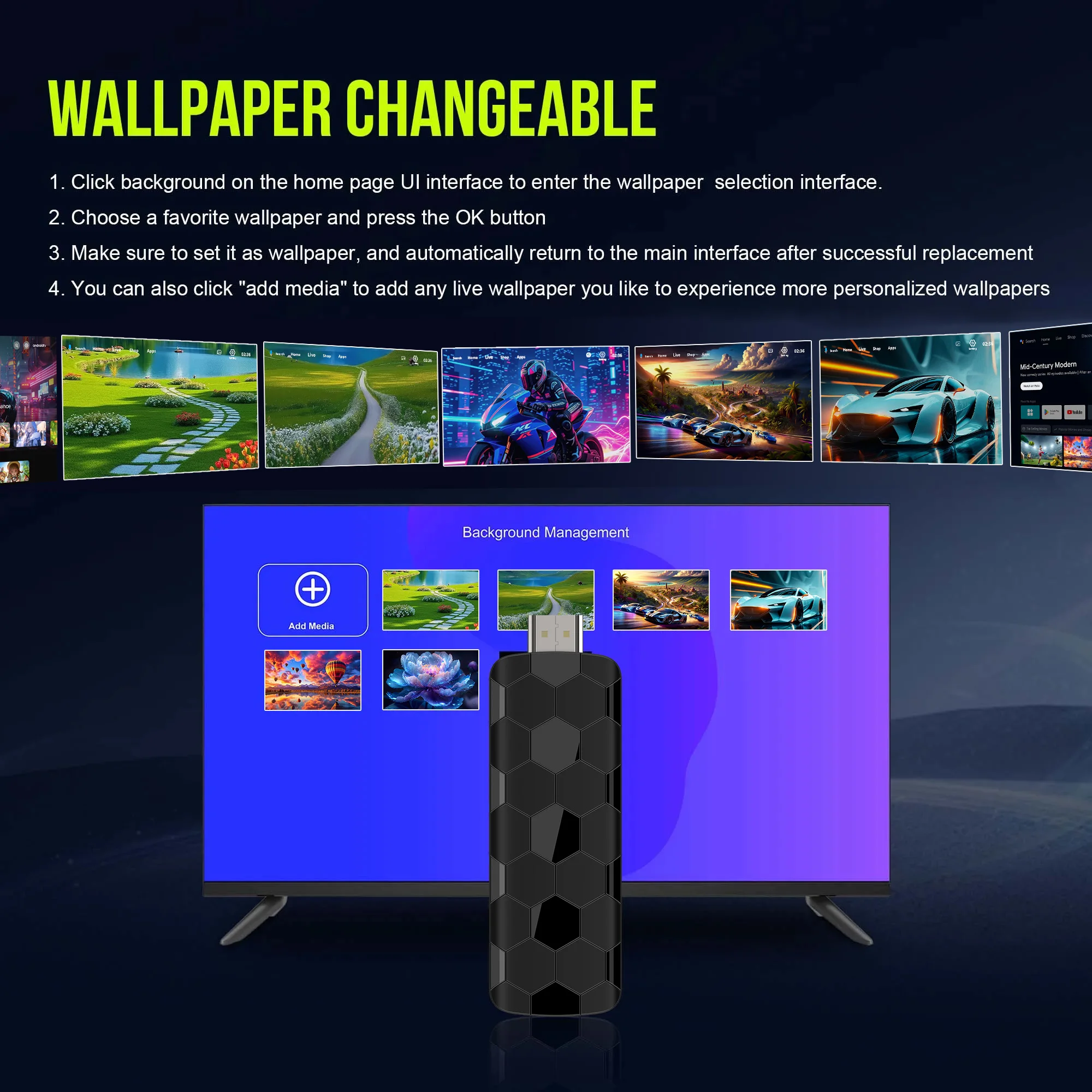
WALLPAPER CHANGEABLE
1. Click background on the home page Ul interface to enter the wallpaper selection interface
2. Choose a favorite wallpaper and press the OK button
3. Make sure to set it as walpaper, and automatically retum to the main interface after successful replacement
4. You can also click "add media" to add any live wallpaper you like to experience more personalized wallpapers
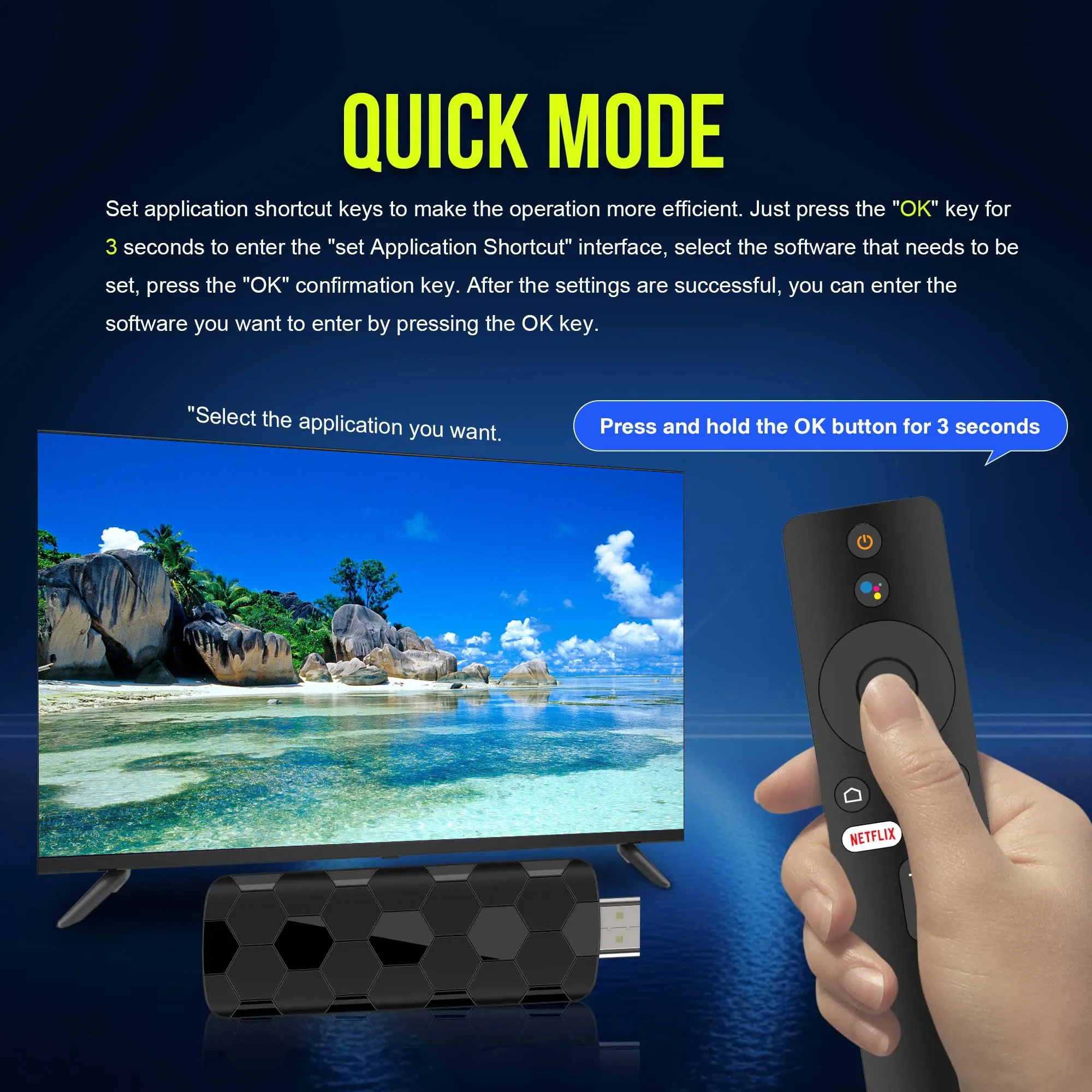
QUICK MODE
Set application shortcut keys to make the operation more efficient. Just press the "OK" key for3 seconds to enter the "set Application Shortcut" interface, select the software that needs to beset, press the "◎K" confimation key. After the settings are successful, you can enter the software you want to enter by pressing the OK key.
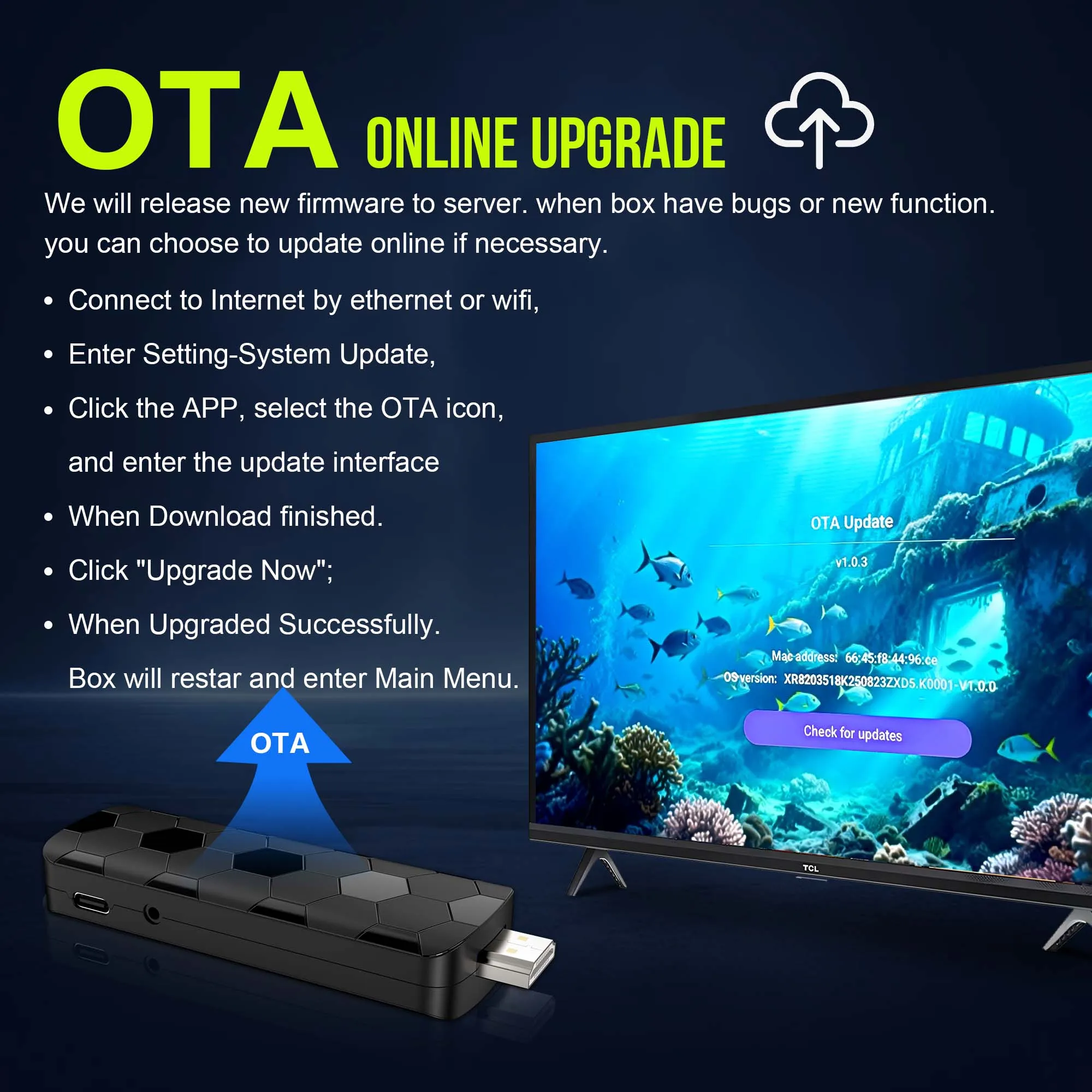
OTA ONLINE UPGRADE
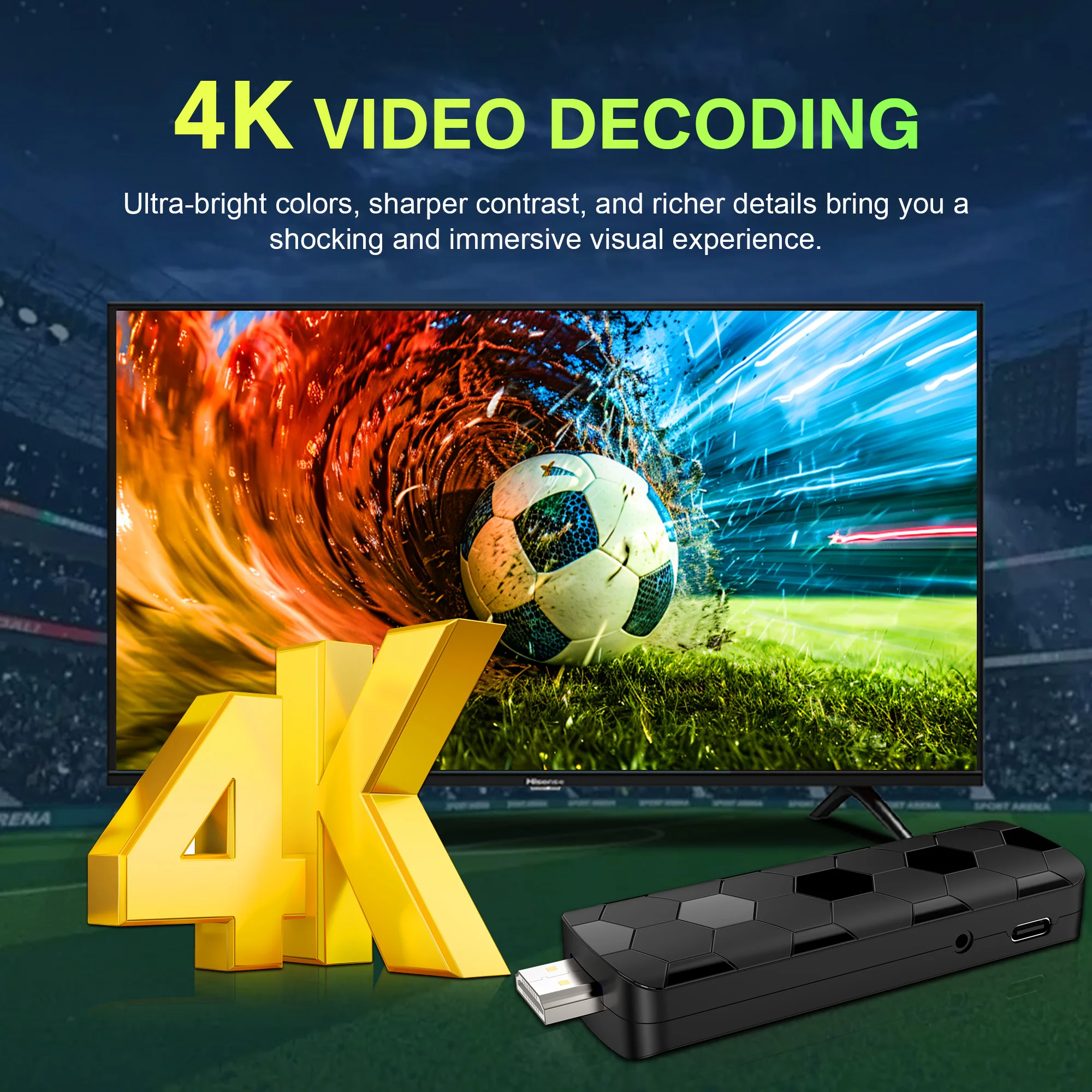
Support 4K Video Decoding
Incredibly clear and smooth playback of videos and images.
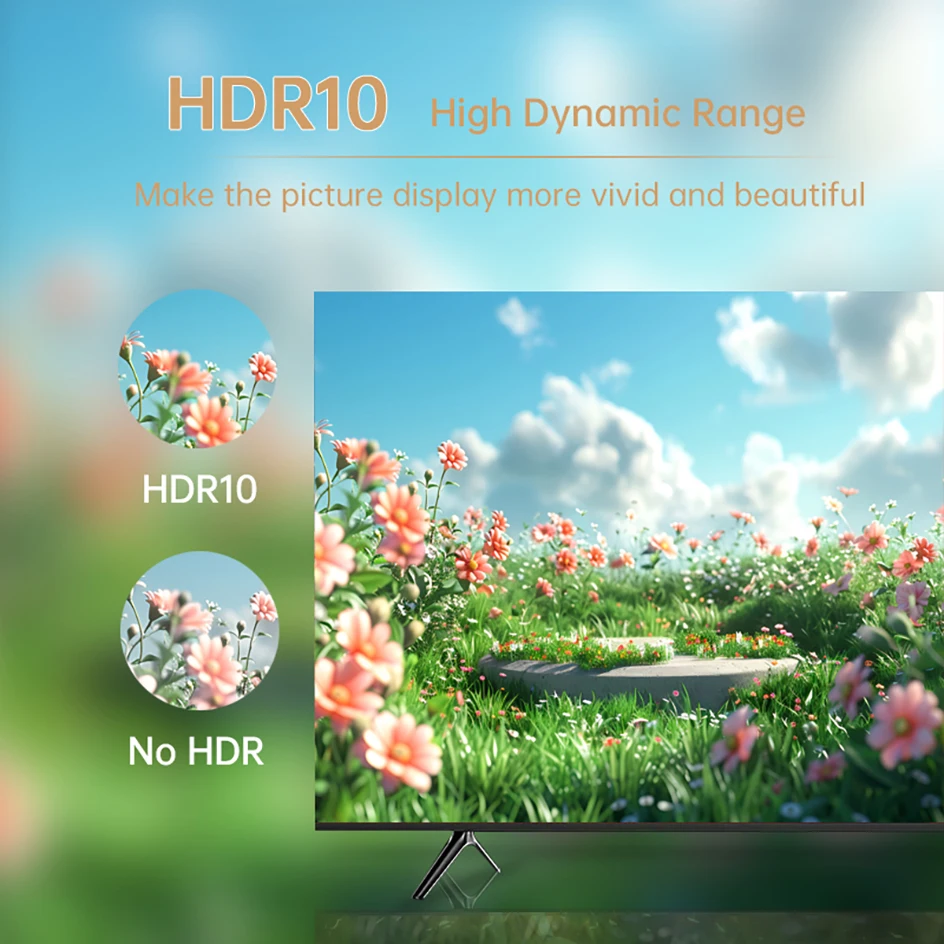
HDR10 High Dynamic Range
Make the picture display more vivid and beautiful.
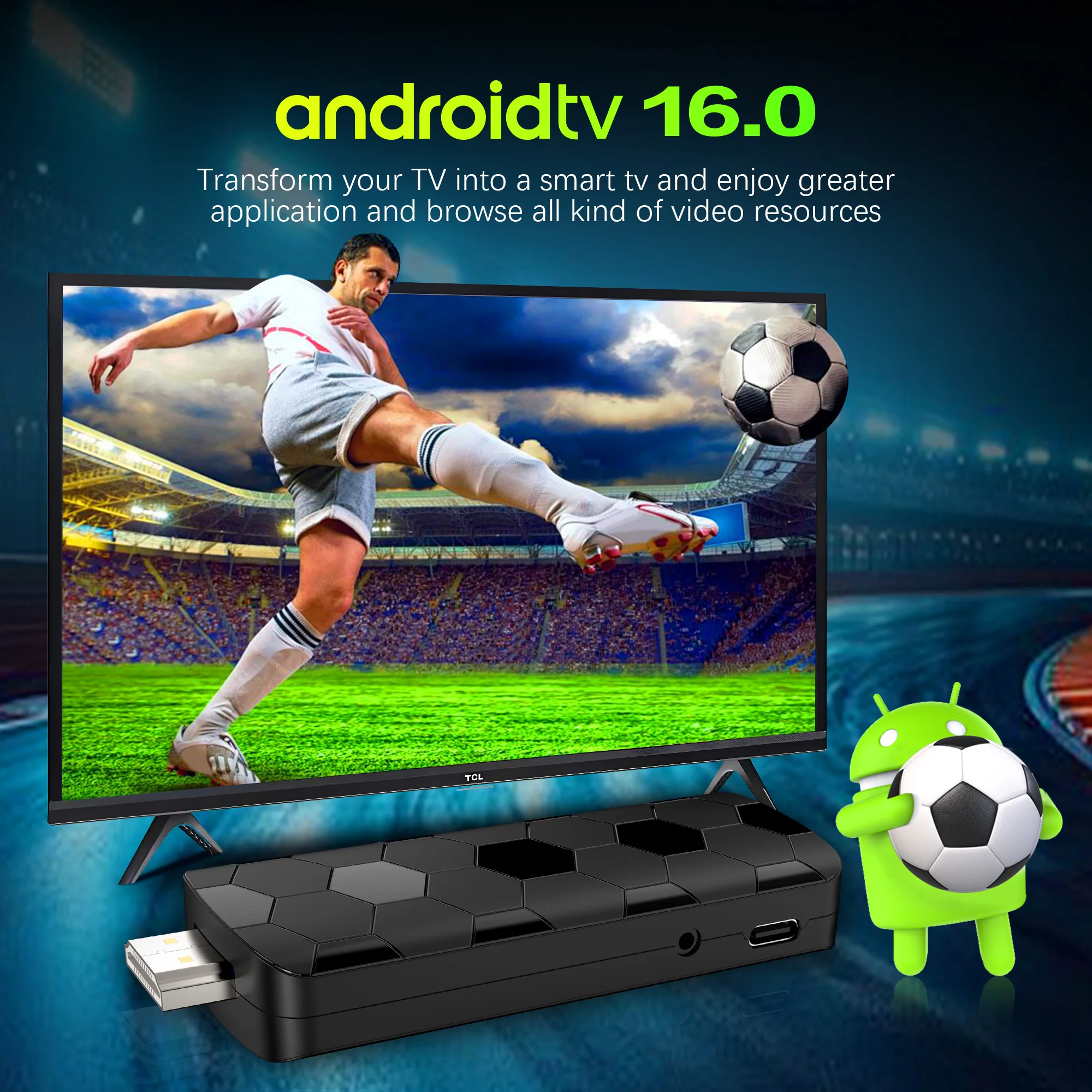
Android 16.0
Android multimedia box, you can download various video and music apps online, enjoy audiovisual experiences.
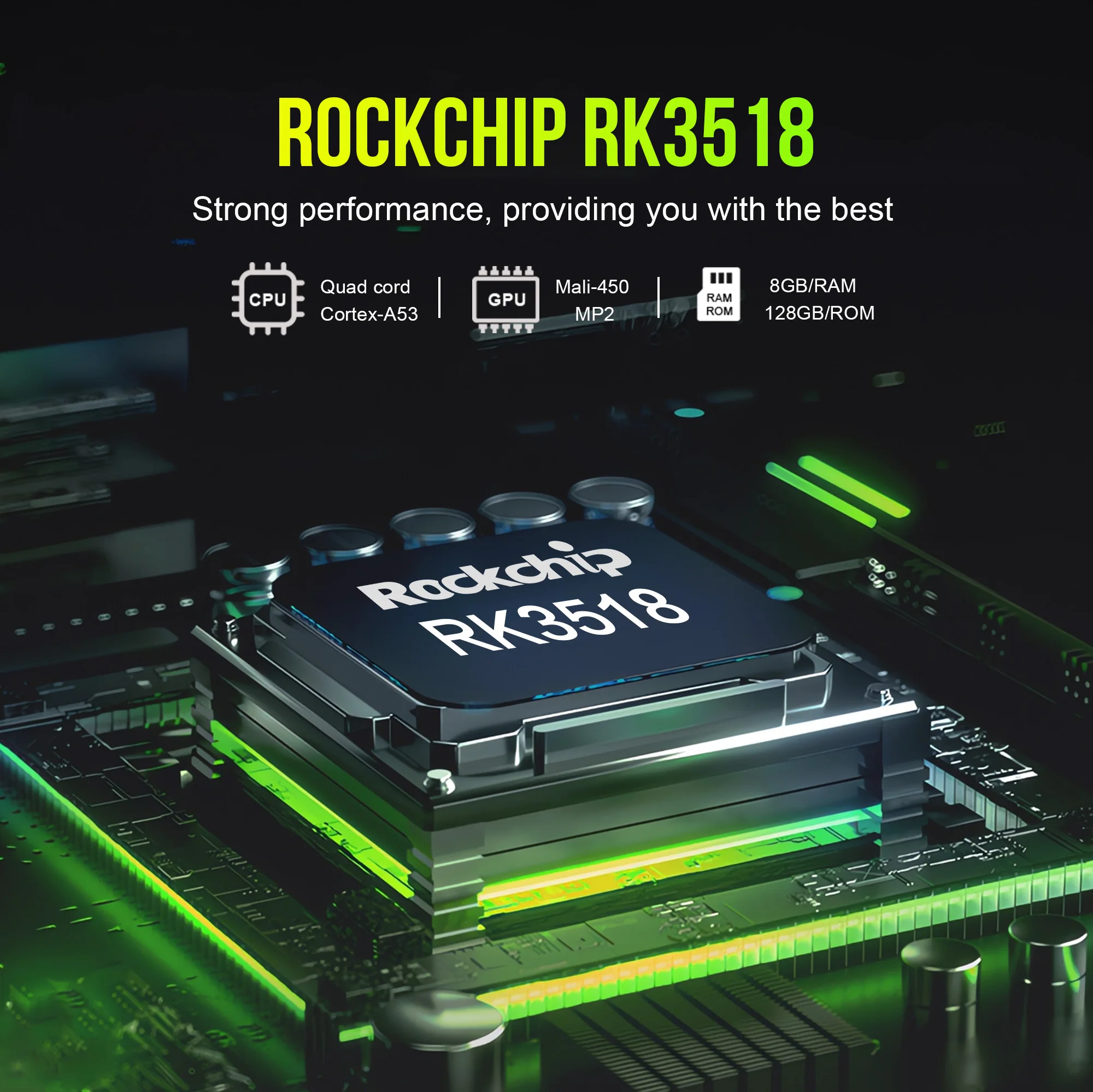
High Performance Soc
RK3518 is a high-performance Soc that supports 8K decoding for android tv box, strong Soc for smoother operation and clearer image quality effects.
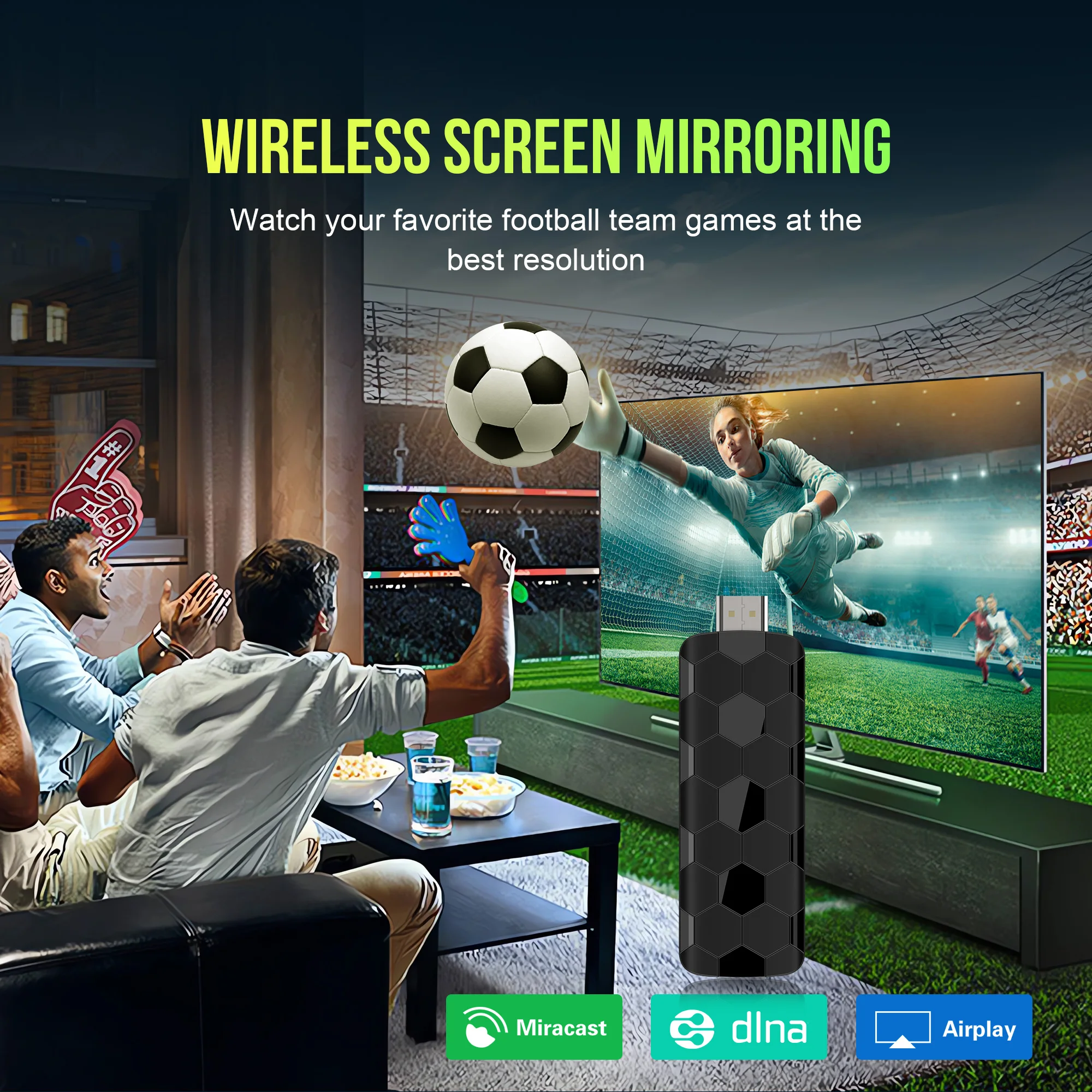
Multi Screen sharing
Easily share the small screen to the large screen.
You can play games and watch movies on the big screen.
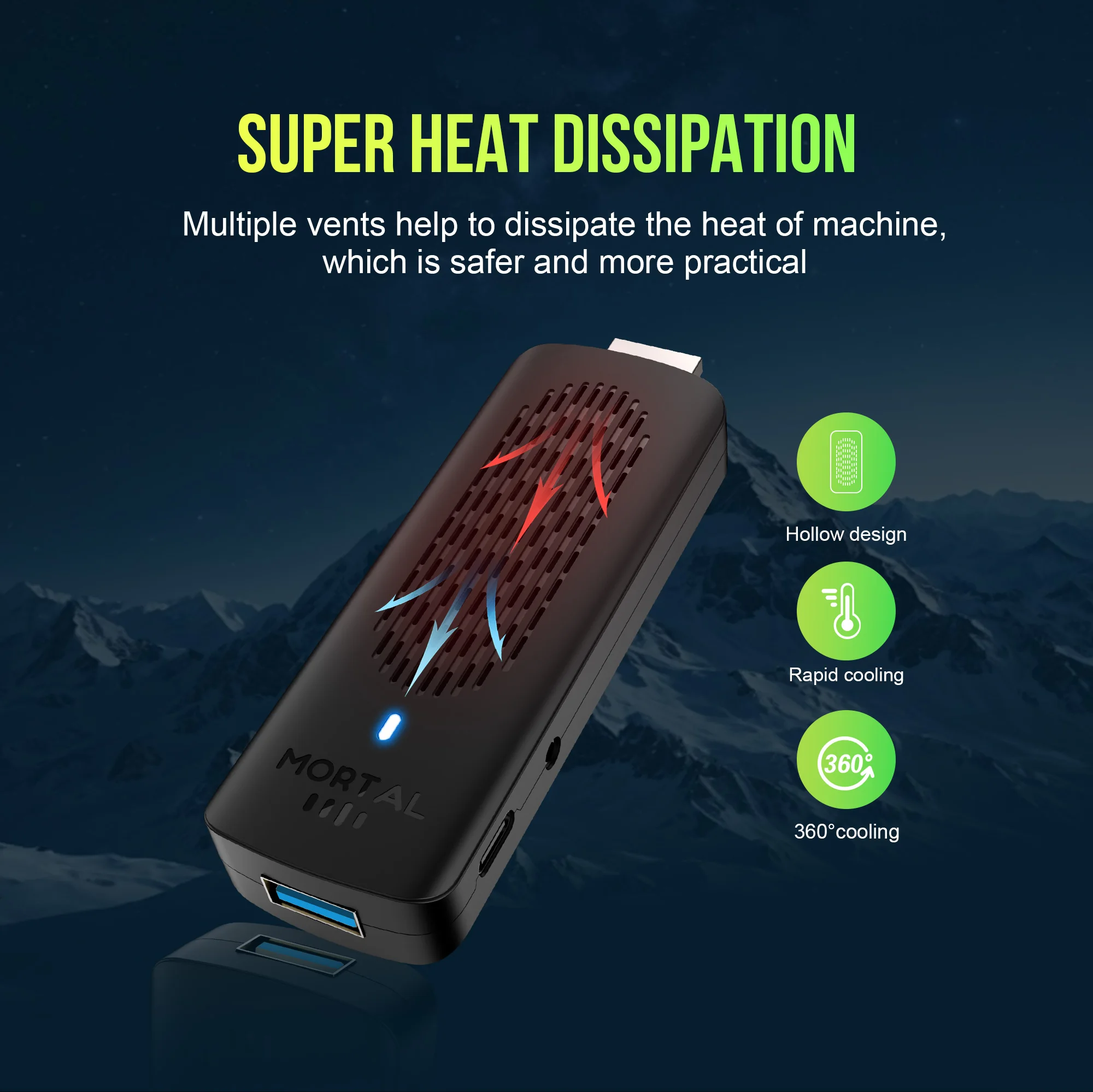
SUPER HEAT DISSIPATION
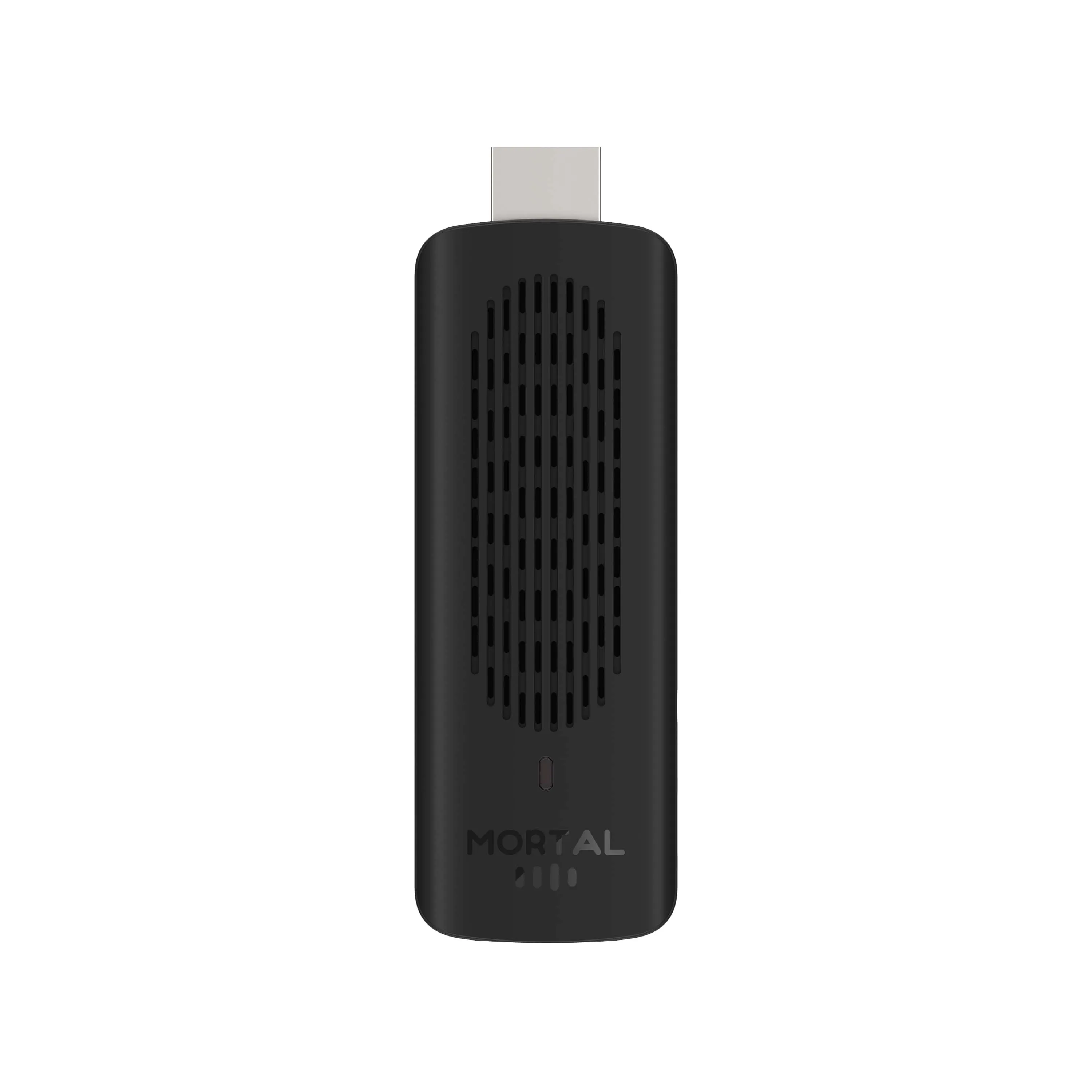
Multiple vents help to dissipate the heat of machine which is safer and more practical.
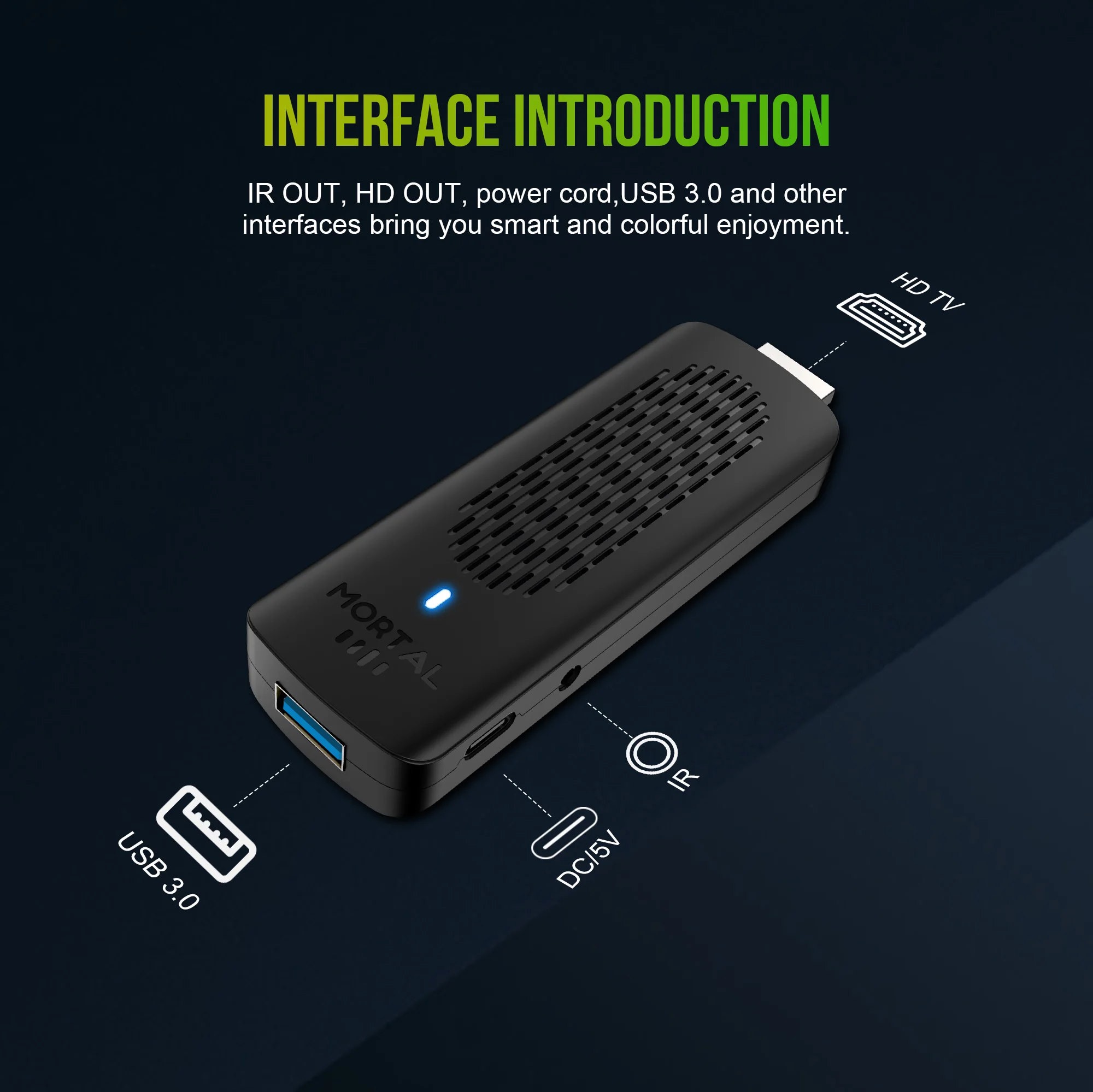
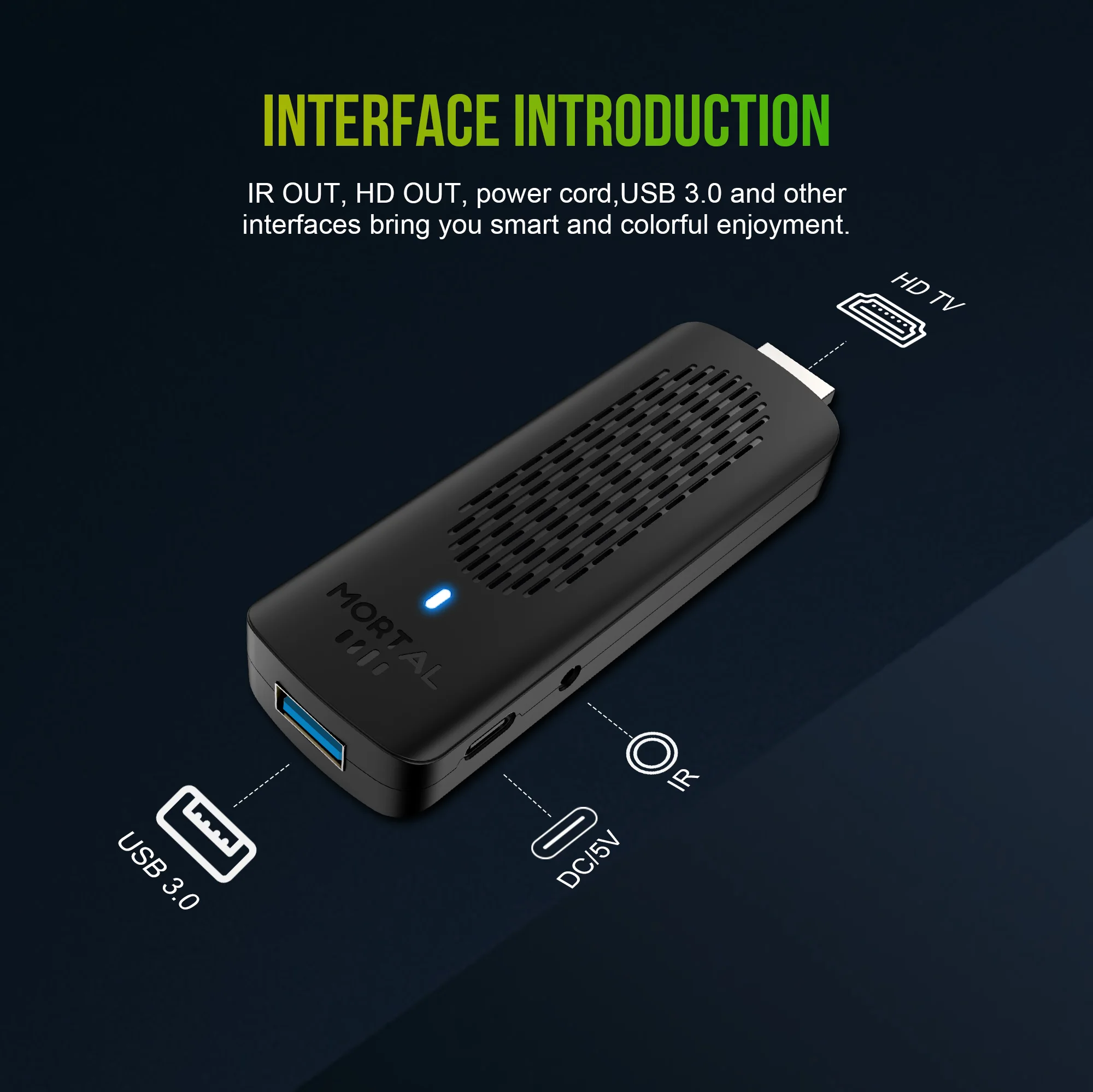
INTERFACE INTRODUCTION
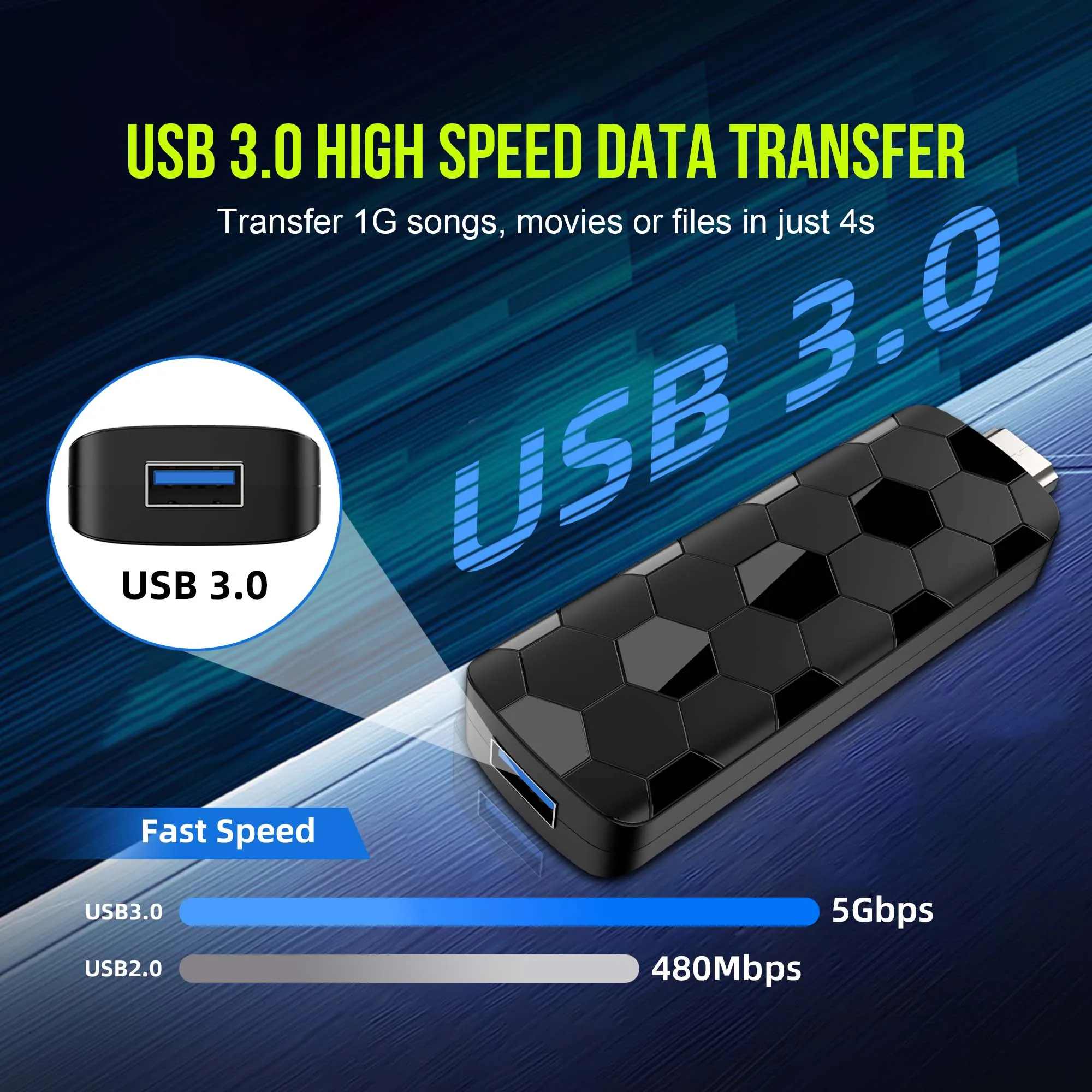
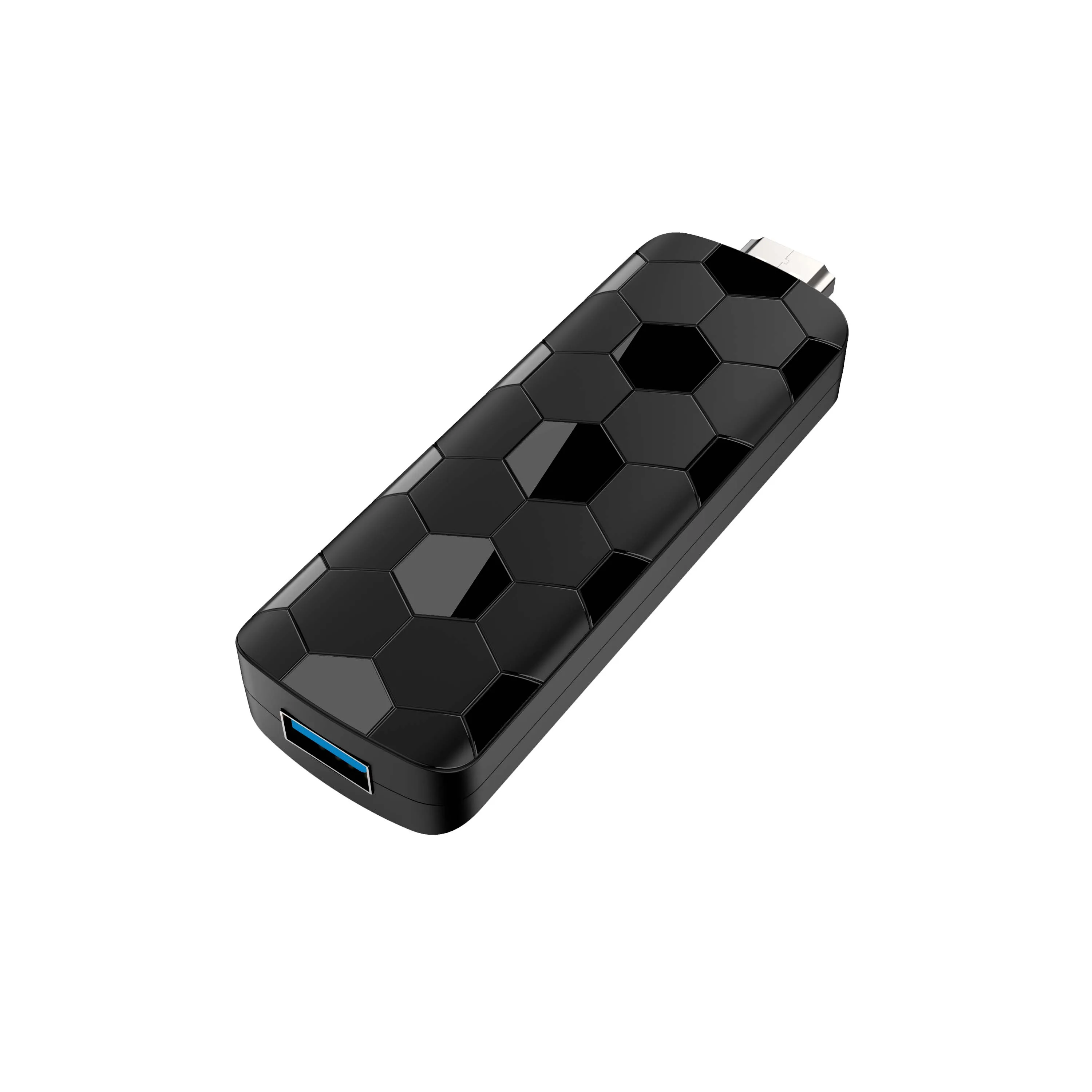
USB 3.0
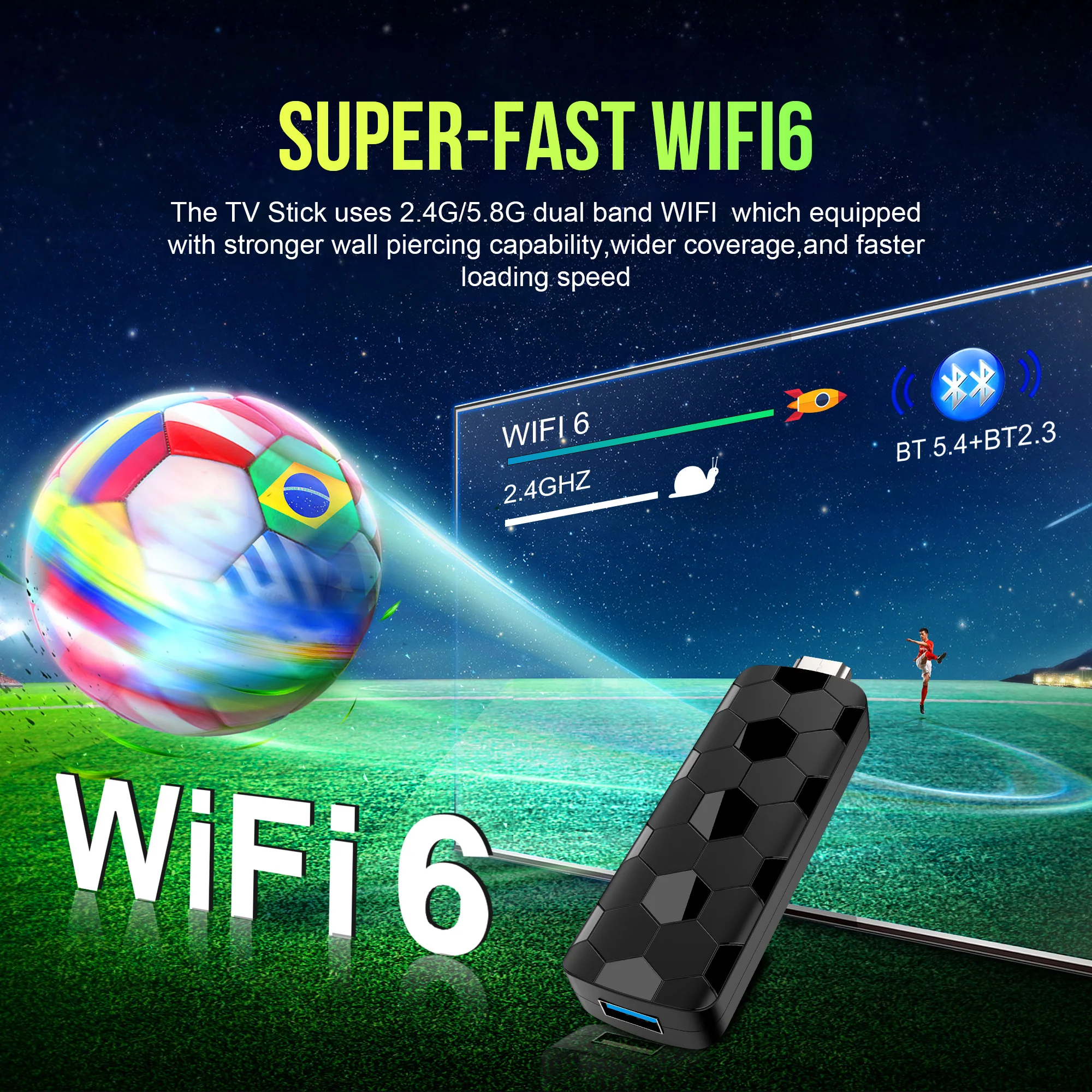
WiFi 6
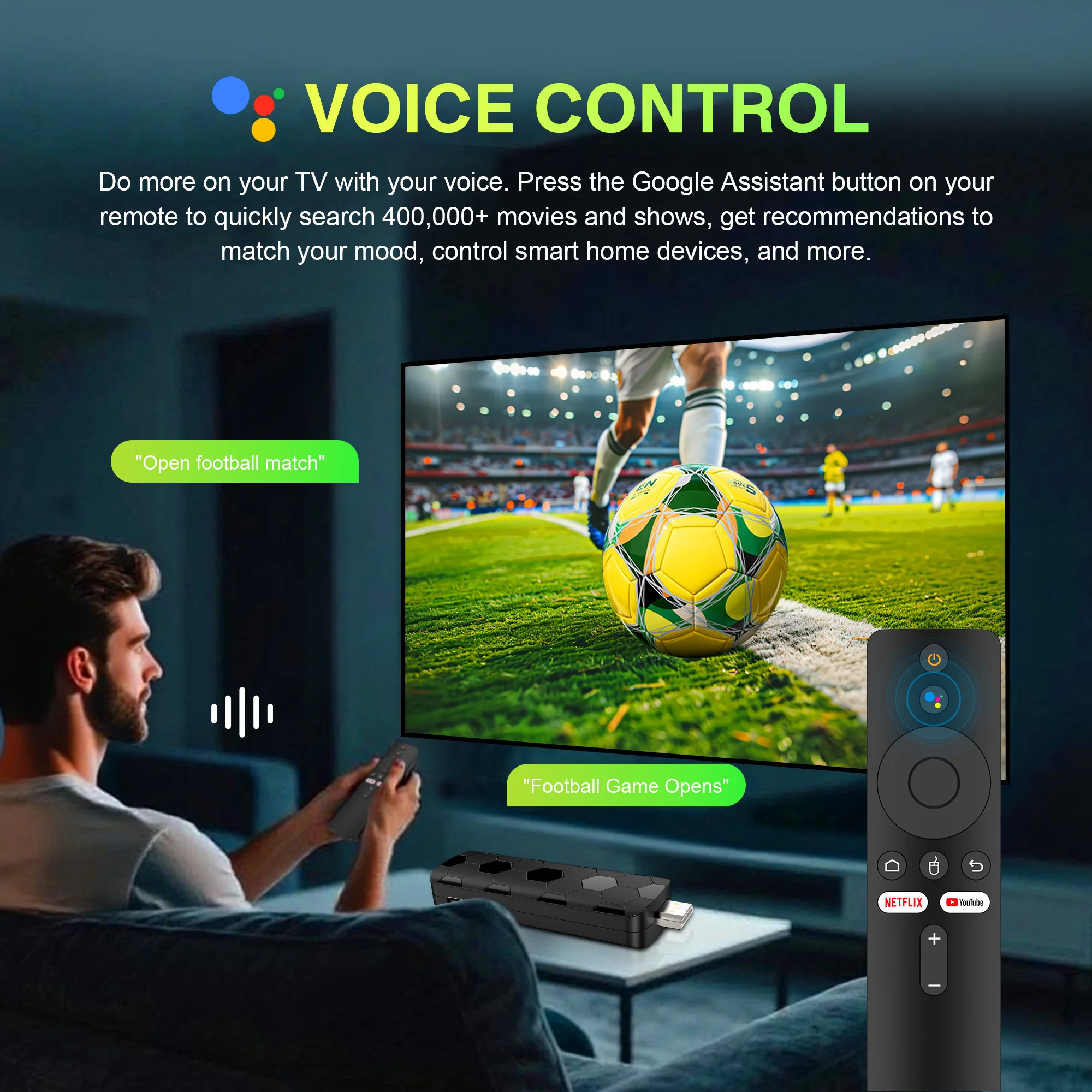
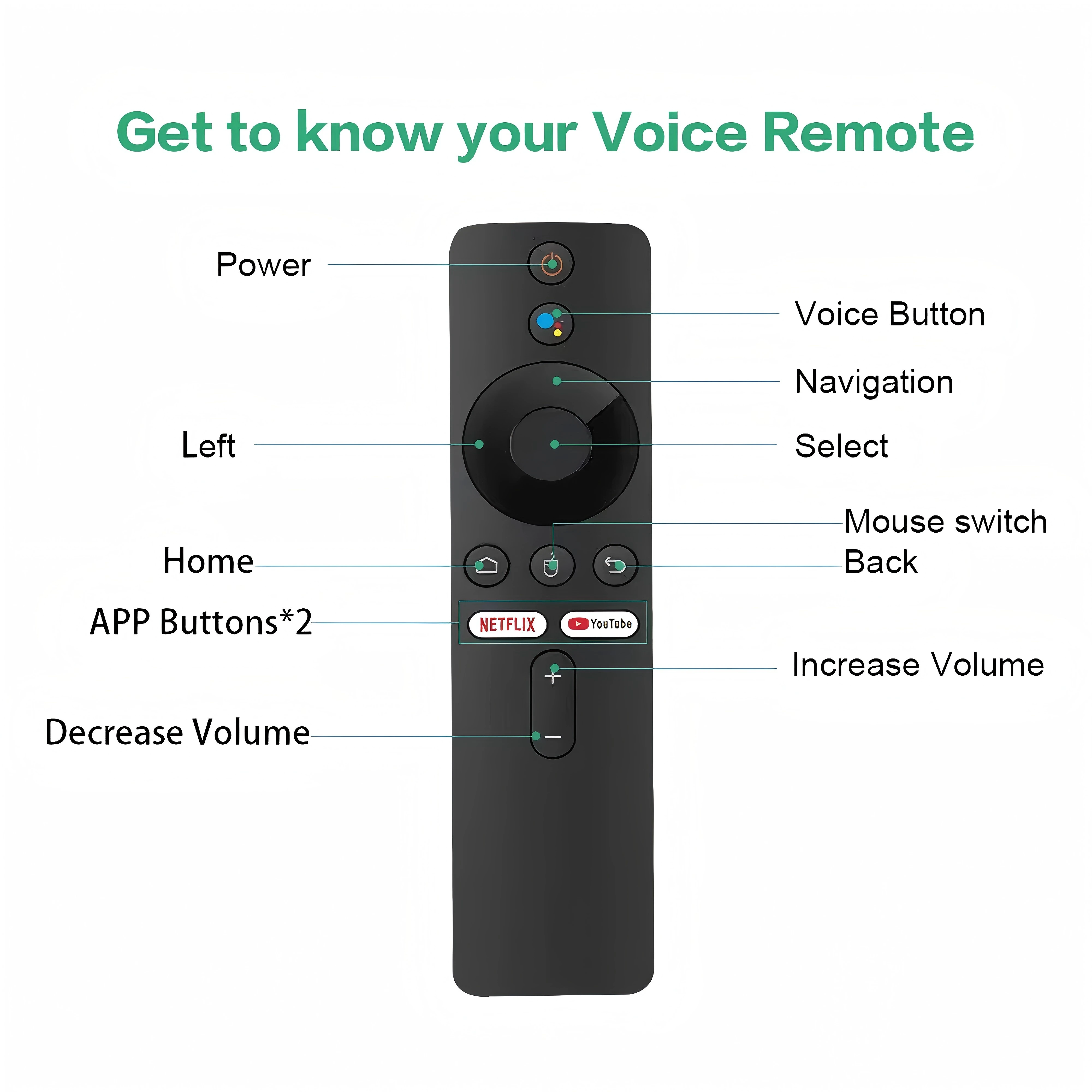
Smarter voice control
1.Click the voice button to display the pairing prompt interface.
2. Press and hold the button according to the prompt interface until the TV screen. automatically exits the pairing prompt interface before releasing the button. At this time, the Google Assistant is paired successfully.
3. Click the voice button. At this time, a voice bar prompt will appear on the screen below the TV.Then long press the voice button and say what you want to say to the remote control. You can release your hand until the TV displays the command you want to say. After releasing your hand the Google Assistant will execute your command.
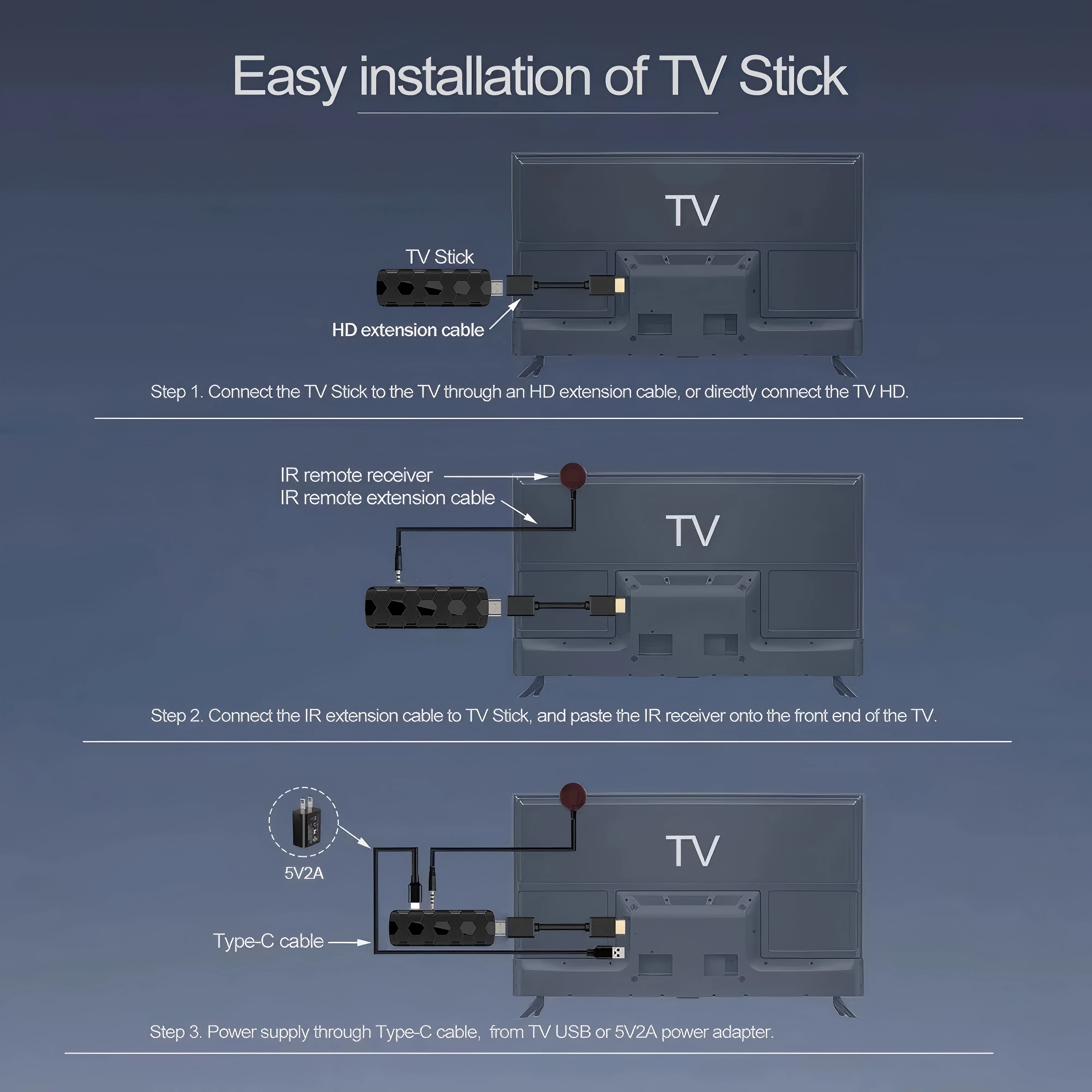
How to Install a TV Stick?
Step 1. Connect the Tv Stick to the Tv through an HD extension cable, or directly connect the TV HD
Step 2. Connect the lR extension cable to Tv Stick, and paste the lR receiver onto the front end of the TV.
Step 3. Power supply through Type-C cable, from TV USB or 5V2A power adapter
Frequently Bought Together
No frequently bought products found!
Products from this Seller
View All












Trusted & Reliable Global B2B & B2C Marketplace

Subscribe to our newsletter for regular updates about Offers, Coupons & more





Share with Friends
Trading is more effective when you share products with friends!Share you link
Share to