







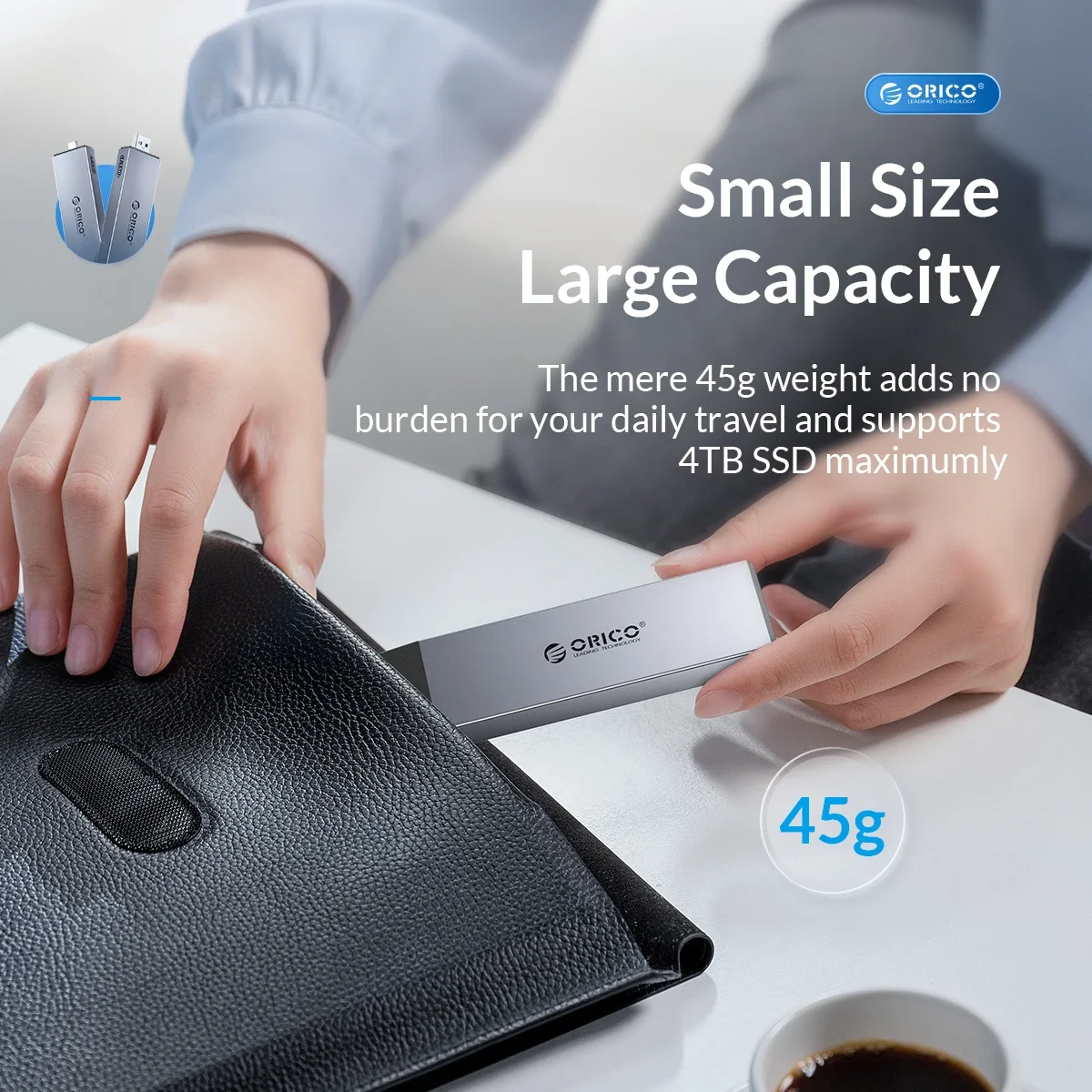
ORICO M.2 NVMe SATA SSD Enclosure Aluminum Adapter Tool-Free 10Gbps USB C 3.2 Gen2 PCIe NVMe M-Key 6Gbps UASP for 4TB SSD
NVMe SATA Dual Protocol
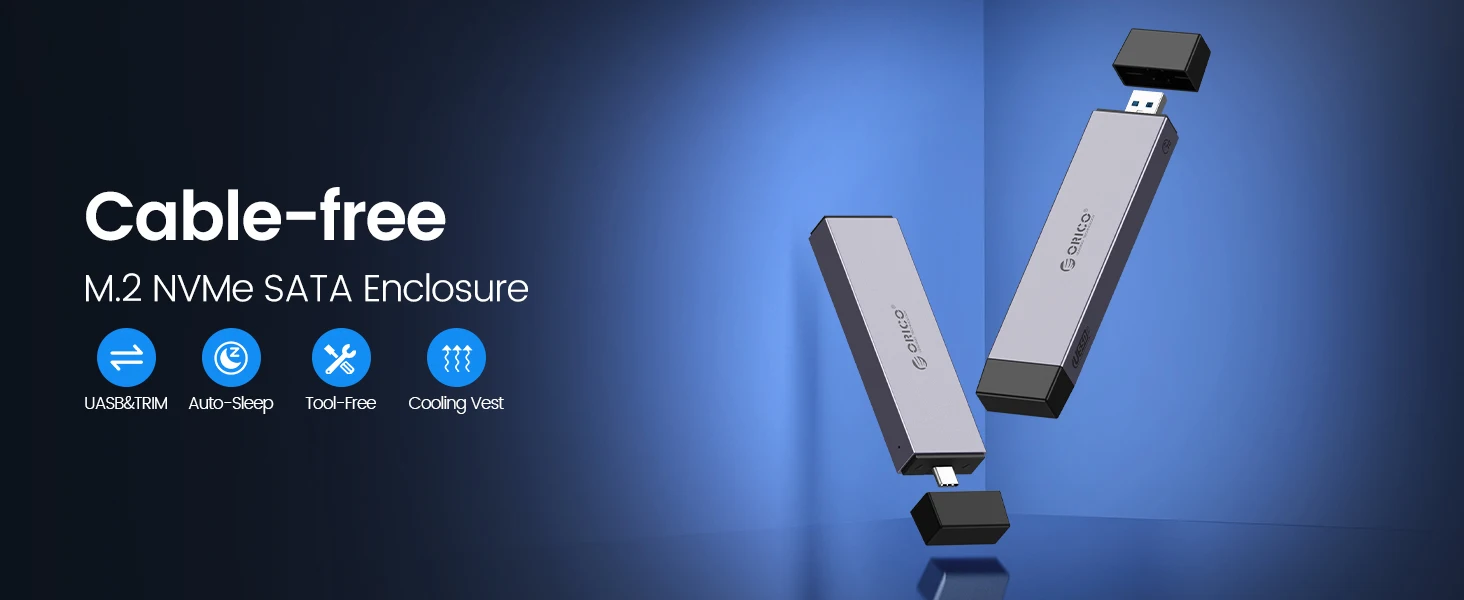
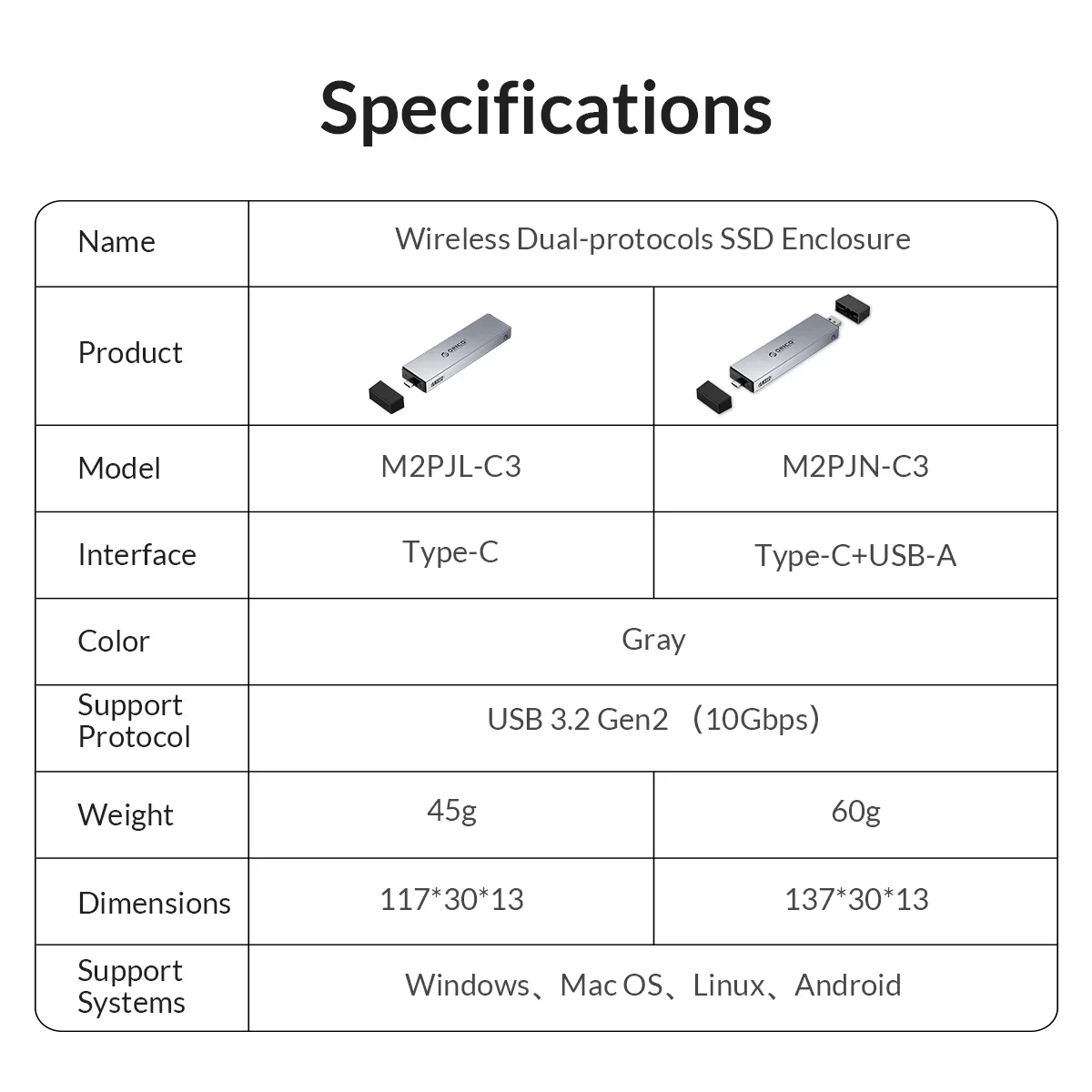
USB3.2 Type C interface M.2 NVMe SATA enclosure: Up to 10Gbps high speed M.2 NVMe though USB 3.1 Gen 2 Type-C, 6Gbps speed M.2 SATA though USB 3.0. Perfect for turning internal SSD into portable external ssd and storing data, it only takes 2-5 seconds to transfer an HD movie.
10Gbps Extreme MAX Speed
M.2 NVMe SATA Enclosure: M.2 Enclosure up to 10Gbps high speed with M.2 NVMe, 6Gbps speed with M.2 SATA though USB 3.2 Gen 2, perfect solution for data transfer and data backup. One HD movie transfer only takes 2-5 seconds

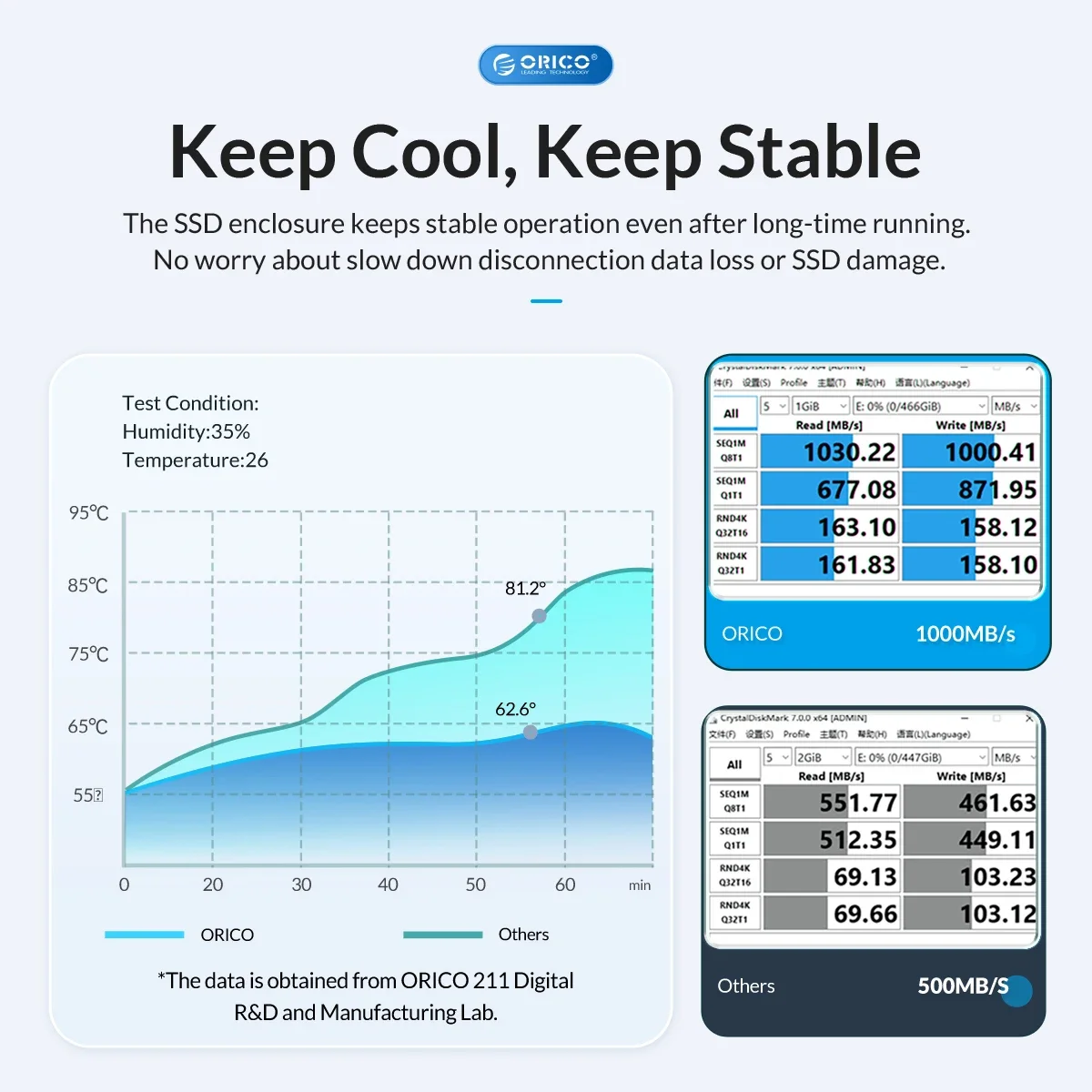
Actual Speed and Temperature Data from the Laboratory
It is equipped with high-performance chips, precise PCBA boards, supports UASP acceleration protocol, TRIM, and SAMRT functions to make reading faster and safer.10 minutes intelligent hibernation, LED indicator.
Cooling Vest, Fast Thermal Conductivity
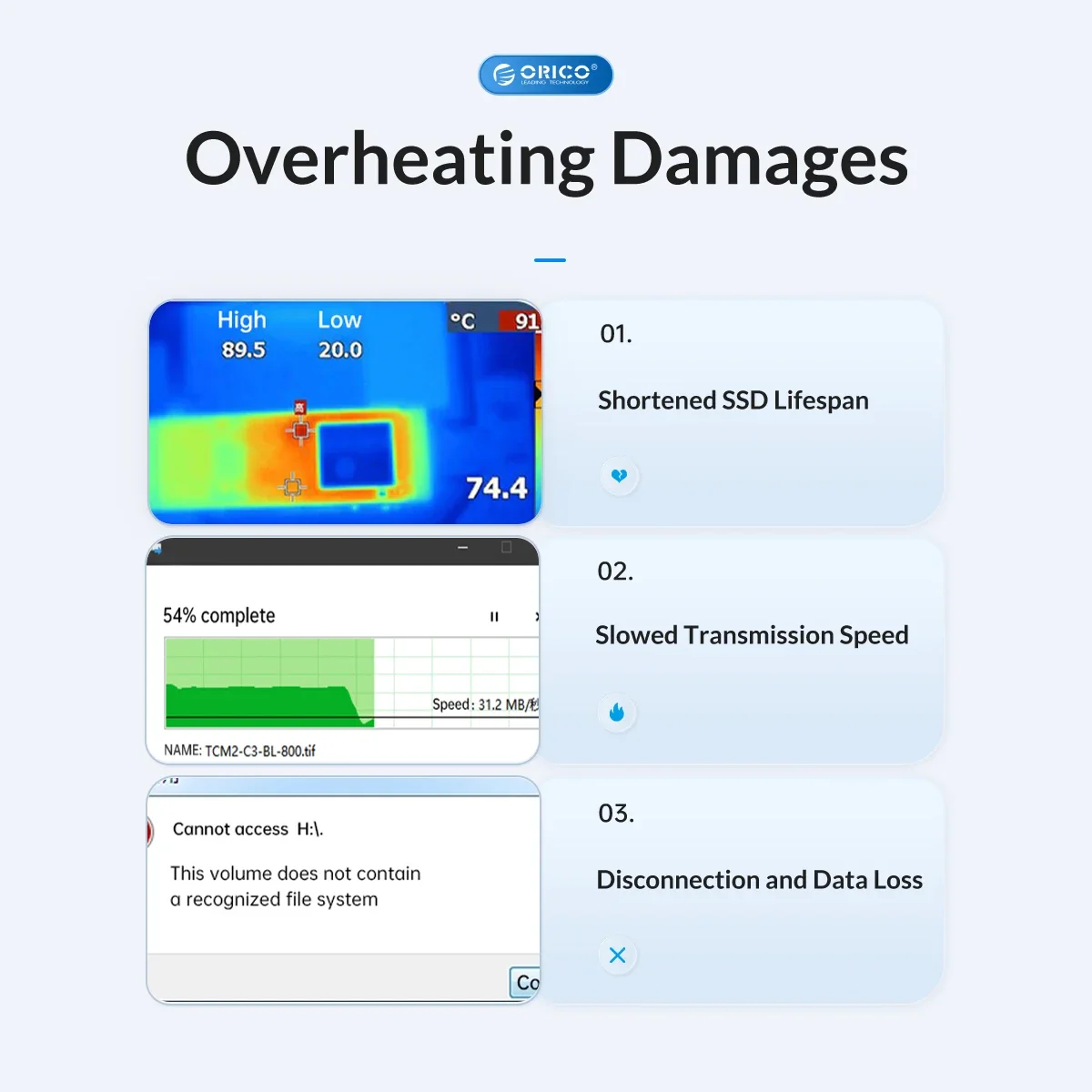
The M.2 adapter is professionally designed with the addition of an aluminum cooling vest, which wraps the SSD in all directions and conducts heat accurately. The M.2 case surface aluminum alloy fin design to increase heat dissipation area.

Tool Free Design
100% tools-free, NVMe SATA USB adapter allows quick and easy installation of your M.2 NMVe SSDs or M.2 SATA SSDs. PLUG & PLAY, perfect for first time users. Note: The first time you use m.2 solid state drive SSD, you need to format the disk

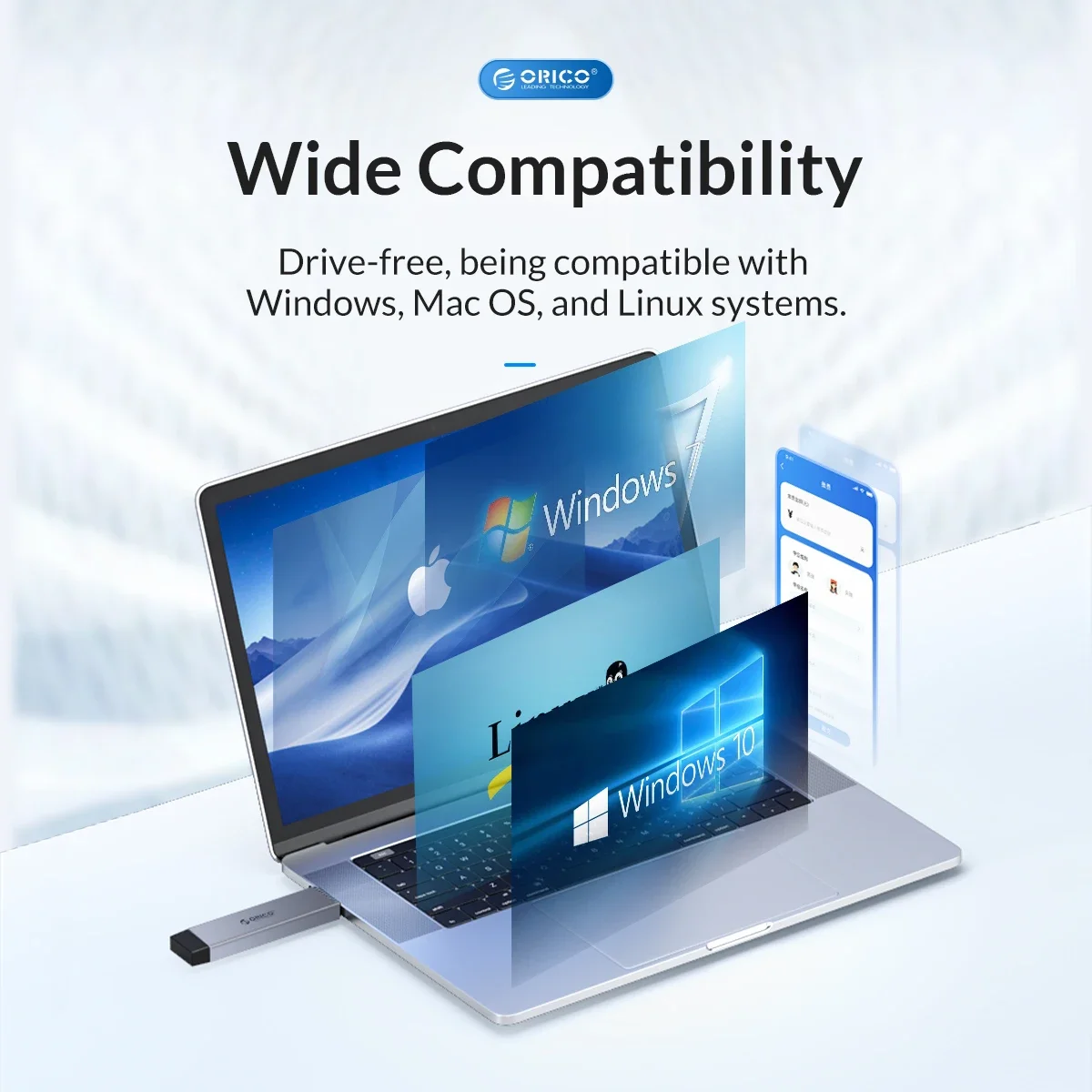
Wide Compatibility
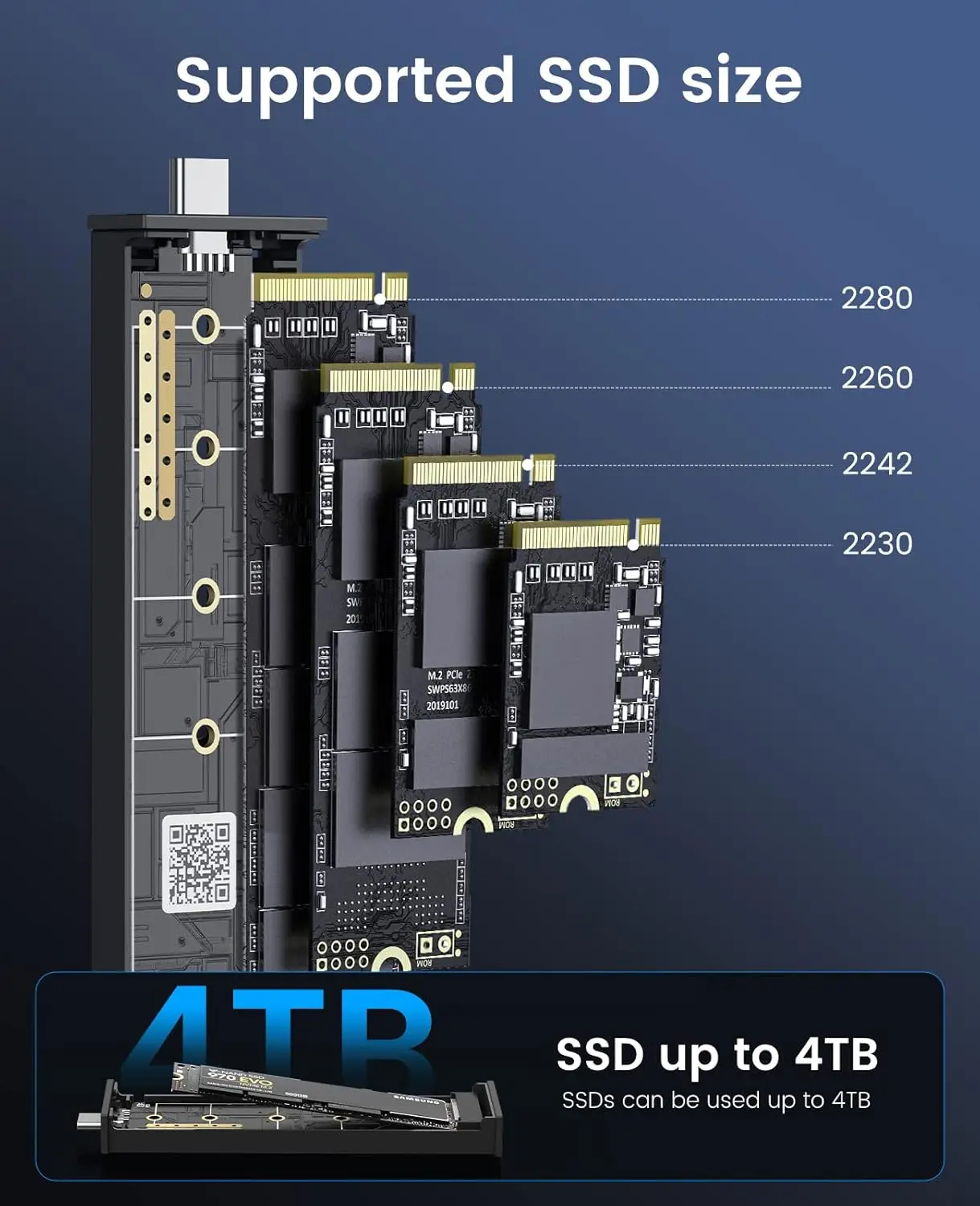
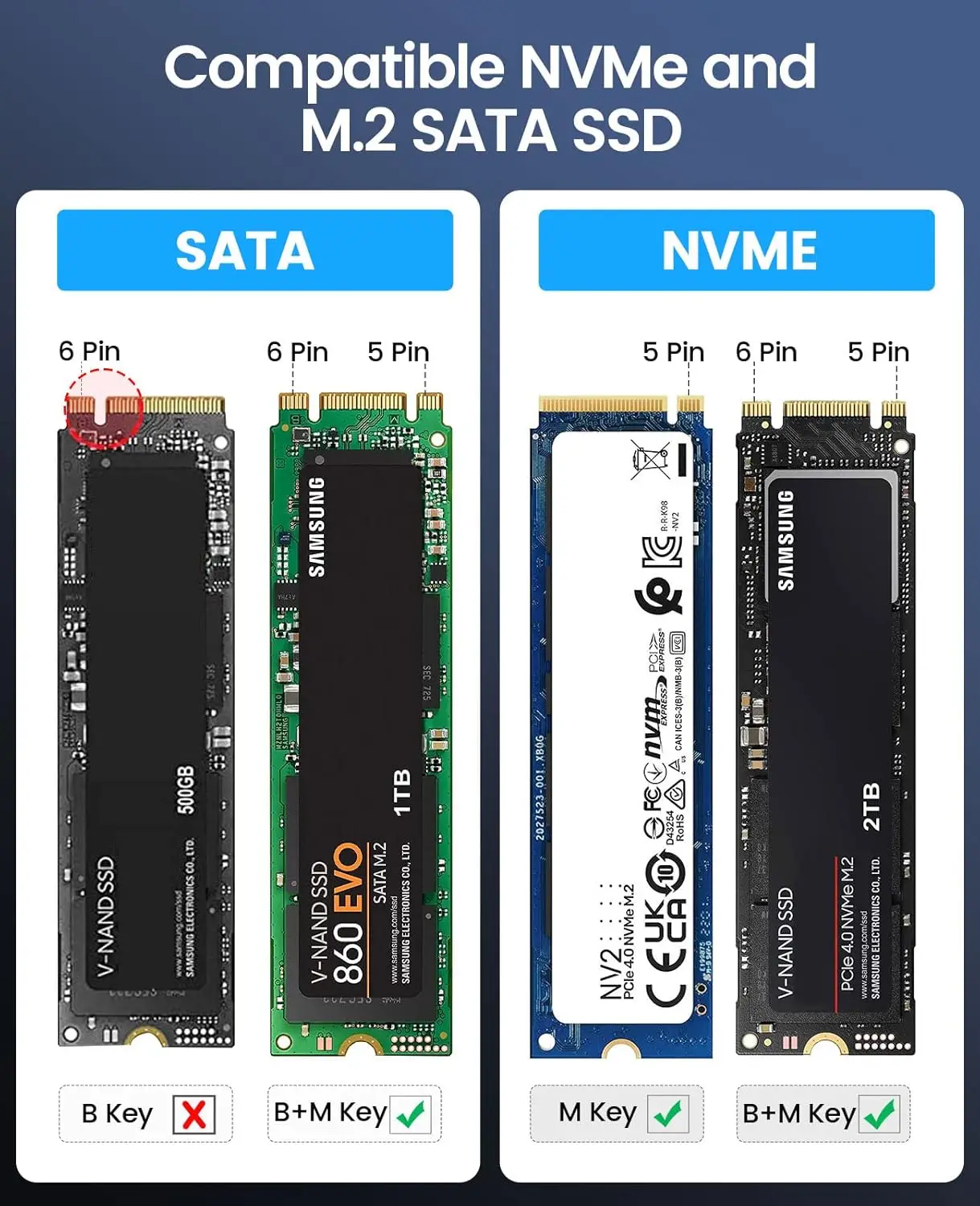
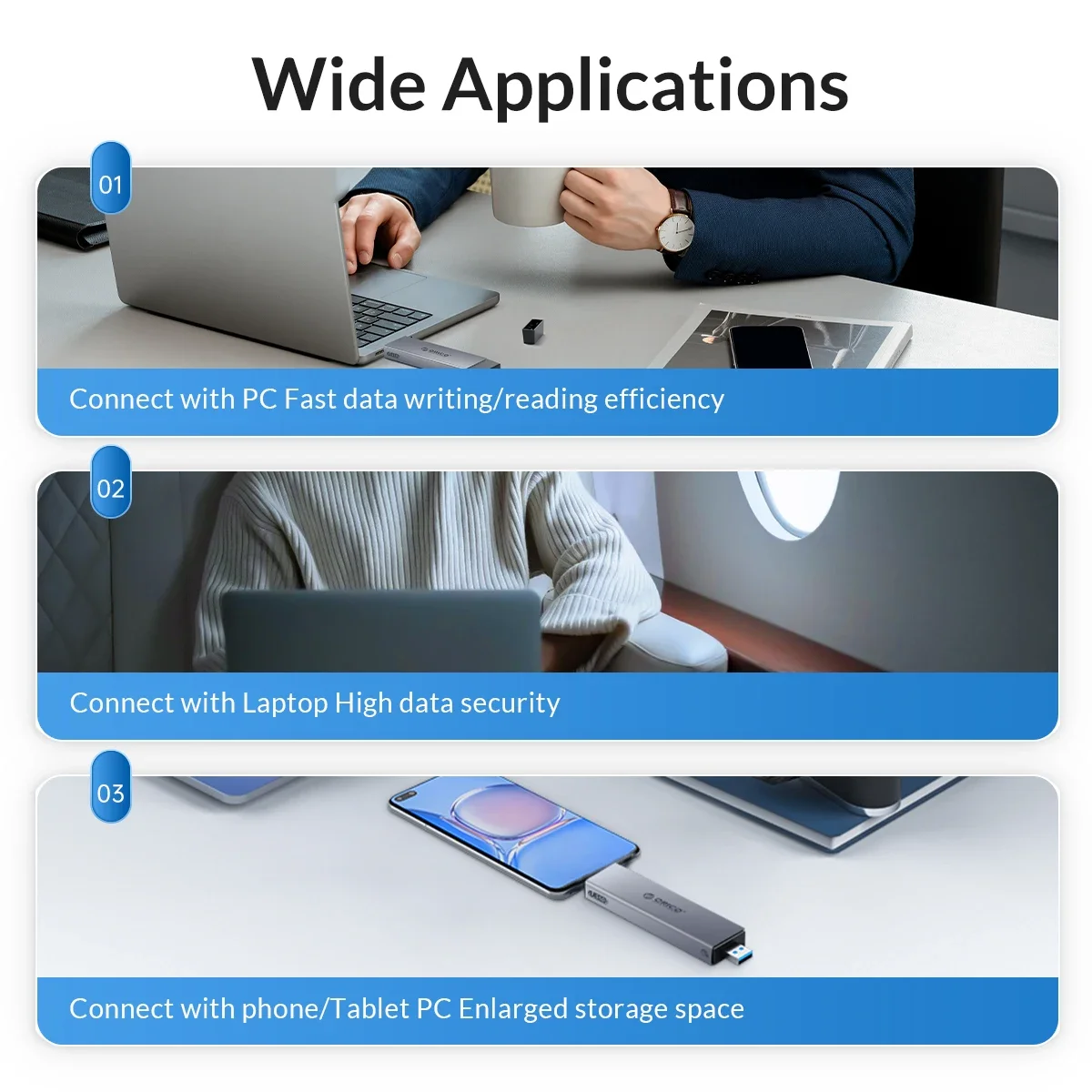
ORICO Dual Protocol M.2 enclosure compatible with both M.2 SATA and NVMe M Key / M&B Key in sizes 2230/2242/2260/2280. NOT Compatible with M.2 SATA B-Key SSDs, M.2 PCIe AHCI SSDs, M.2 PCIe devices. Support System Multi OS, Windows, Mac OS, Linux, Android.

Tool-free installation
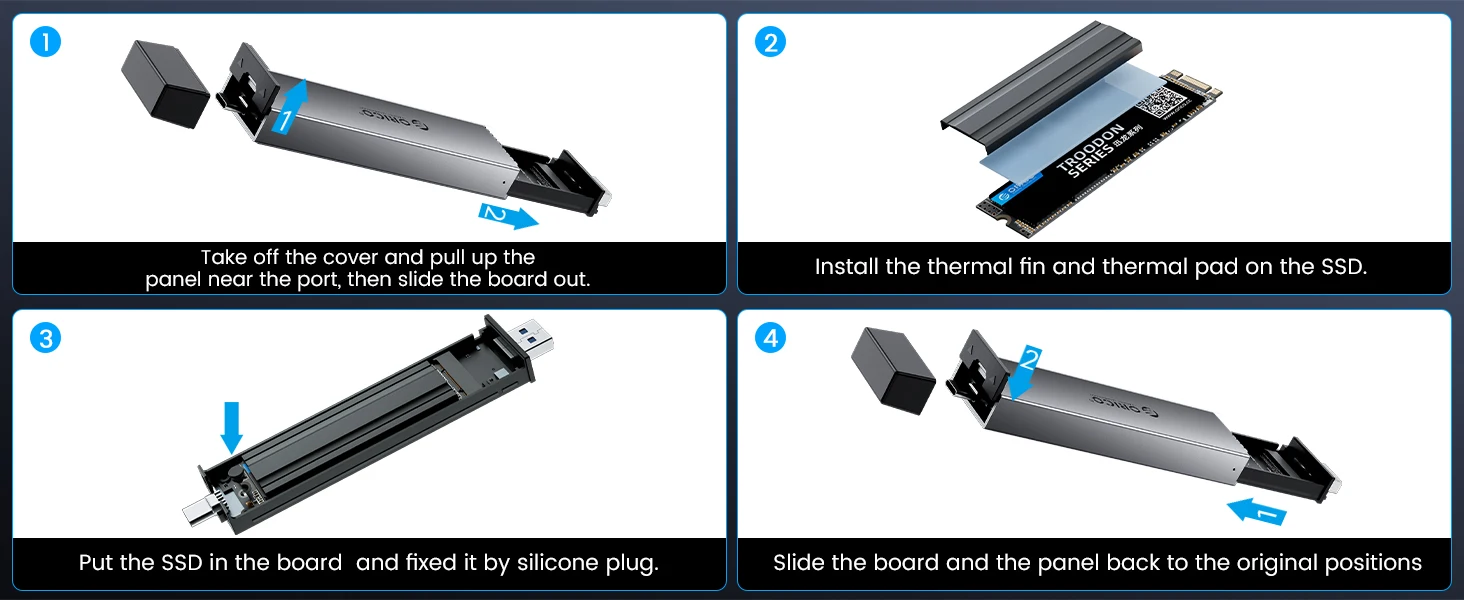
1. Slide open the clips and slide the tray out.
2. Attach the thermal silicone pad to the SSD, and then cover the thermal vest.
3. Align the interface and load the ssd into the m.2 enclosure.
4. Slide in the tray, fix the snap, and the installation is complete
Related products





Frequently Bought Together
No frequently bought products found!
Products from this Seller
View All

Demo Auction






Frosted Belt Watch
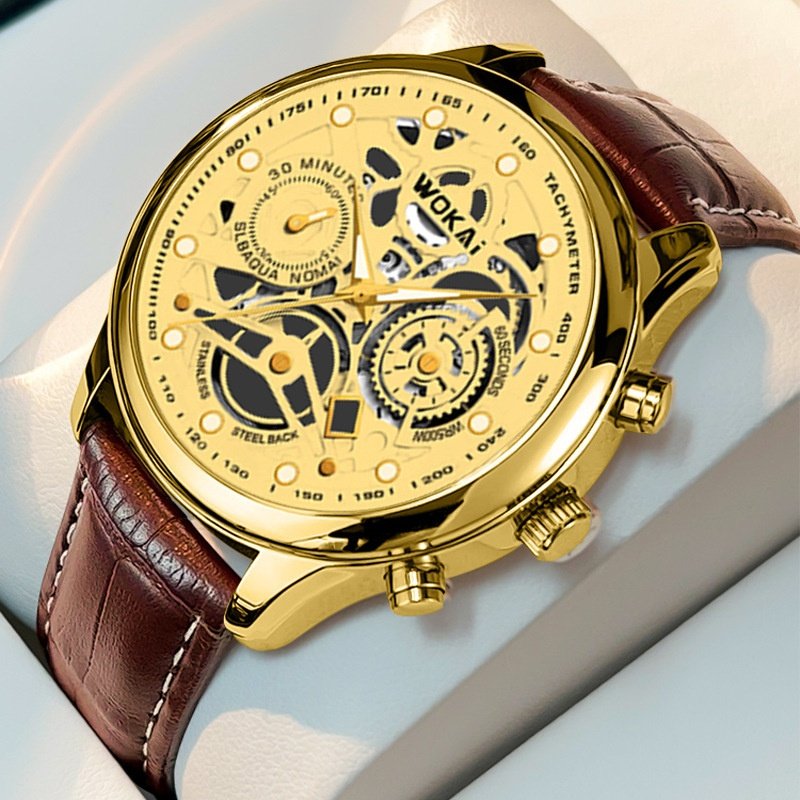
Business Quartz Sports Leisure Belt Men's Watch



Trusted & Reliable Global B2B & B2C Marketplace
Subscribe to our newsletter for regular updates about Offers, Coupons & more





Share with Friends
Trading is more effective when you share products with friends!Share you link
Share to