





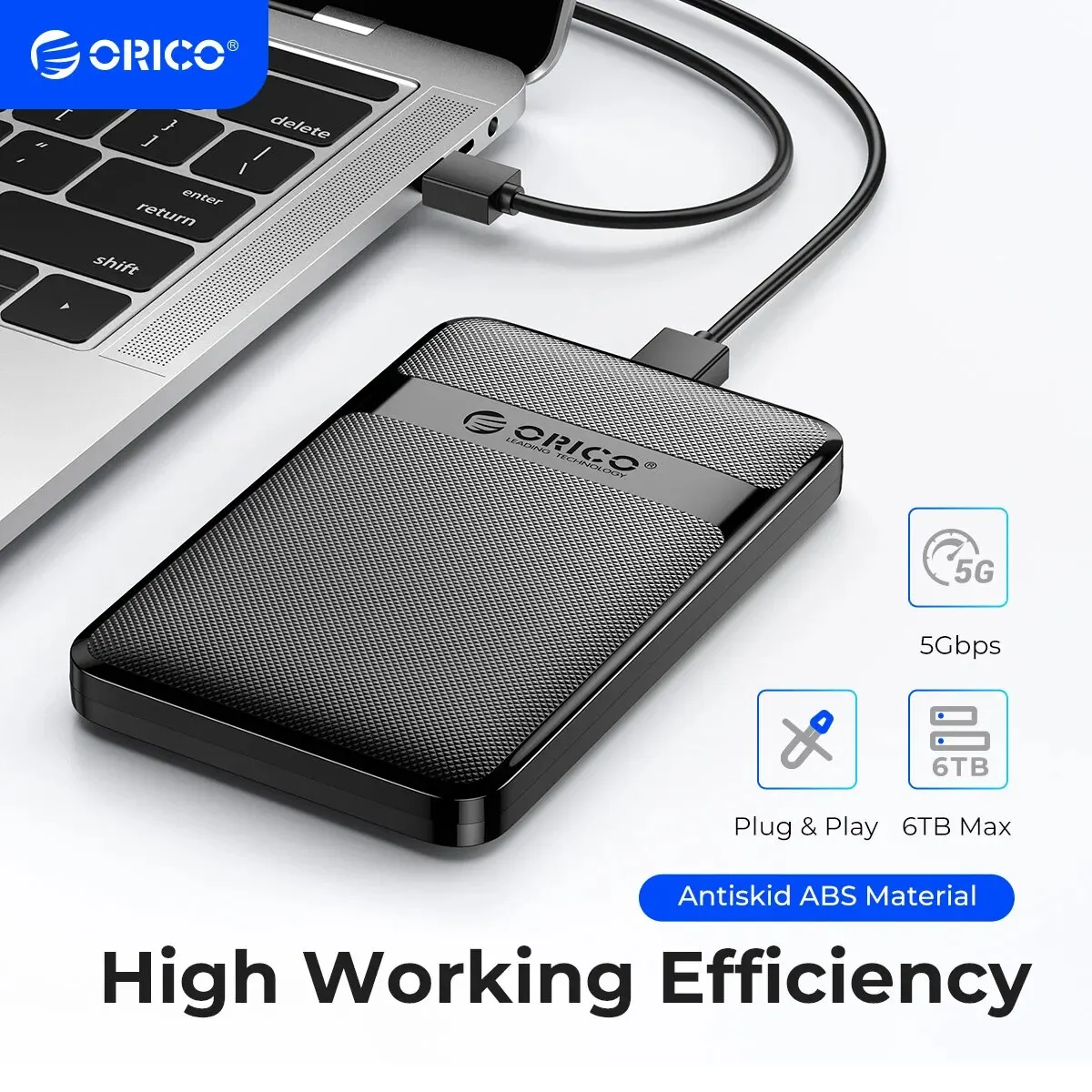

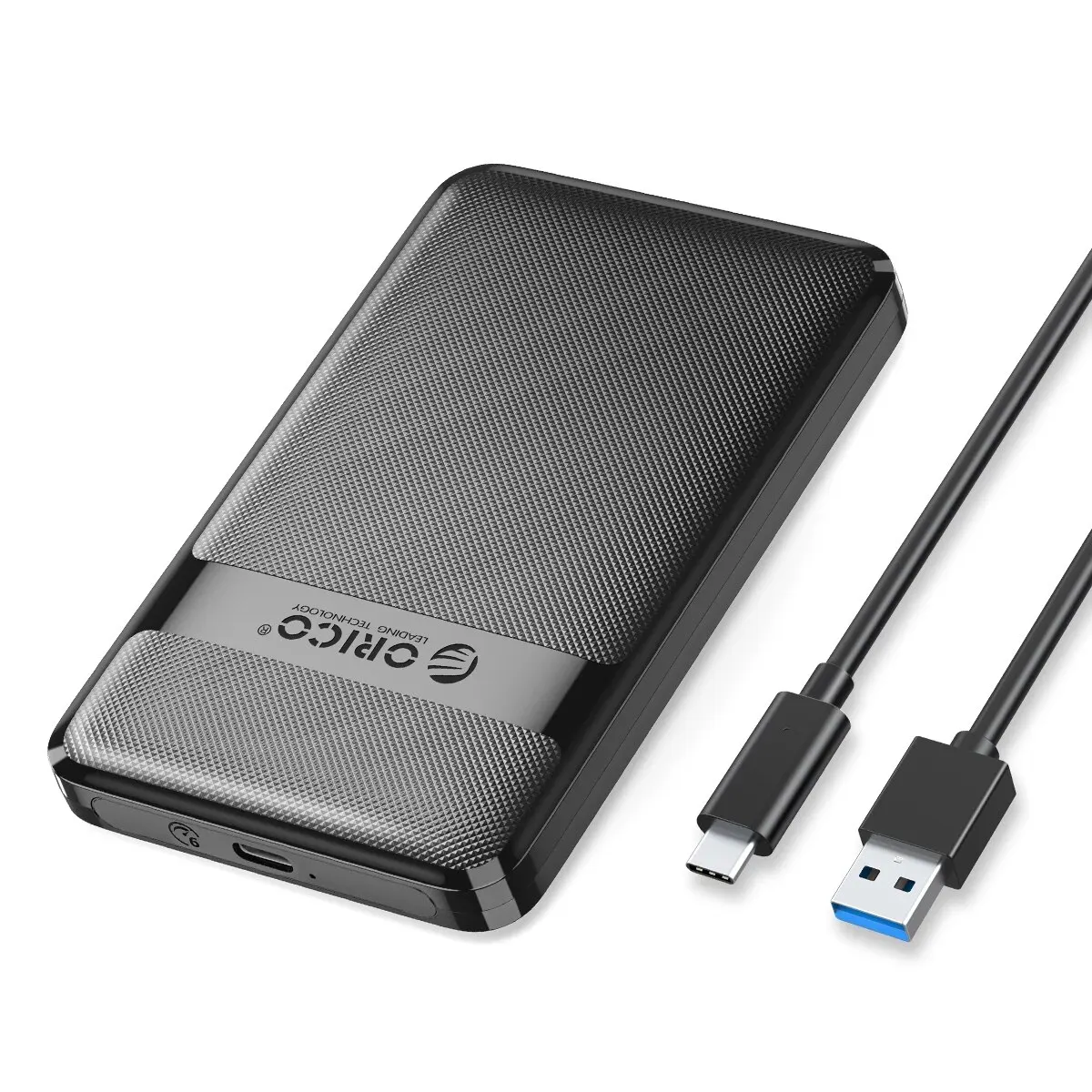
ORICO HDD Case 2.5 Inch SATA to USB3.0/Type-C HDD Enclosure 6Gbps Max USB-C External SATA HDD Enclosure Support Auto-Sleep
Please note: The two designs will be distributed randomly!! Rest assured that the product functions are the same.
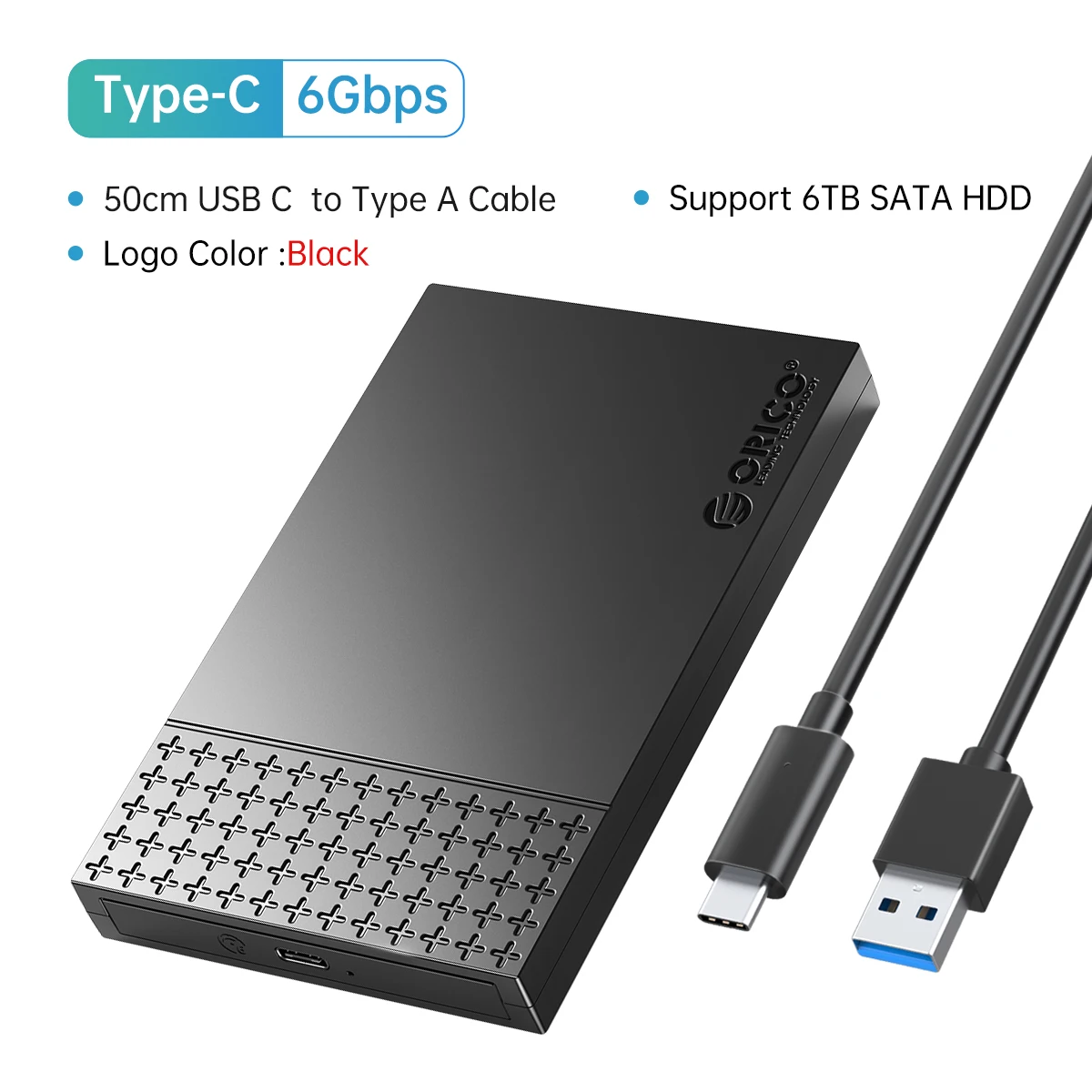
• High-Speed USB3.0/Type-C :Experience fast data transfer with ORICO's HDD Case, featuring USB3.0/Type-C interface that supports a maximum speed of 6Gbps.
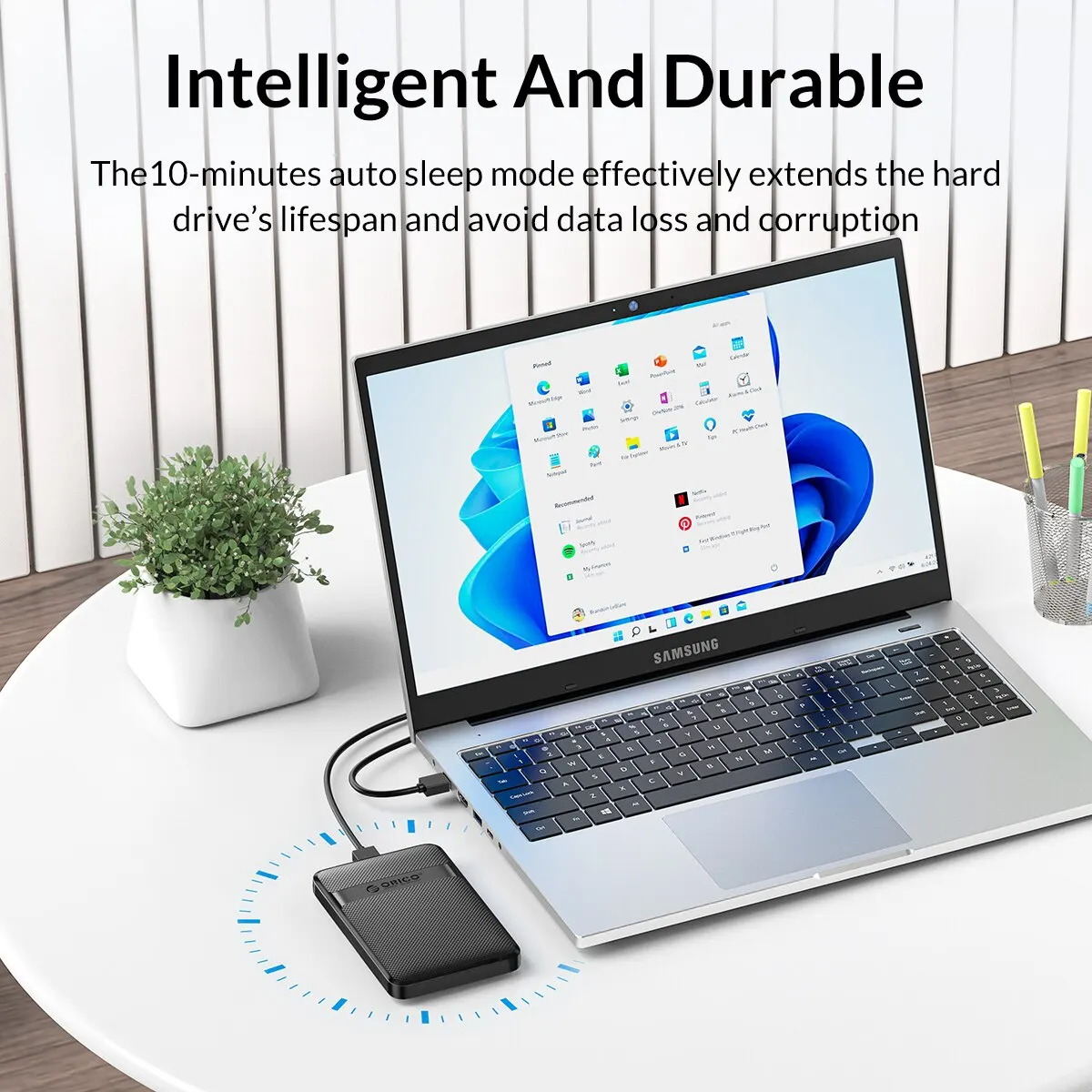
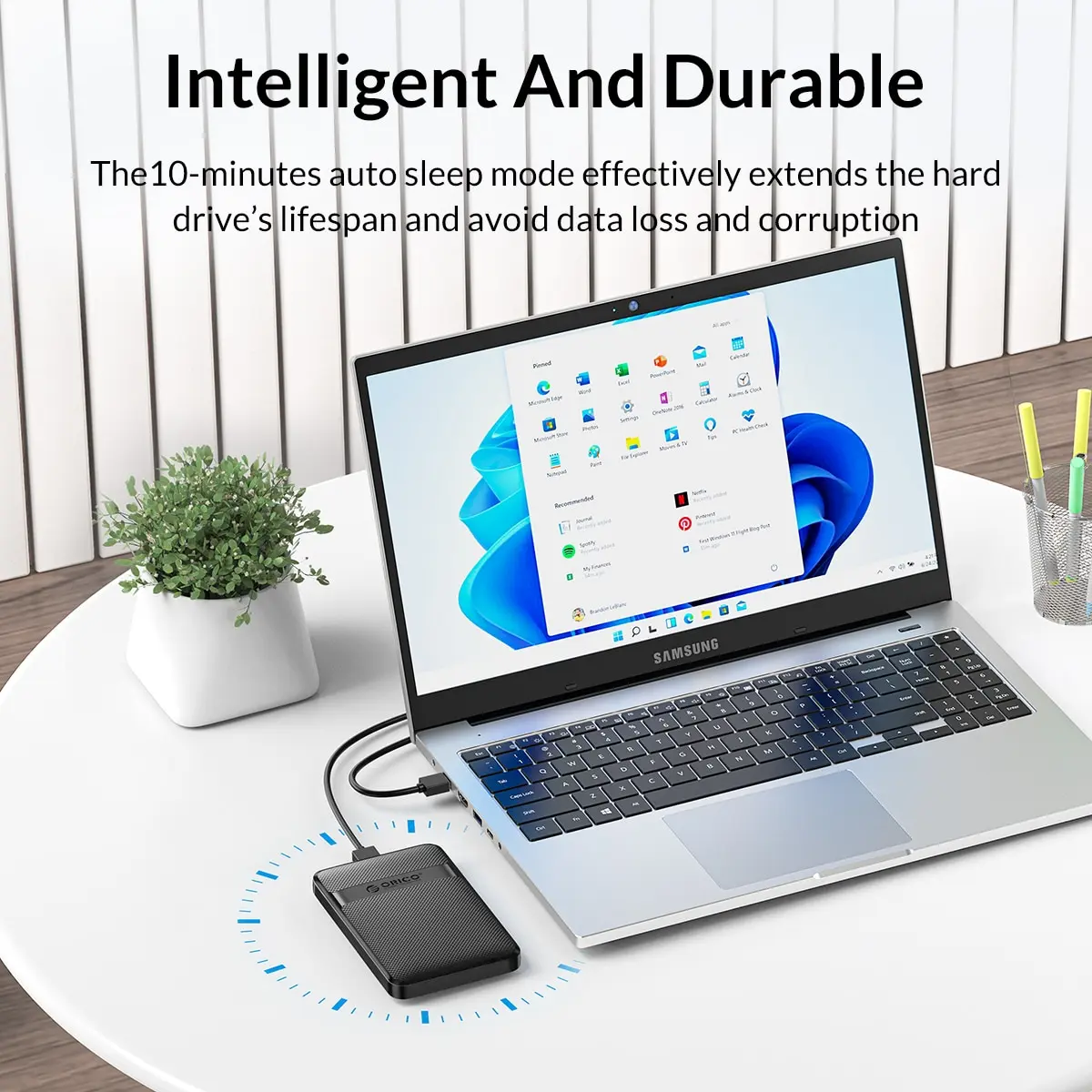
• Auto-Sleep Function :This HDD enclosure comes with an auto-sleep function, ensuring energy efficiency and prolonging the lifespan of your hard drive.
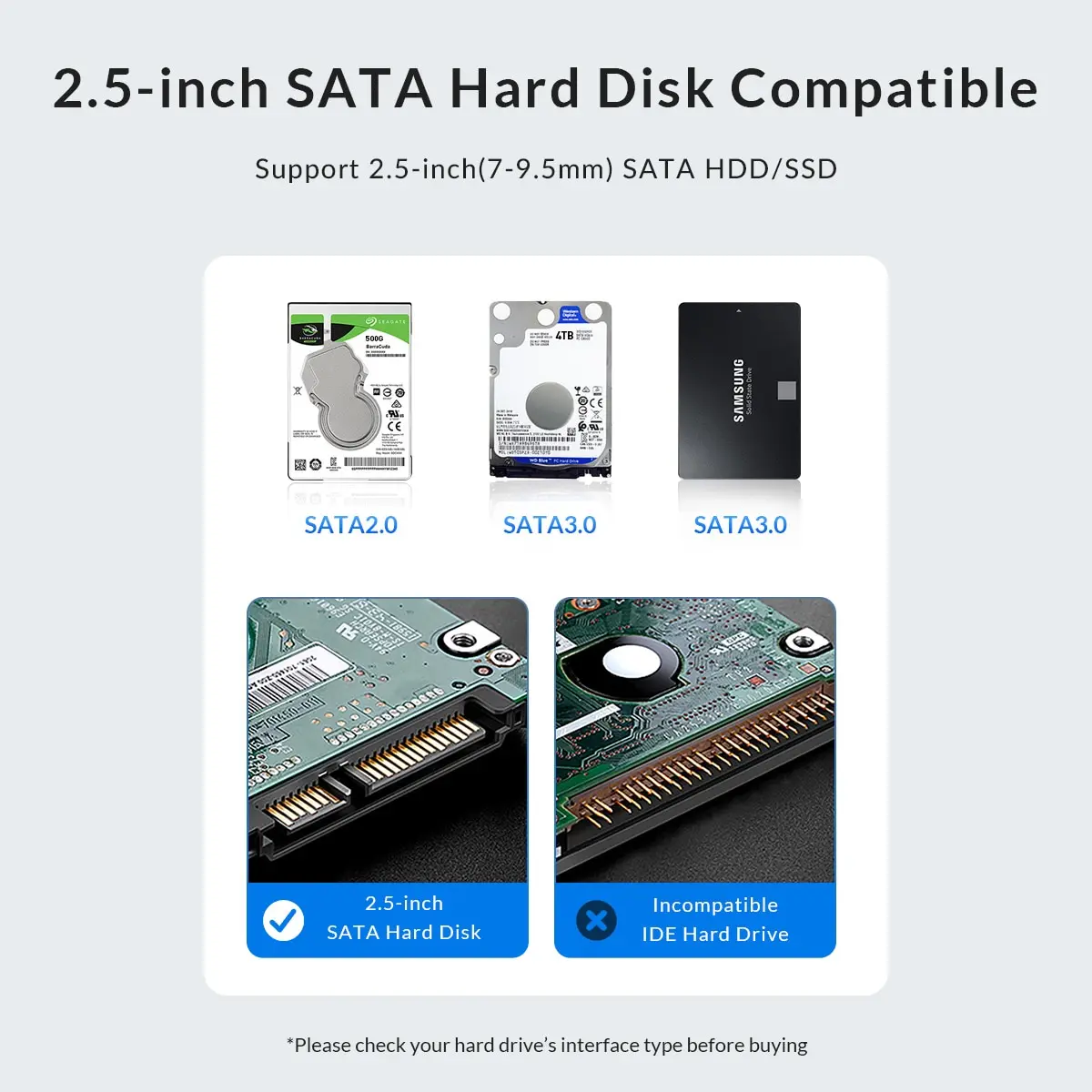
• 2.5-Inch SATA Compatibility :Designed for 2.5-inch SATA hard drives, this ORICO enclosure provides a convenient way to access your storage data anytime, anywhere.
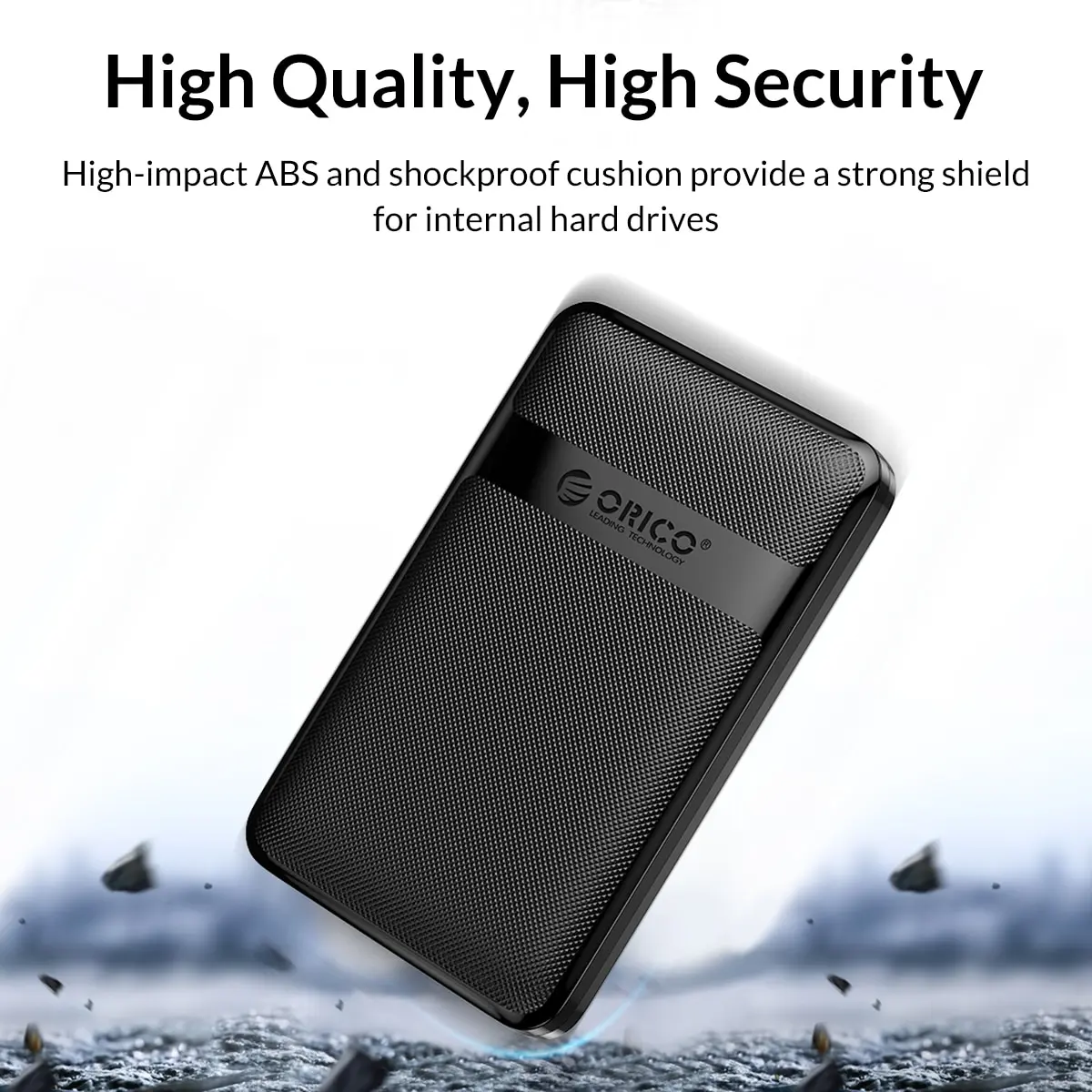
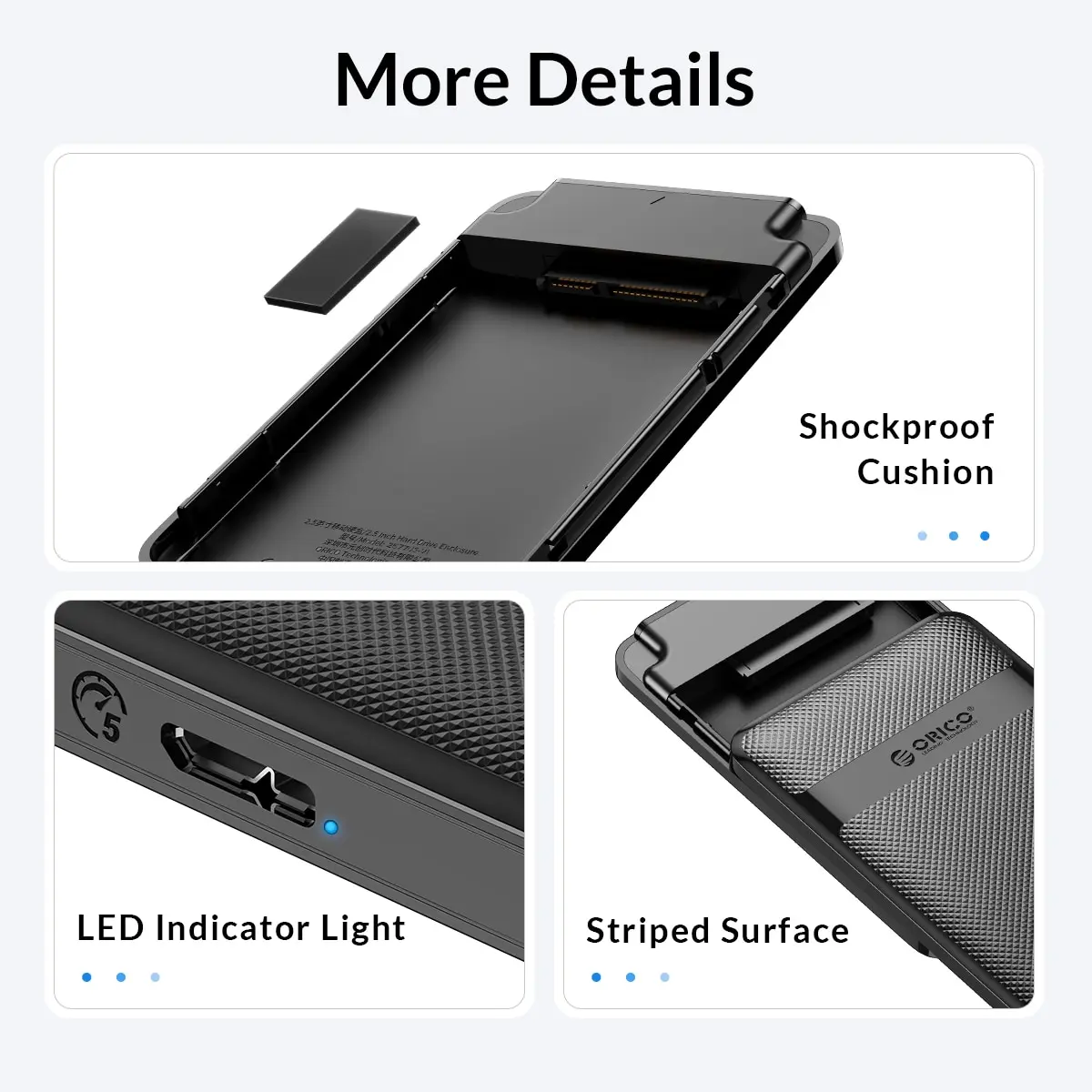
• Durable Plastic Case :Constructed from robust plastic, this HDD case offers durable protection for your hard drive against scratches and impacts.
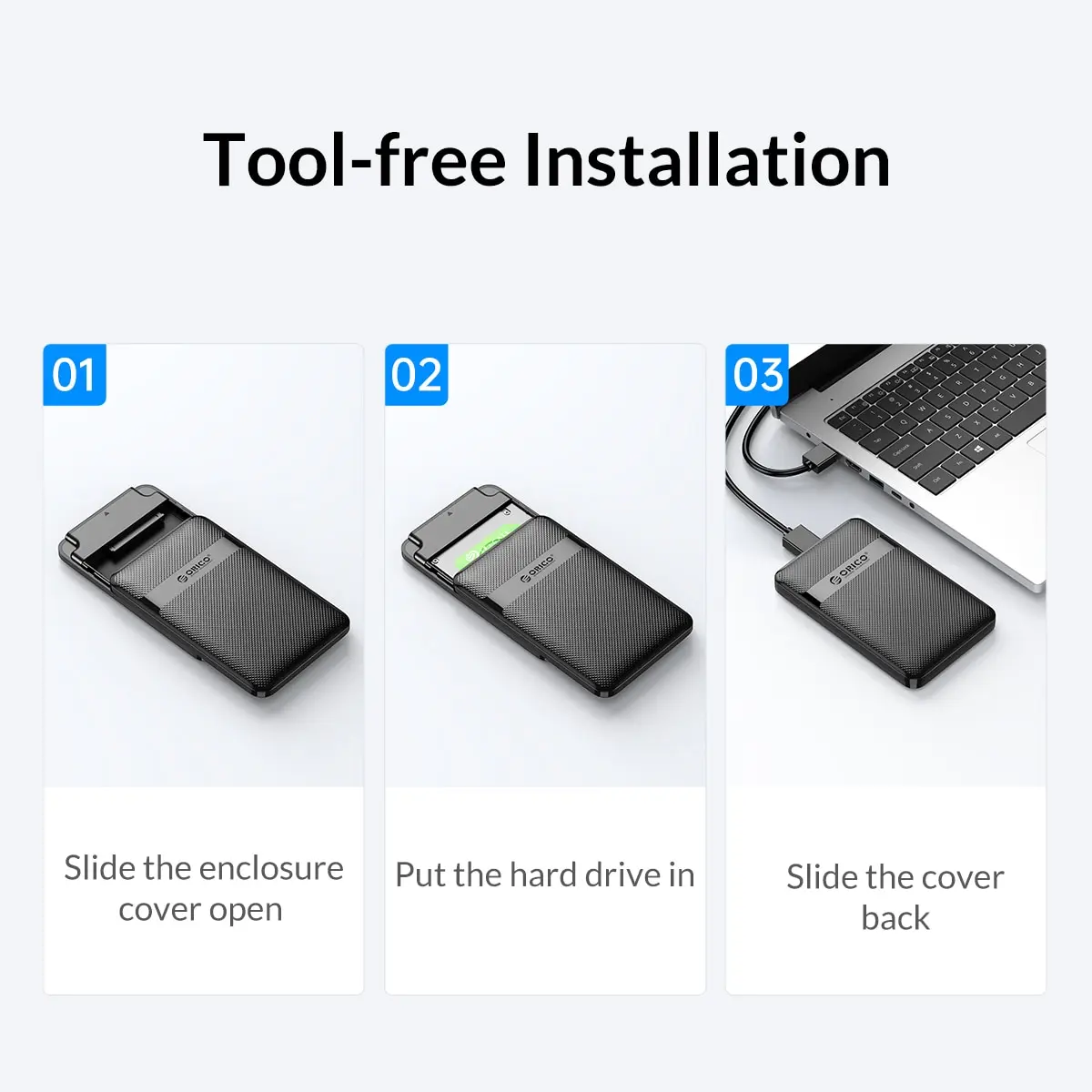
• Easy-to-Use Design :With its user-friendly design, this ORICO HDD Case is easy to install and unplug, making it perfect for both personal and professional use.
• Brand Reliability :Coming from the reputable brand Orico, this HDD case guarantees quality and reliability in data storage and transfer.
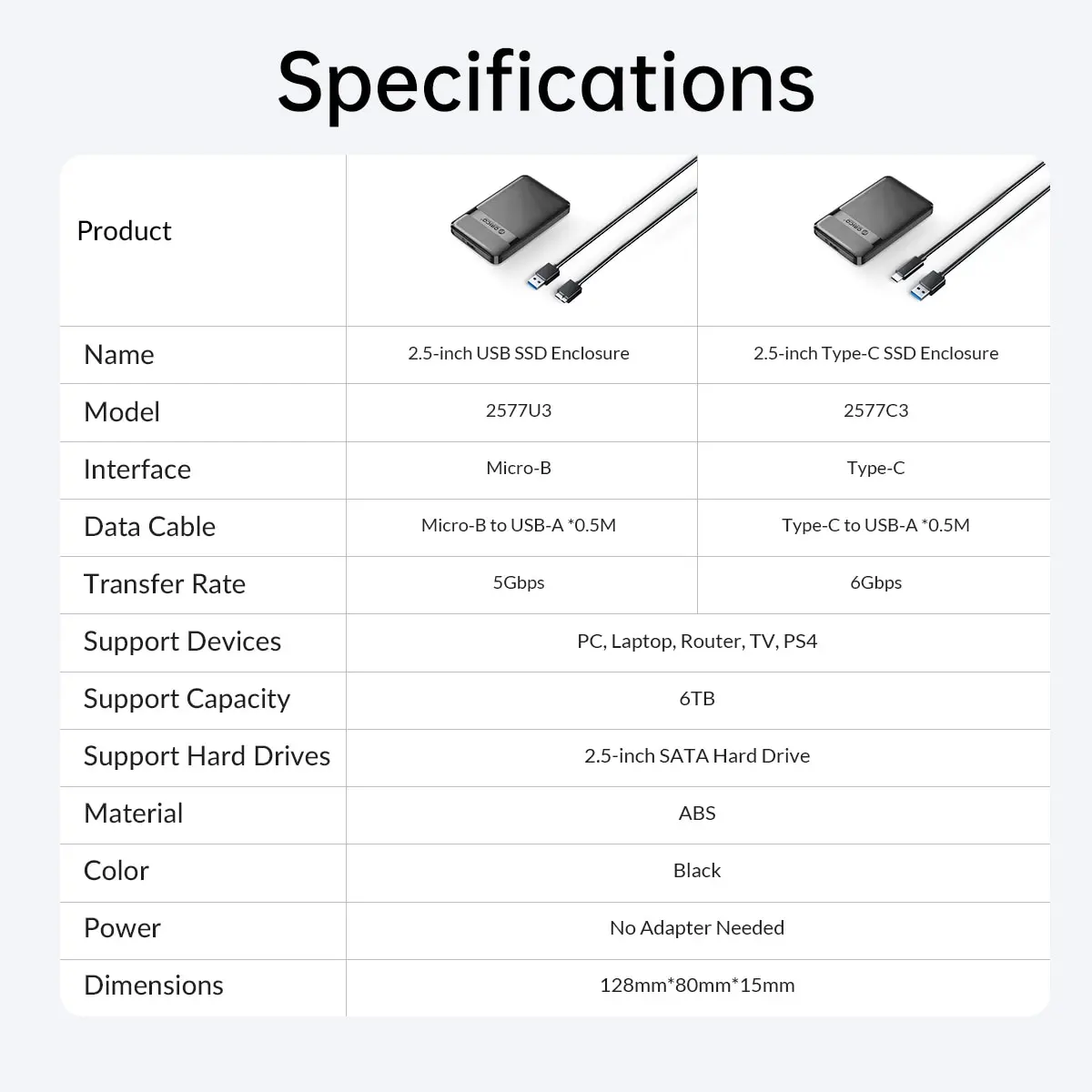
>>USB3.0 Model
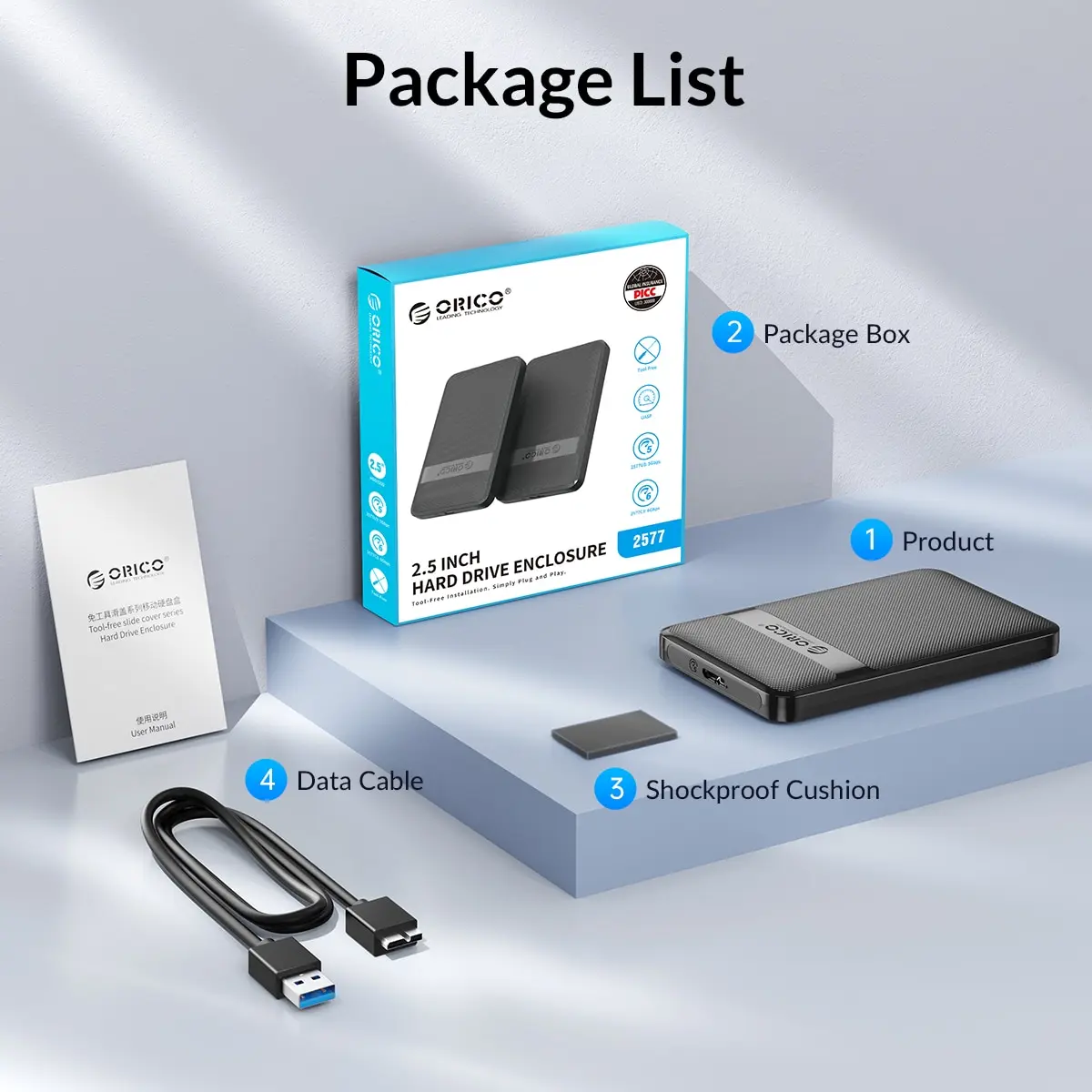
Comes with a 50cm Micro B to USB A cable.
Super Speed USB 3.0 has a maximum data transfer rate of 5Gbps
>>USB-C Model
Comes with a 50cm Type C to USB A cable.
Super Speed Type-C has a maximum data transfer rate of 6Gbps
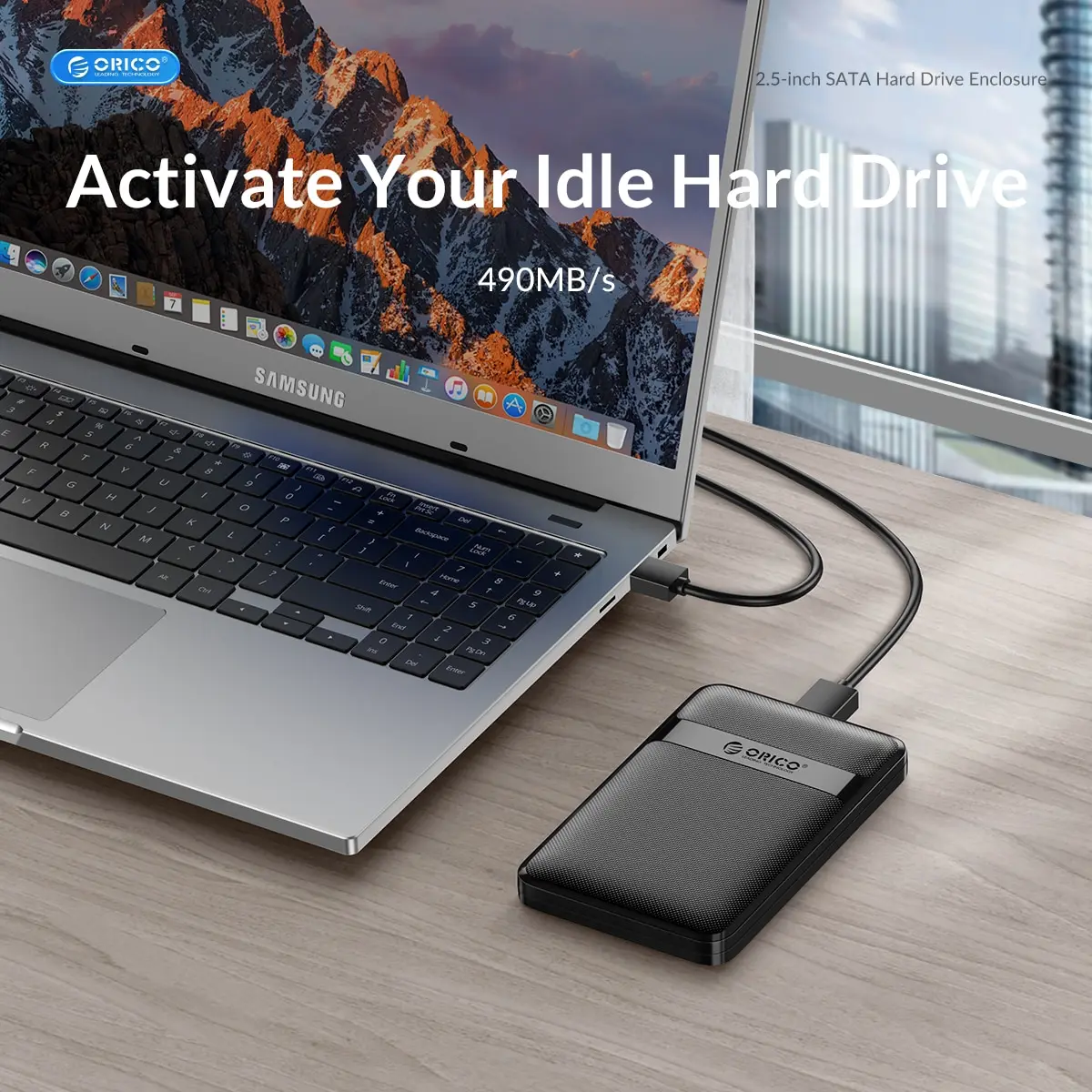
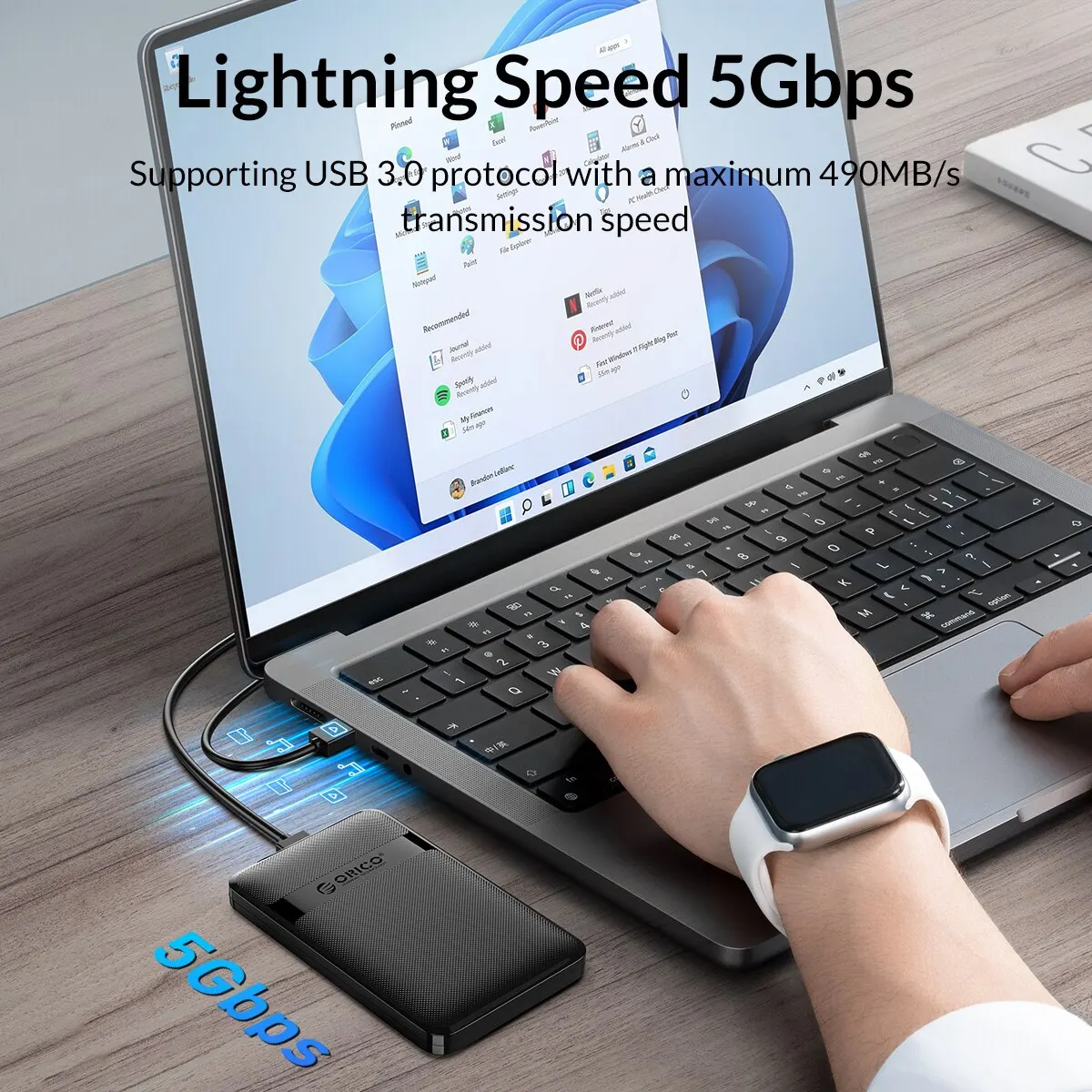
>>Lightning Speed 5Gbps
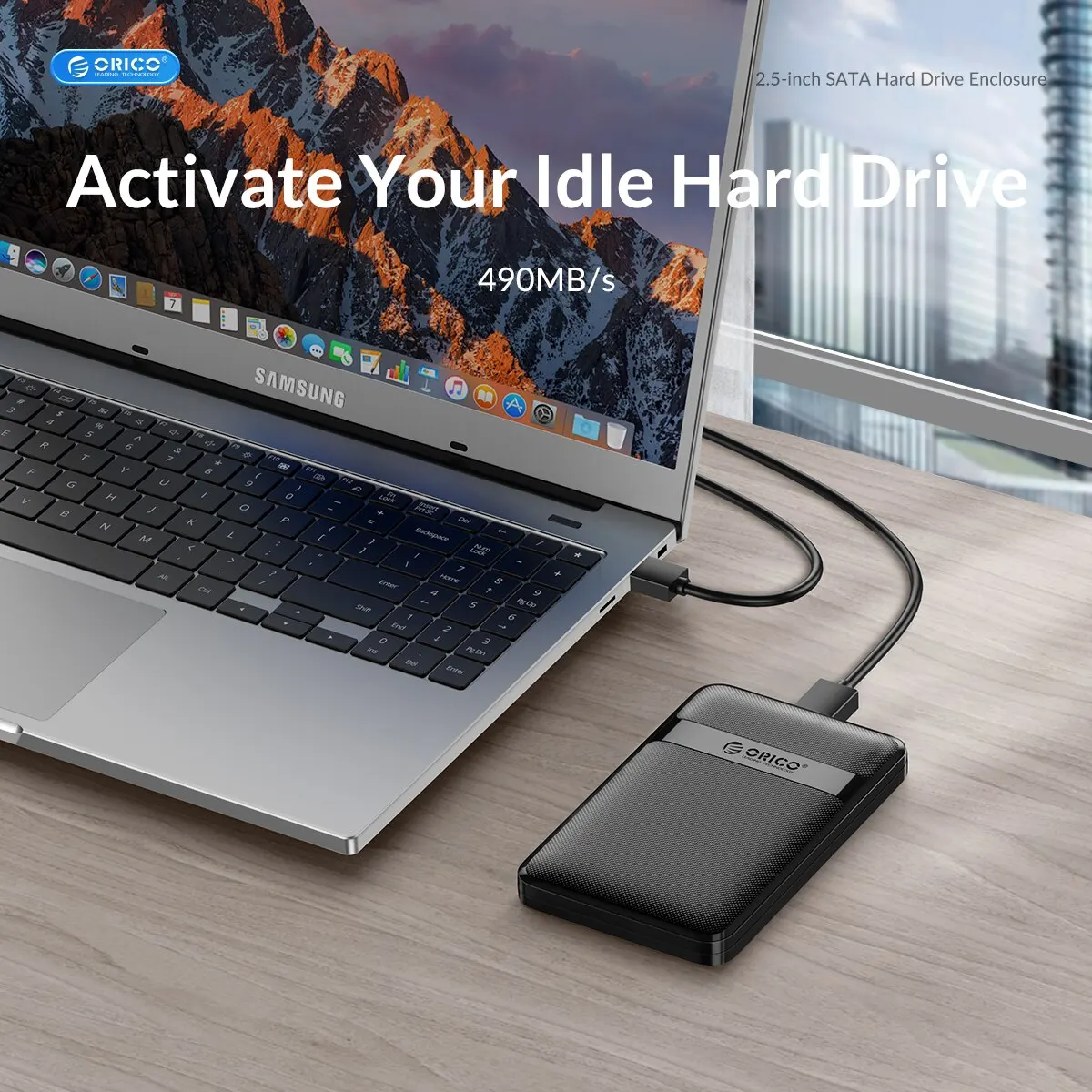
Supporting USB 3.0 protocol with a maximum 490MB/s transmission speed. 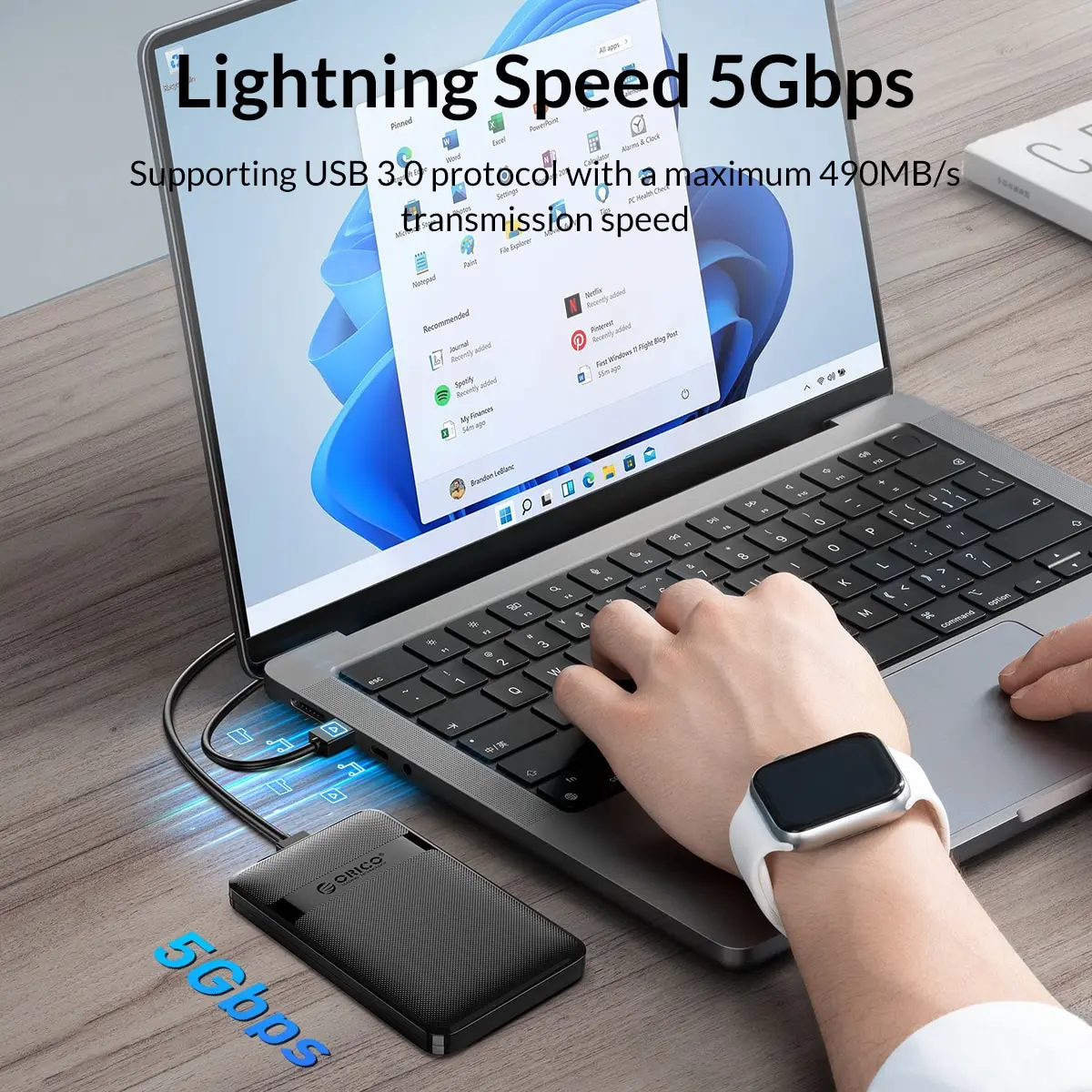 >>More stable, safe, and fast transmission
Notice : just ASM225CM or JMS578 chip can support TRIM , NS1068 or JMS567 not support 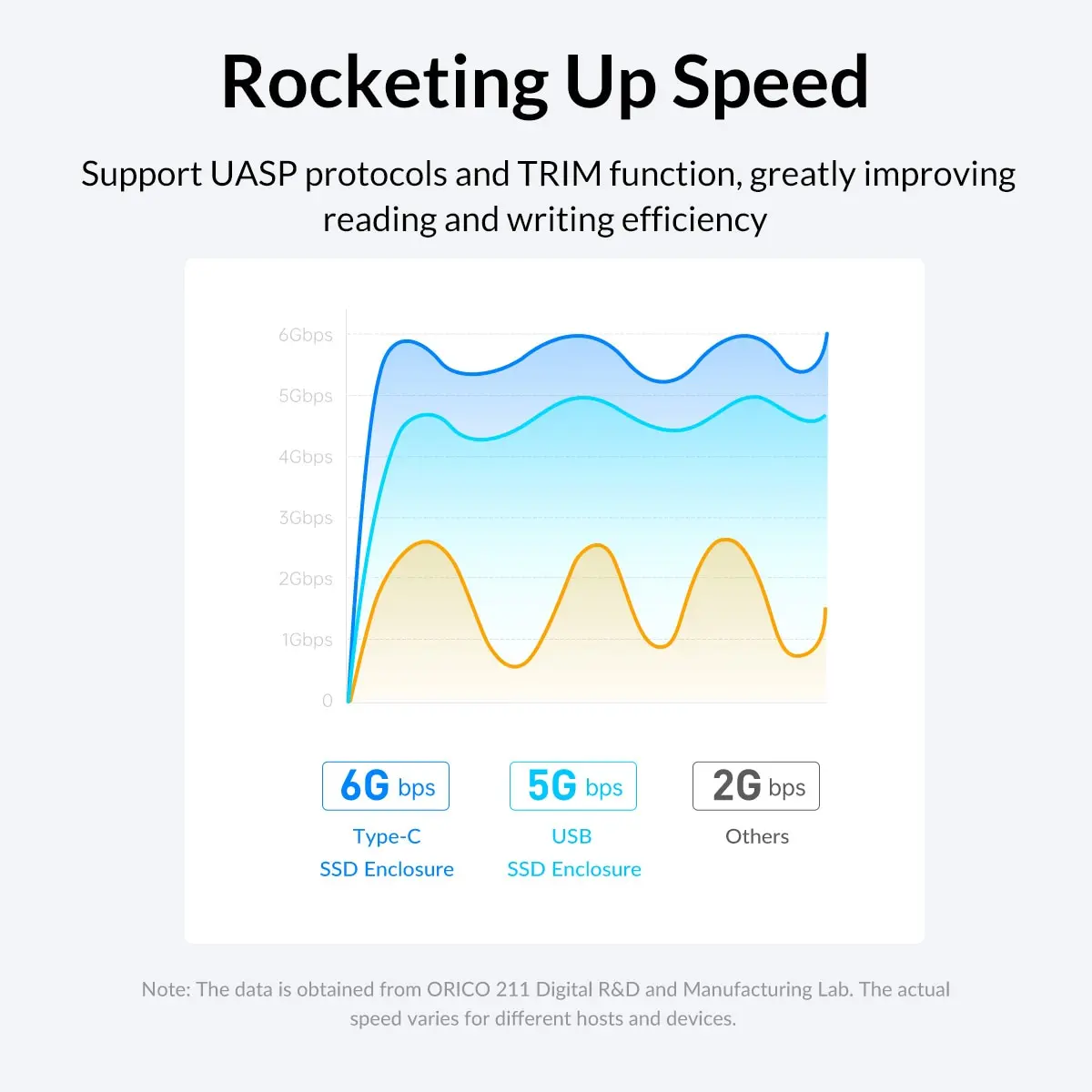 >>Not need power supply, capacity can up to 6TB max
eg : ≈125K Photo(50MB/Per) ≈630KPPT(10MB/Per)≈2 Million Files(3MB/Per)
≈3K Movie(2G/Per)
Tips The data is for reference
>>Compatible Devices Computer /TV /PS5 /Phone
If you need connect with phone please purchase the USB-A to USB-C OTG adapter separately.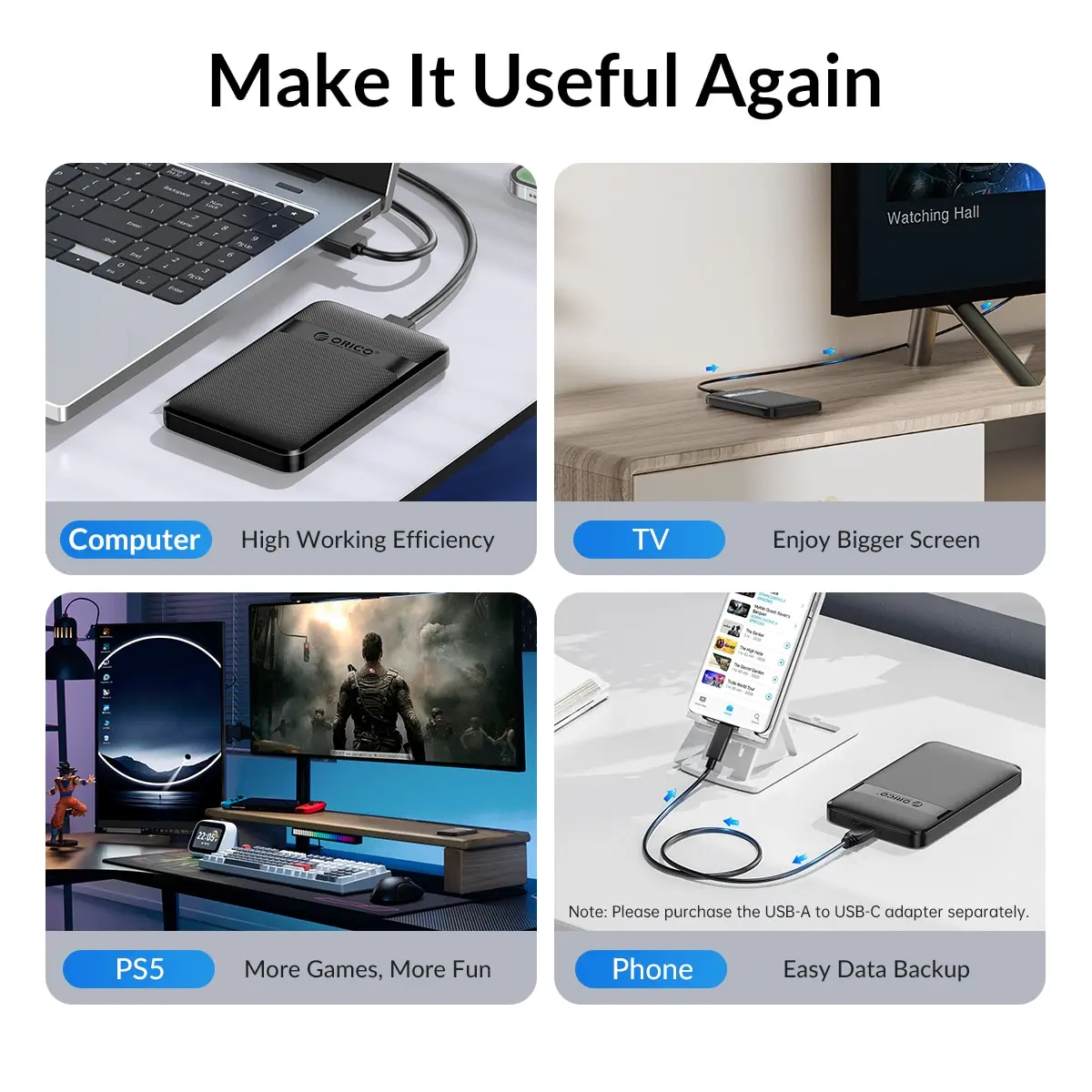
 >>Plug & Play Universal Compatible
Tips: The new hard disk needs to execute partition before use.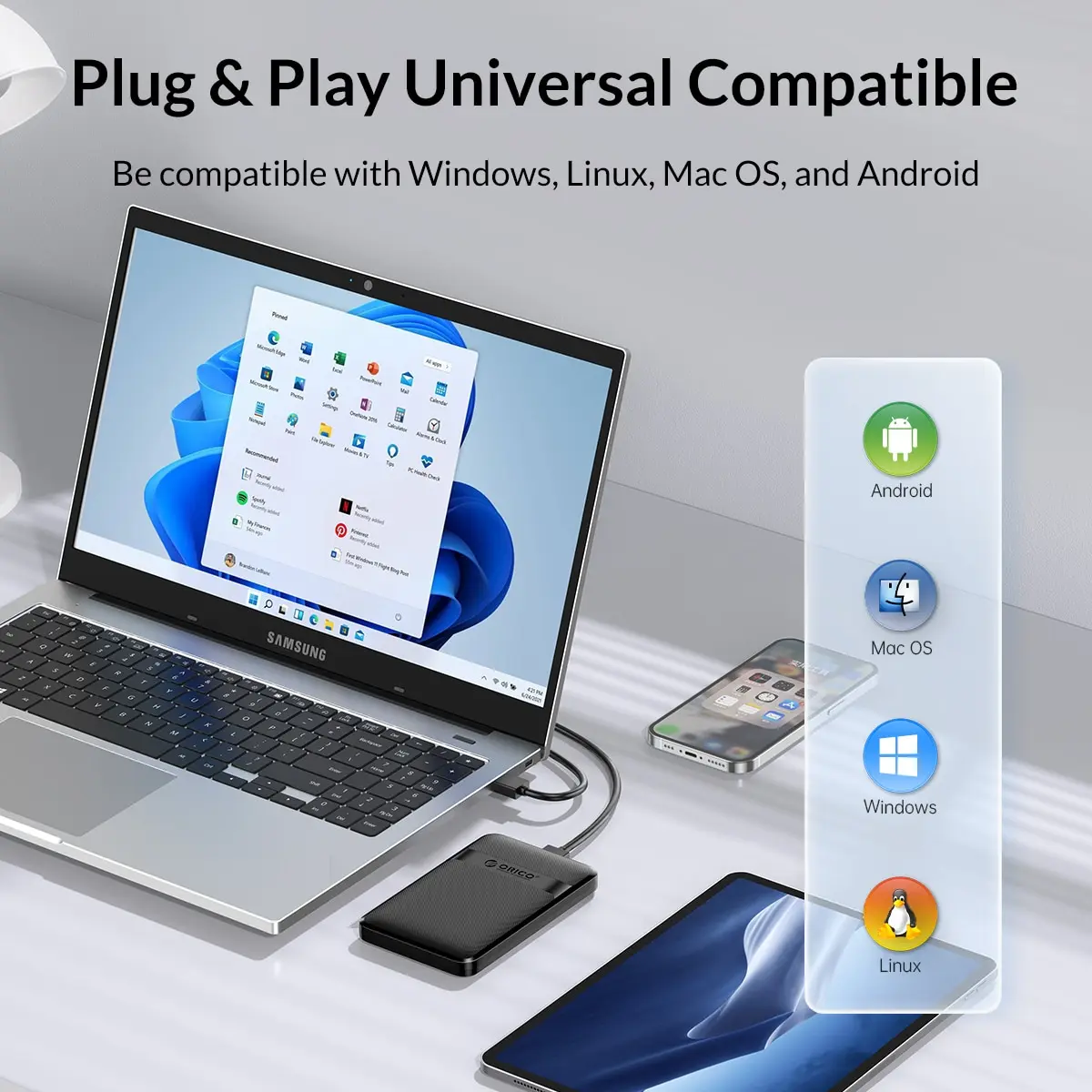
Notice:
1. The first time you use the hard drive needs to be re-partitioned (formatted)
2. If you have important data in your hard drive, it is recommended to do a good job of backing up in advance to prevent data loss.
Q&A
Q:How does it work?
1, put the hard drive into the hard drive box connected to the computer
2、Hard drive formatting/partitioning: right-click on my computer -Manage -Disk Manager -Disks 1-Right-click-Format/Partitioning
Q: Why can't the speed be achieved?
A:
Hi there, thank you for your inquiry.
Please note that 5Gbps /6Gbps is the theoretical interface speed of the USB 3.0 port, not the actual read/write speed of the hard drive itself.
Supporting USB 3.0 protocol with a maximum 490MB/s.
The real bottleneck here is typically:
The hard drive inside: A traditional 2.5-inch HDD usually reads/writes at around 80-120MB/s max. If you’re using an old or 5400rpm drive, 30-40MB/s can be normal during small file transfers.
Port & driver: Make sure it‘s plugged into a native USB 3.0 port (blue interior) / USB C.
This enclosure fully supports UASP and SATA III. If you test it with an SSD, you will see speeds above 400MB/s. ?
Related products






Frequently Bought Together
No frequently bought products found!
Products from this Seller
View All

Demo Auction










Frosted Belt Watch

Business Quartz Sports Leisure Belt Men's Watch




Trusted & Reliable Global B2B & B2C Marketplace

Subscribe to our newsletter for regular updates about Offers, Coupons & more





Share with Friends
Trading is more effective when you share products with friends!Share you link
Share to