





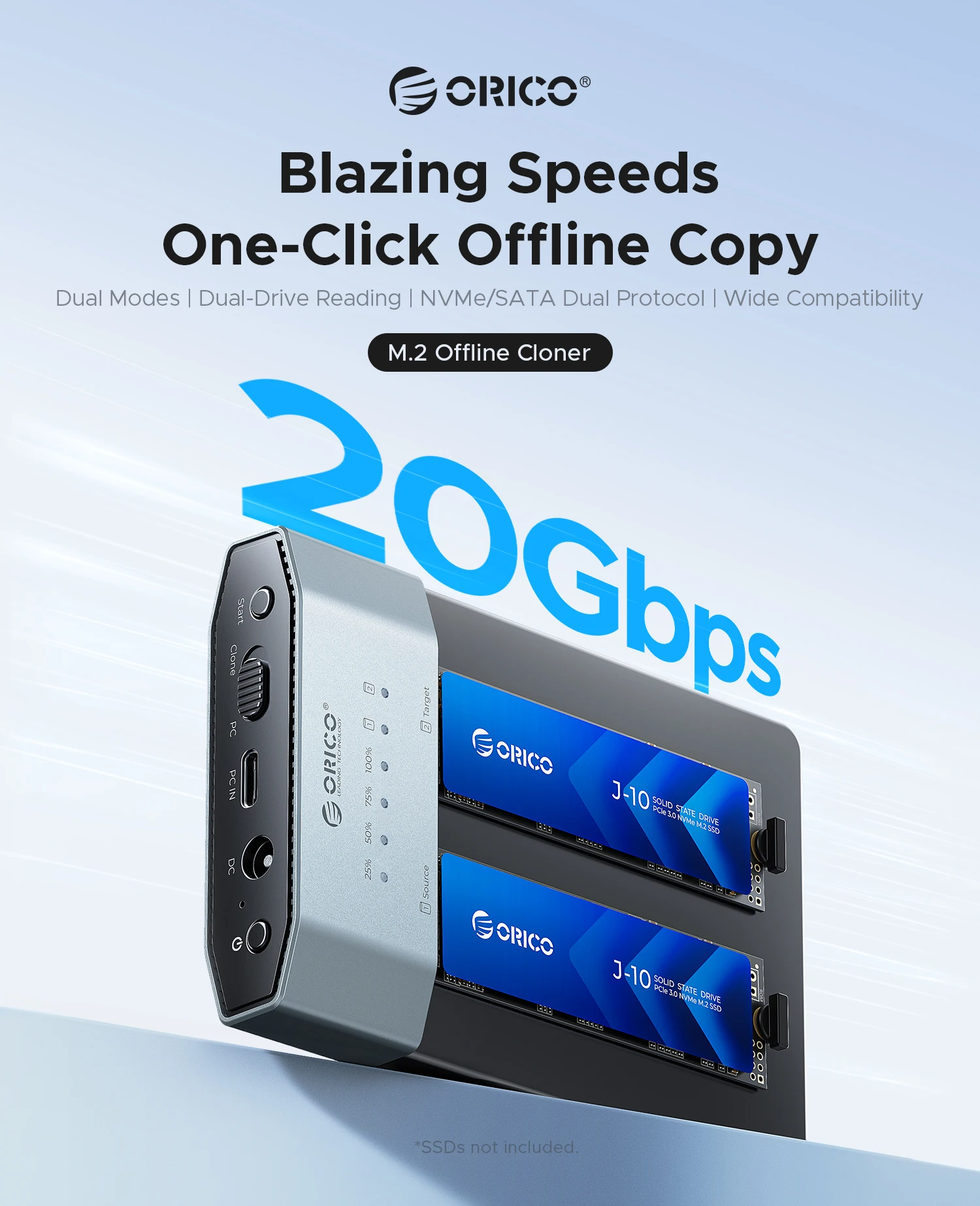


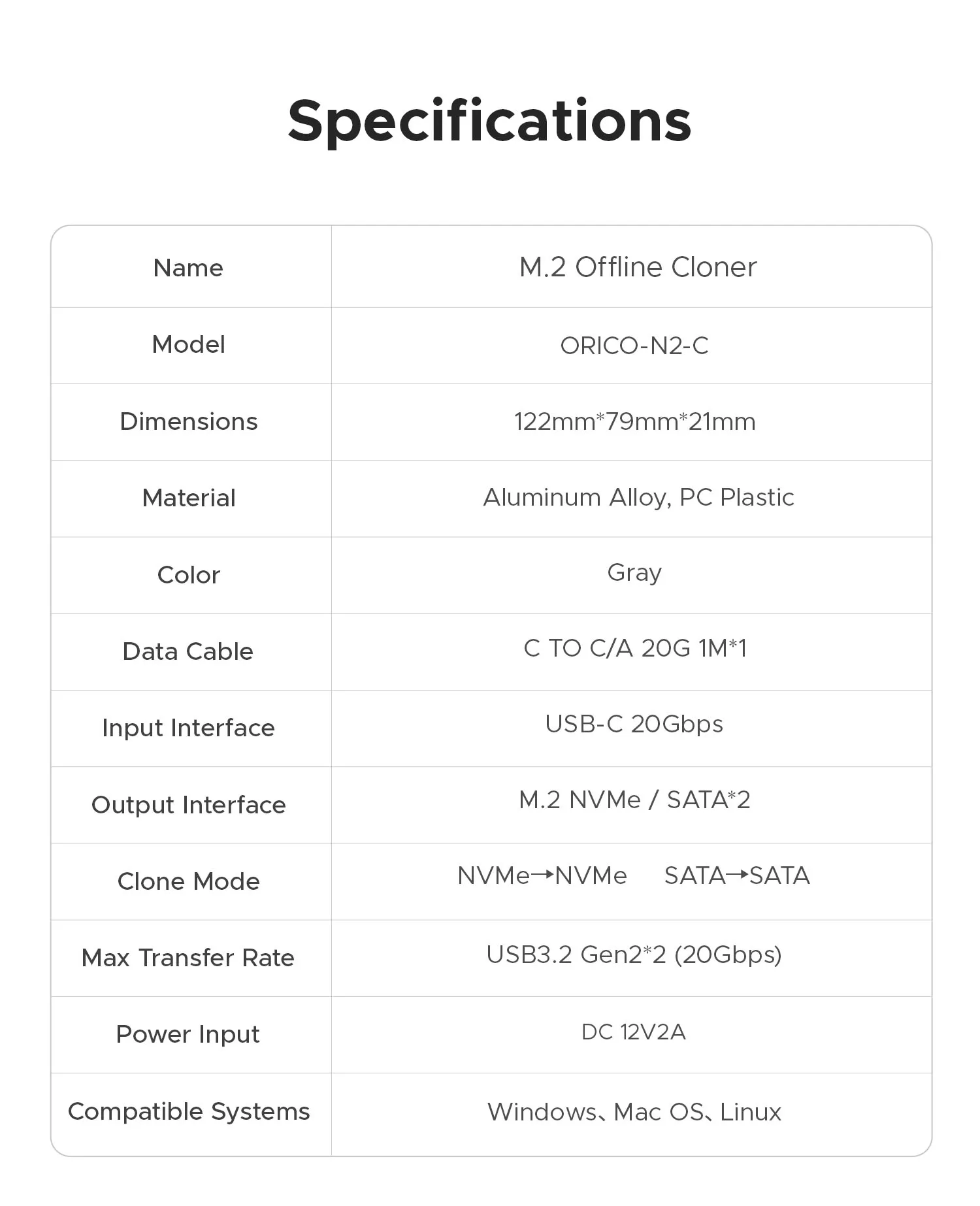
ORICO 20Gbps Dual Bay M.2 NVMe SATA SSD Cloner Enclosure Aluminum M.2 Duplicator Offline Clone USB3.2 Gen 2X2 Docking Station
M.2 Offline Cloner One-Click Offline Copy
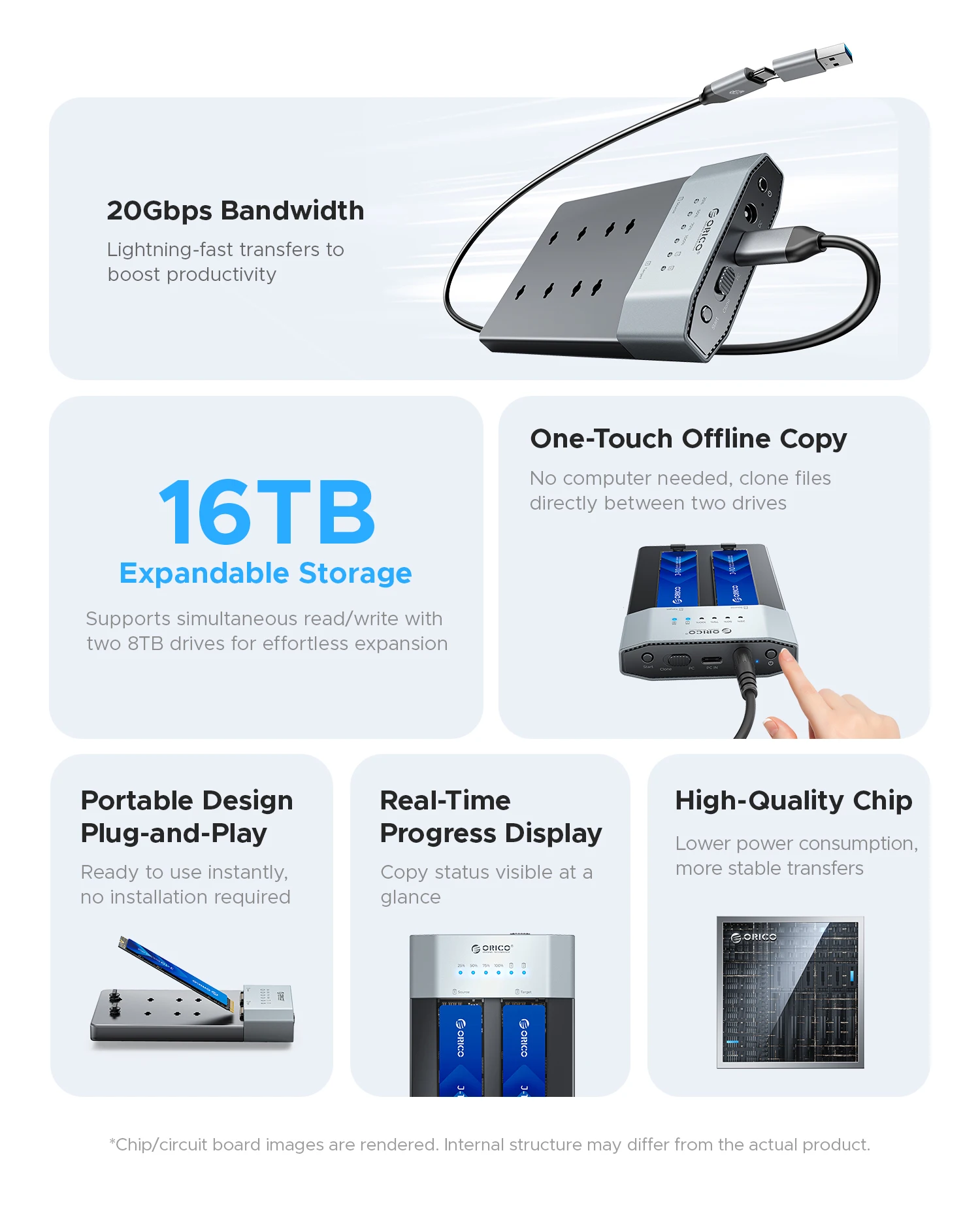
① 20Gbps lightning-fast transfers to boost productivity.
② 16TB Expandable Storage: Supports simultaneous read/write with two 8TB drives for effortless expansion.
③ One-Touch Offline Copy: No computer needed – clone files directly between two drives.
④ Portable Plug-and-Play Design: Ready to use instantly, no installation required.
⑤ Real‑Time Progress Display: Copy status visible at a glance.
⑥ High‑Quality Chip: Lower power consumption, more stable transfers.
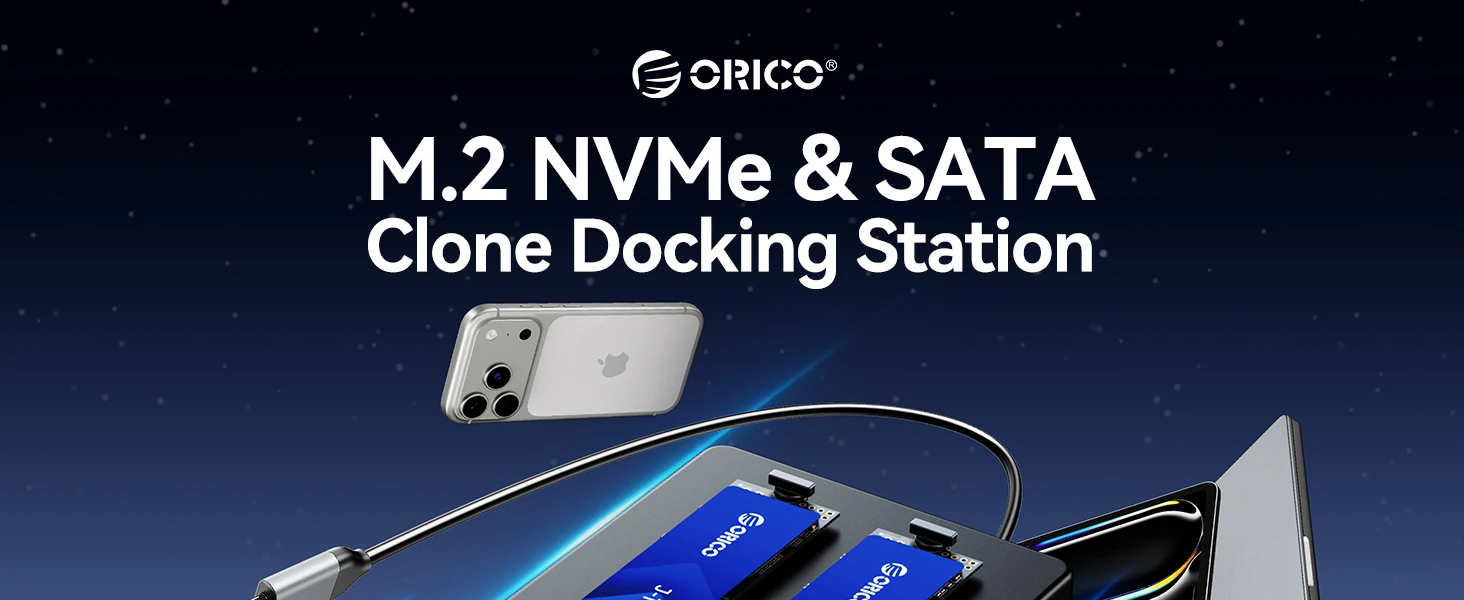
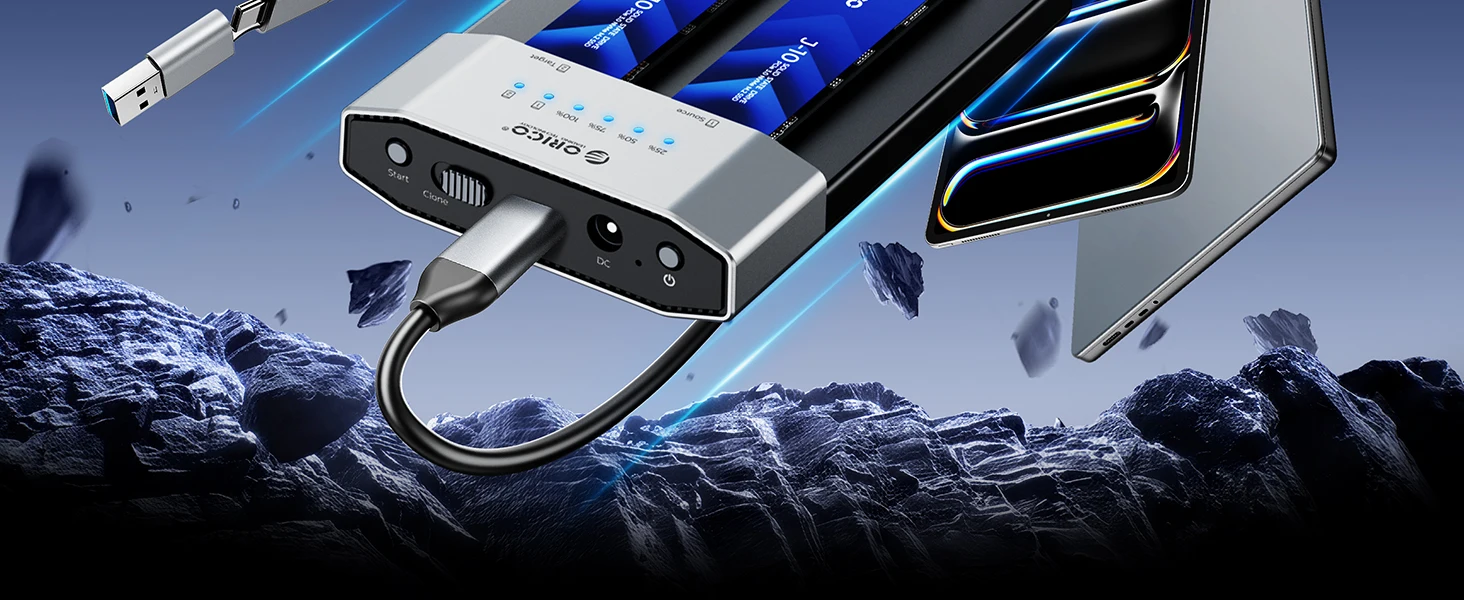
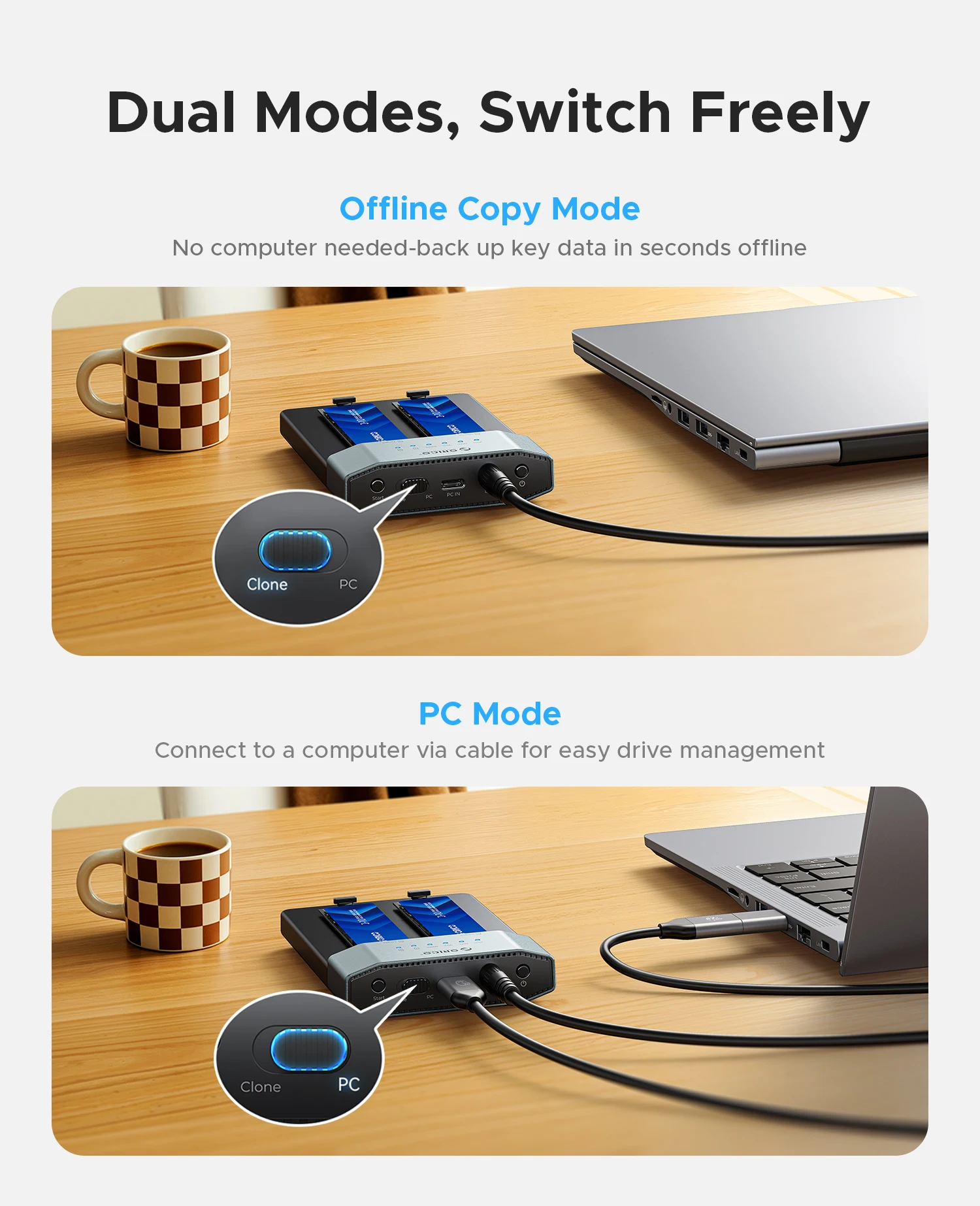
Dual Modes, Switch Freely, Offline Copy Mode or PC Mode
No computer needed, back up key data in seconds offline | Connect to a computer via cable for easy drive management.
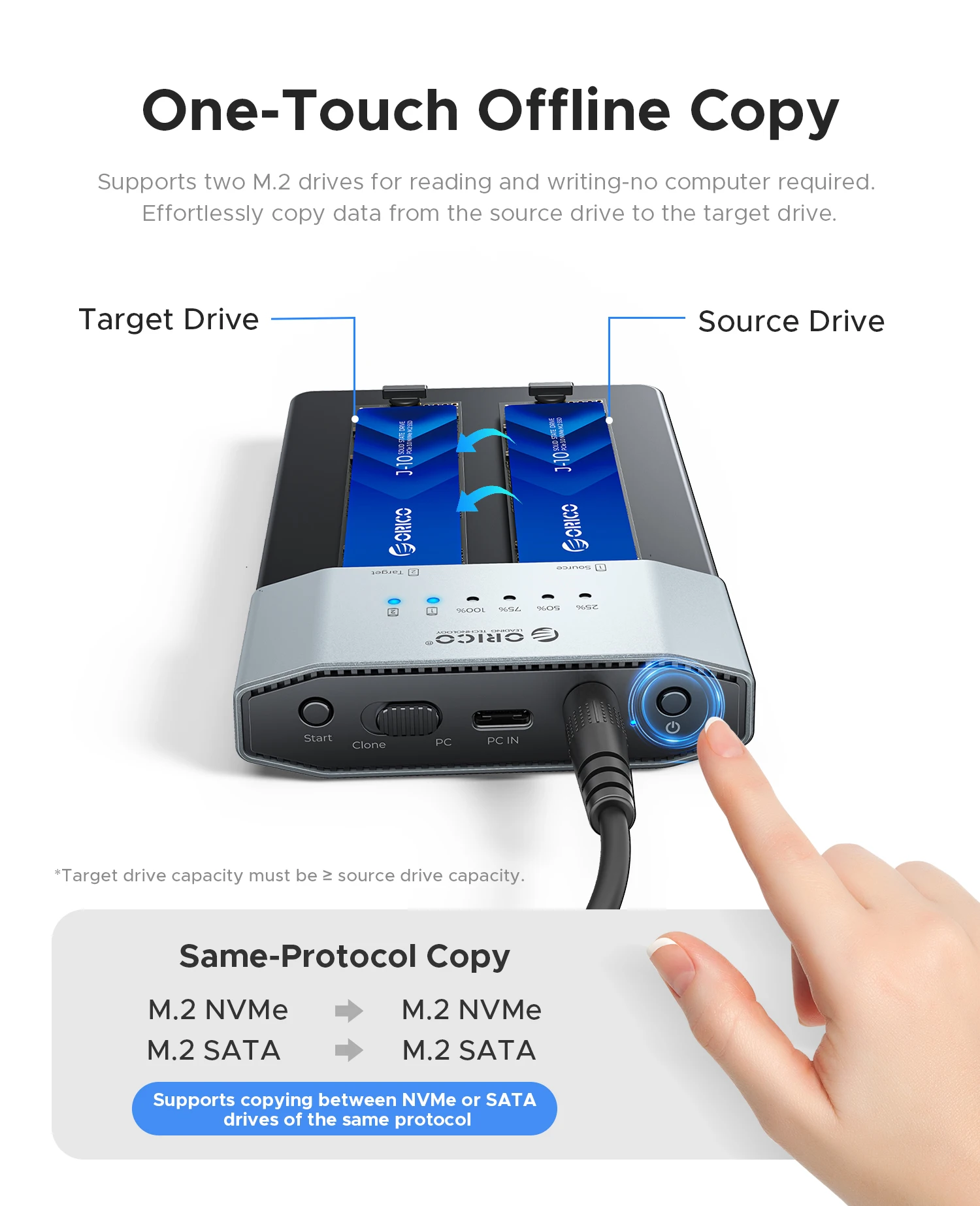
One-Touch Offline Copy, Dual Drives Read & Write Simultaneously
Supports two M.2 drives for reading and writing,no computer required. Effortlessly copy data from the source drive to the target drive.
Target drive capacity must be ≥ source drive capacity.
Same-Protocol Copy:
M.2 NVMe → M.2 NVMe
M.2 SATA → M.2 SATA
Supports copying between NVMe or SATA drives of the same protocol.
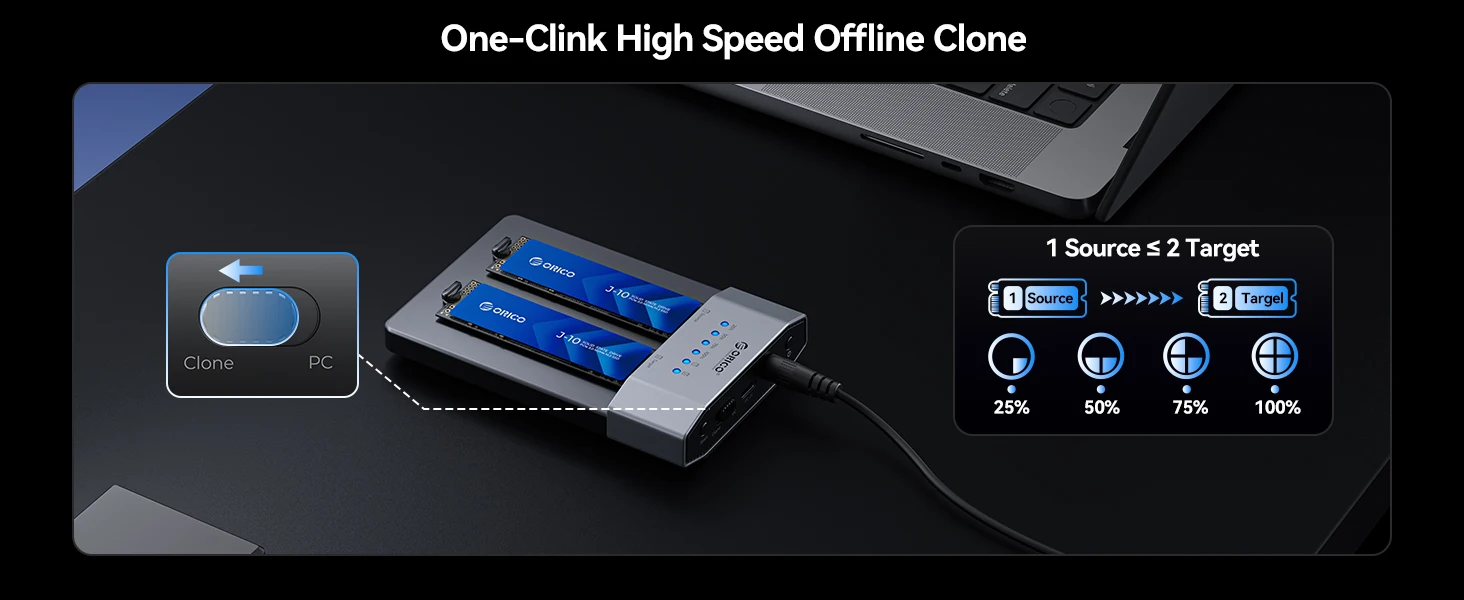
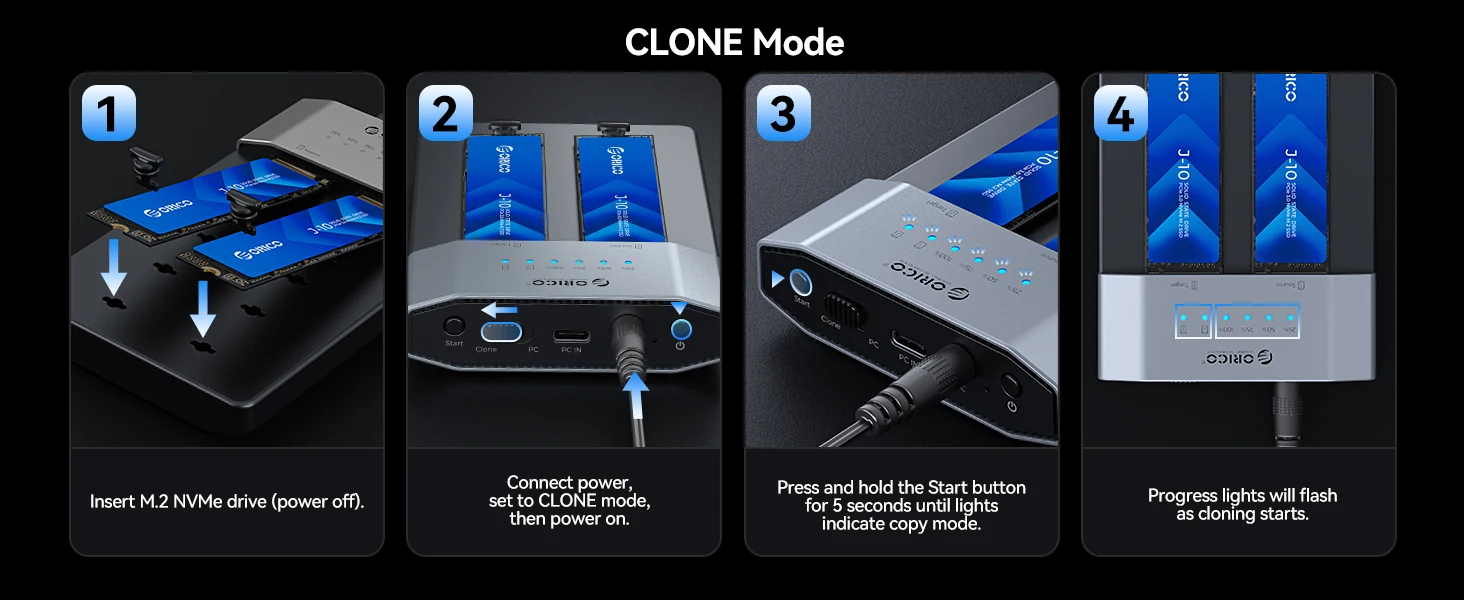
CLONE Mode
1.Insert M.2 NVMe drive (power off).
2. Connect power, set to CLONE mode, then power on.
3.Press and hold the Start buttonfor 5 seconds until lightsindicate copy mode.
4.Progress lights will flash as cloning starts.
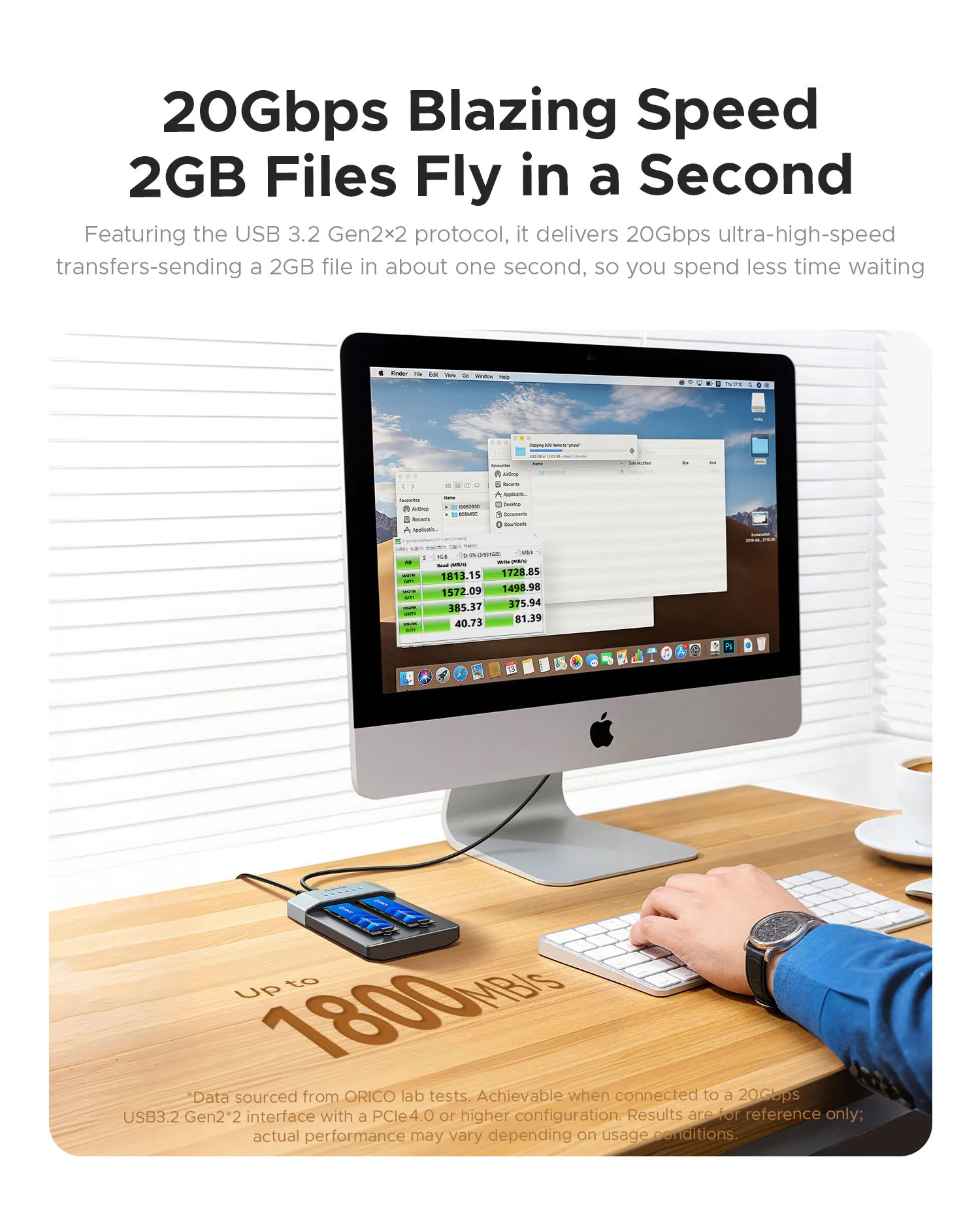
USB 3.2 Gen2×2 20Gbps Blazing Speed,2GB Files Fly in a Second
Ultra‑high‑speed transfers, sending a 2GB file in about one second, so you spend less time waiting.Tested Transfer Speed up to 1800MB/s.
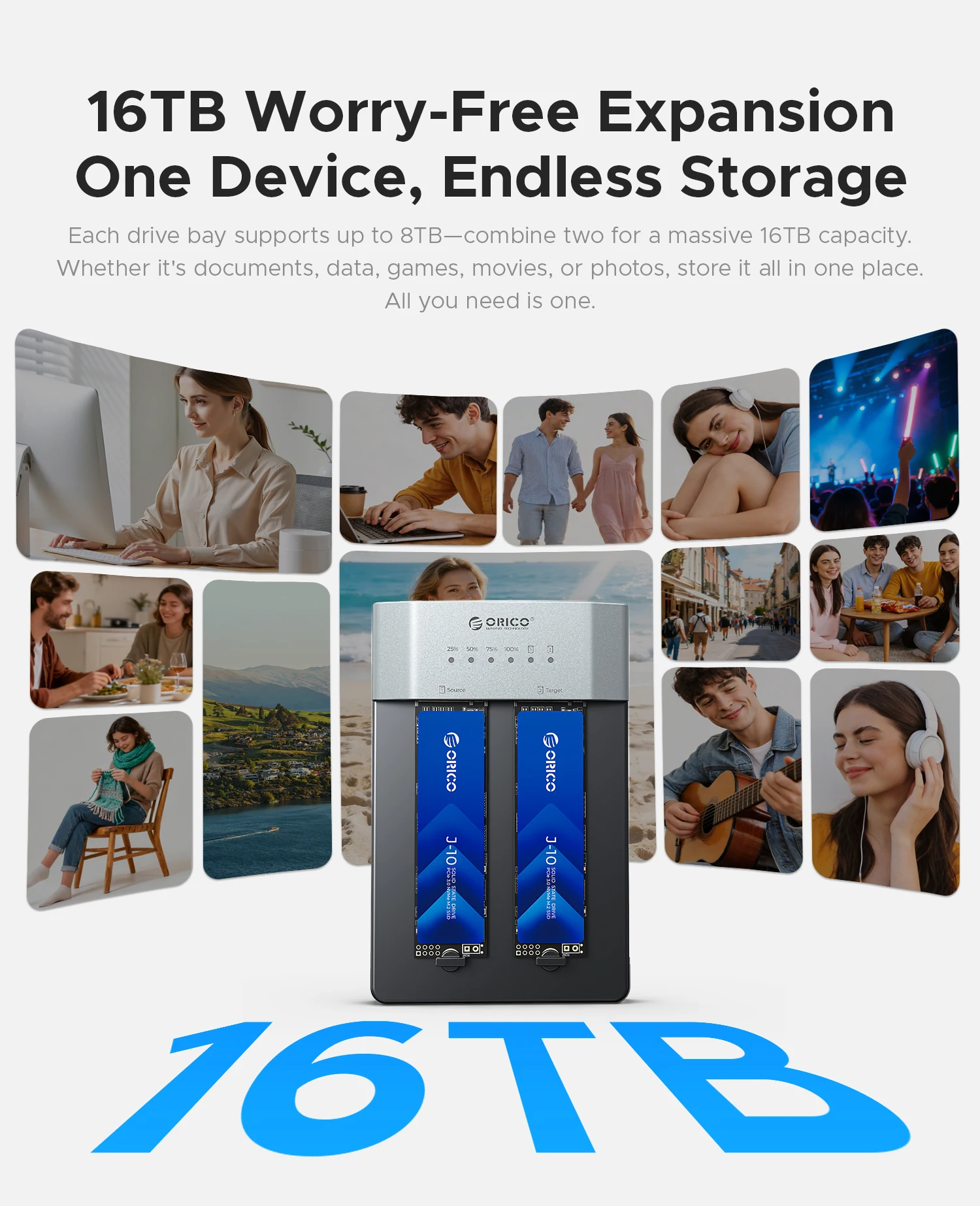
16TB Expansion, One Device, Endless Storage
Each drive bay supports up to 8TB, combine two for a massive 16TB capacity. Whether it's documents, data, games, movies, or photos, store it all in one place.
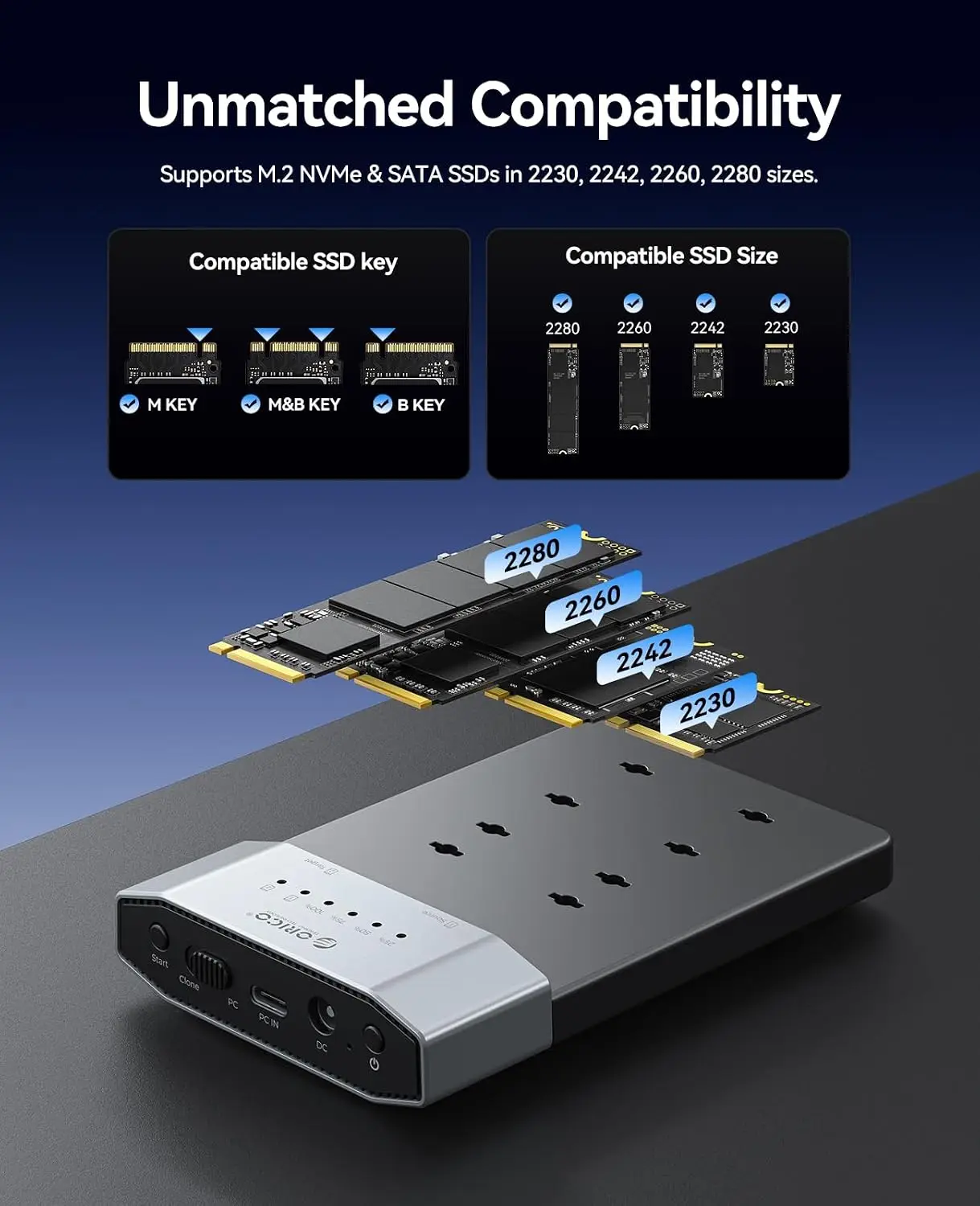
Broad Compatibility
Supports M.2 NVMe & SATA SSDs in 2230, 2242, 2260, 2280 sizes.
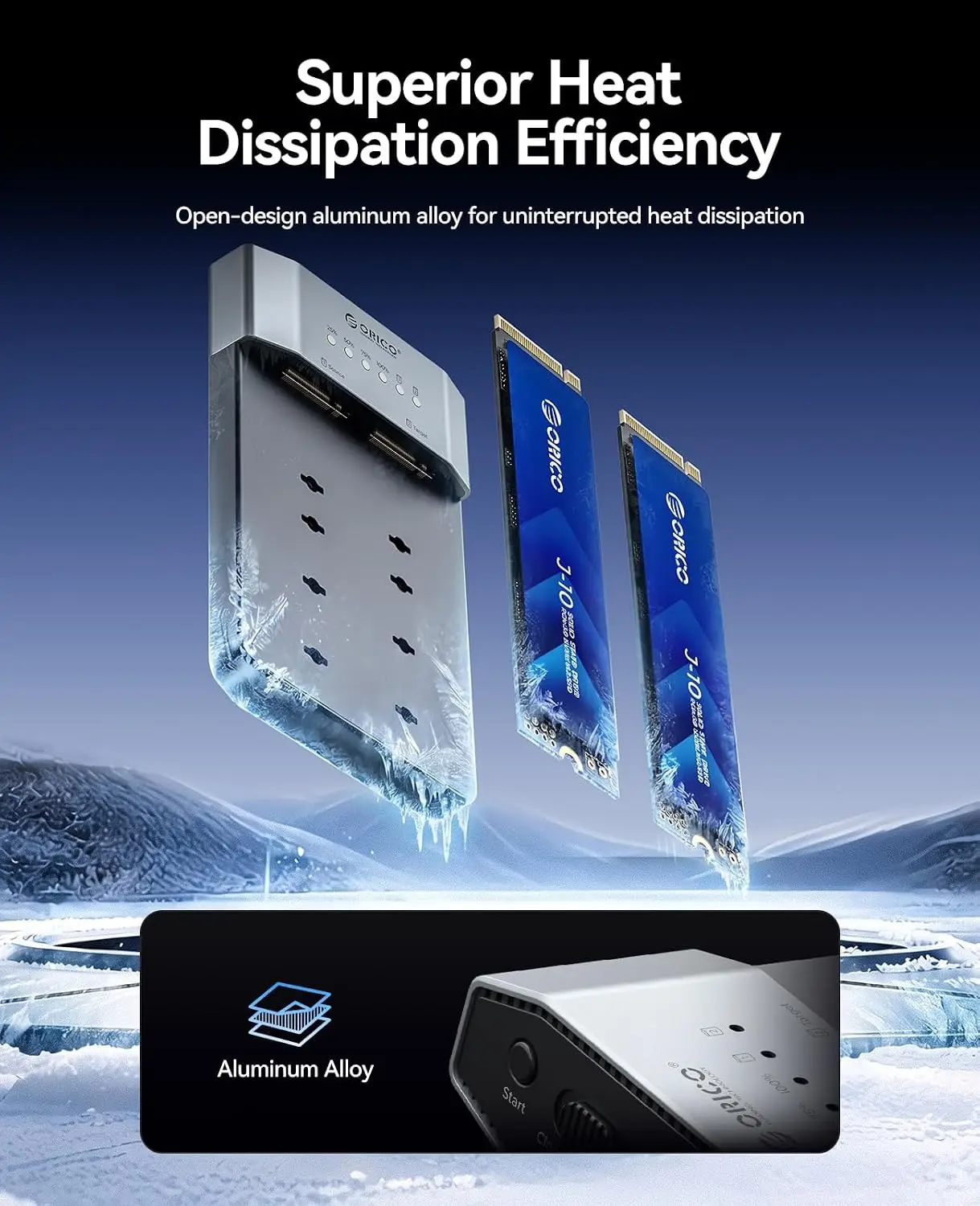
Enhanced Cooling and Stable Transfers
Made with aerospace-grade aluminum alloy,it rapidly dissipates heat during operation to ensure consistent performance and prevent slowdowns.
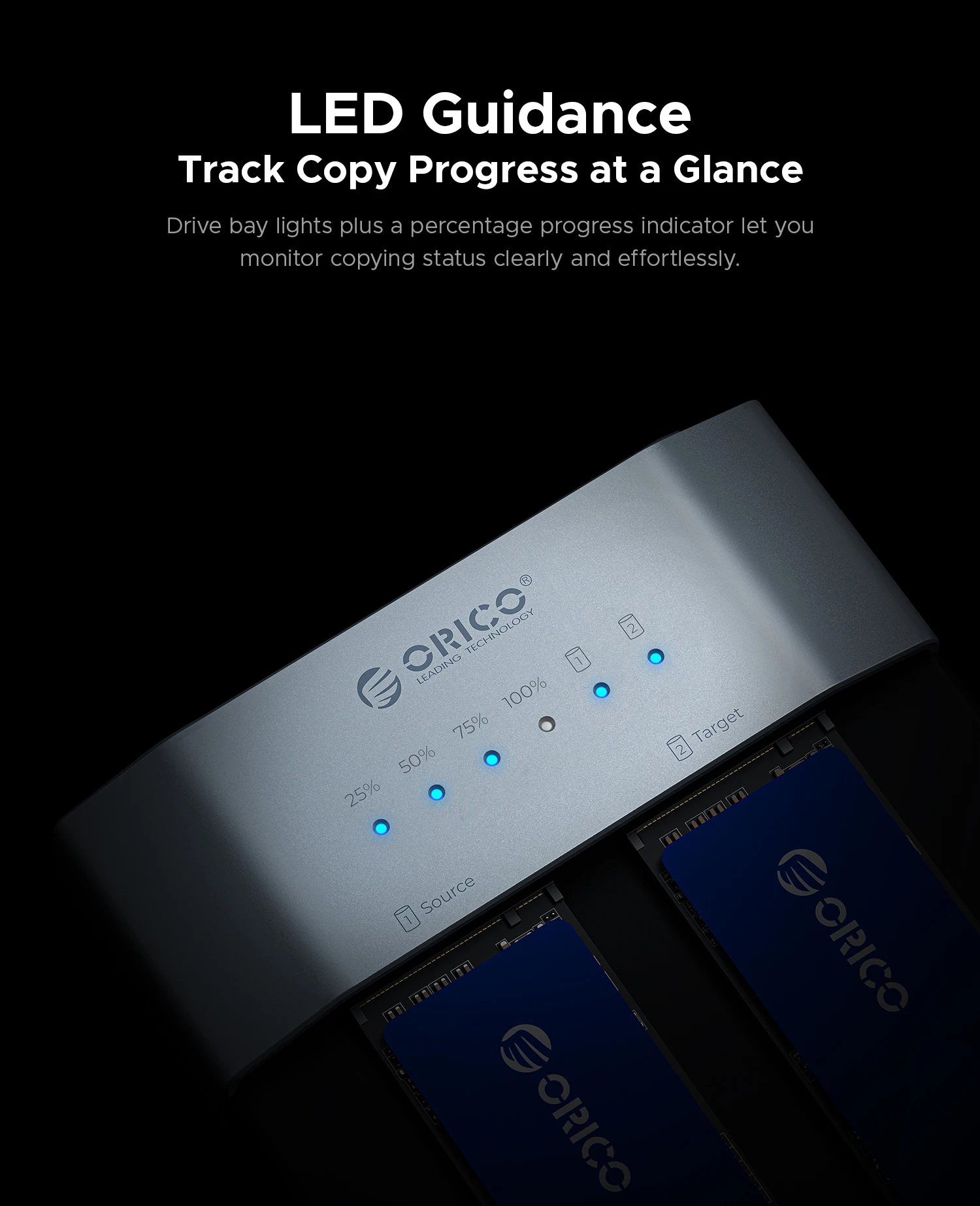
LED Guidance,Track Copy Progress at a Glance
Drive bay lights plus a percentage progress indicator let you monitor copying status clearly and effortlessly.
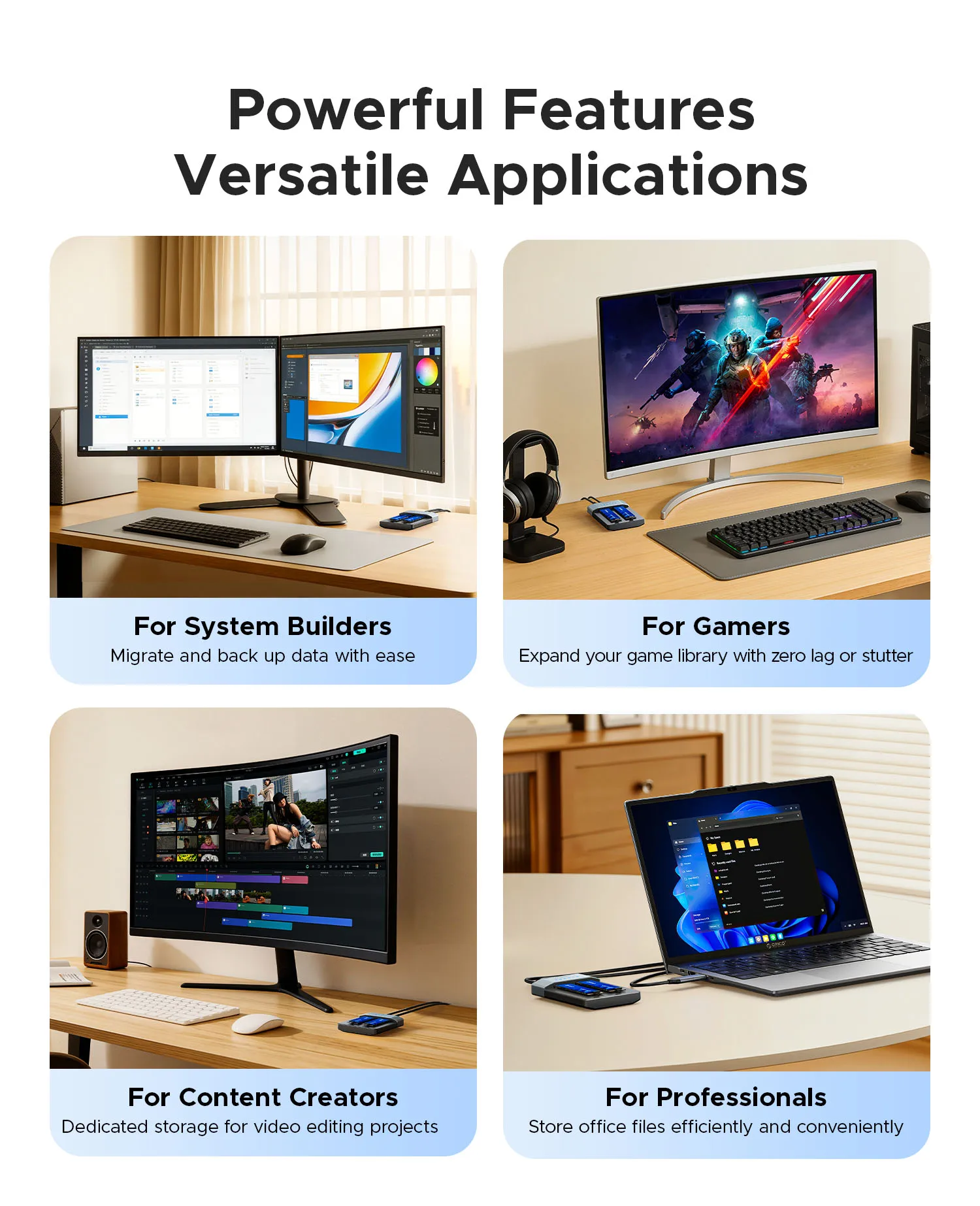
Powerful Features, Versatile Applications
① For System Builders: Migrate and back up data with ease.
② For Content Creators: Dedicated storage for video editing projects.
③ For Gamers: Expand your game library with zero lag or stutter.
④ For Professionals: Store office files efficiently and conveniently.
Plug and Play, Multi-System Compatibility
Supports Windows, Mac OS, Linux, and more.
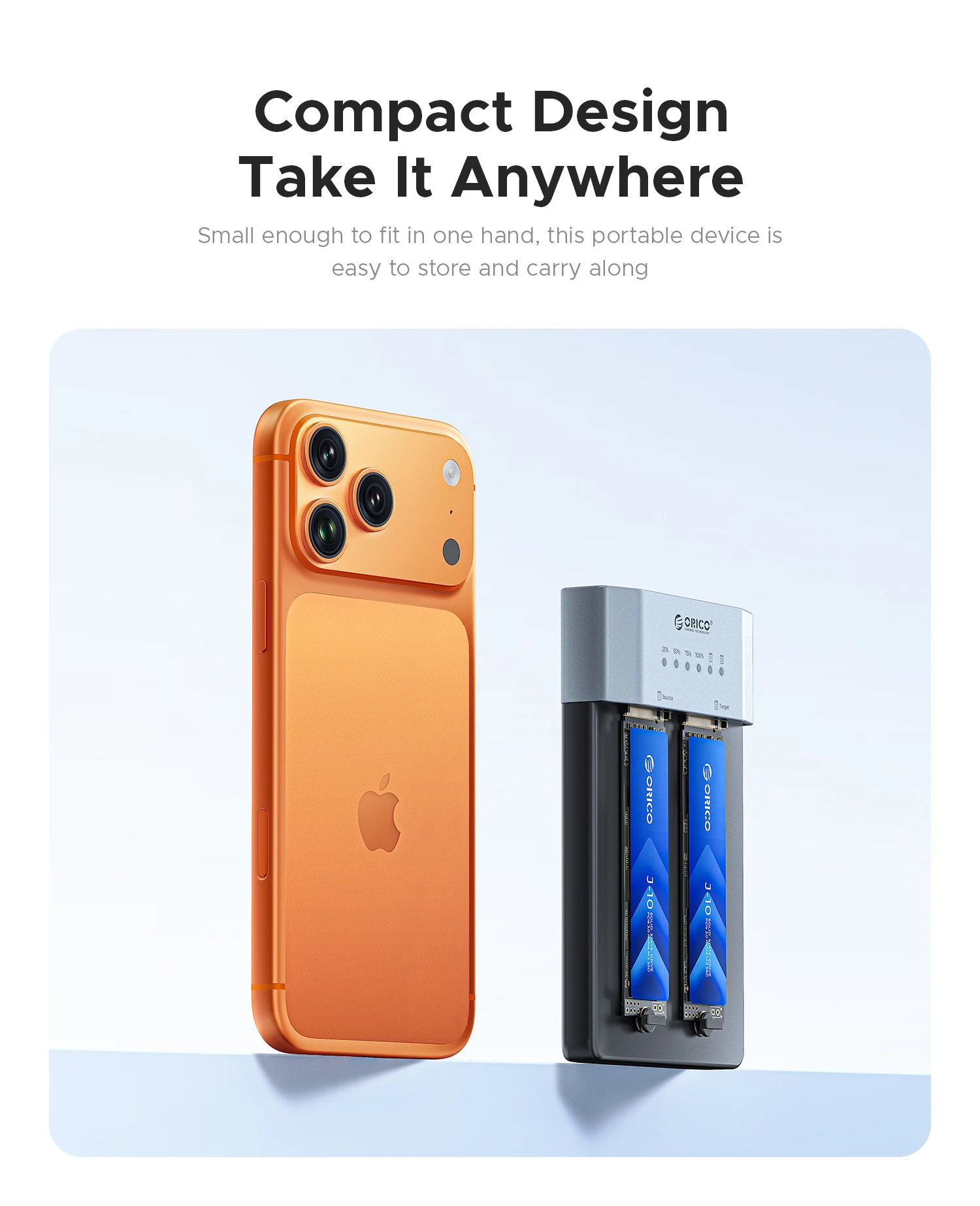
Compact Design, Take It Anywhere
Small enough to fit in one hand, this portable device is easy to store and carry along.
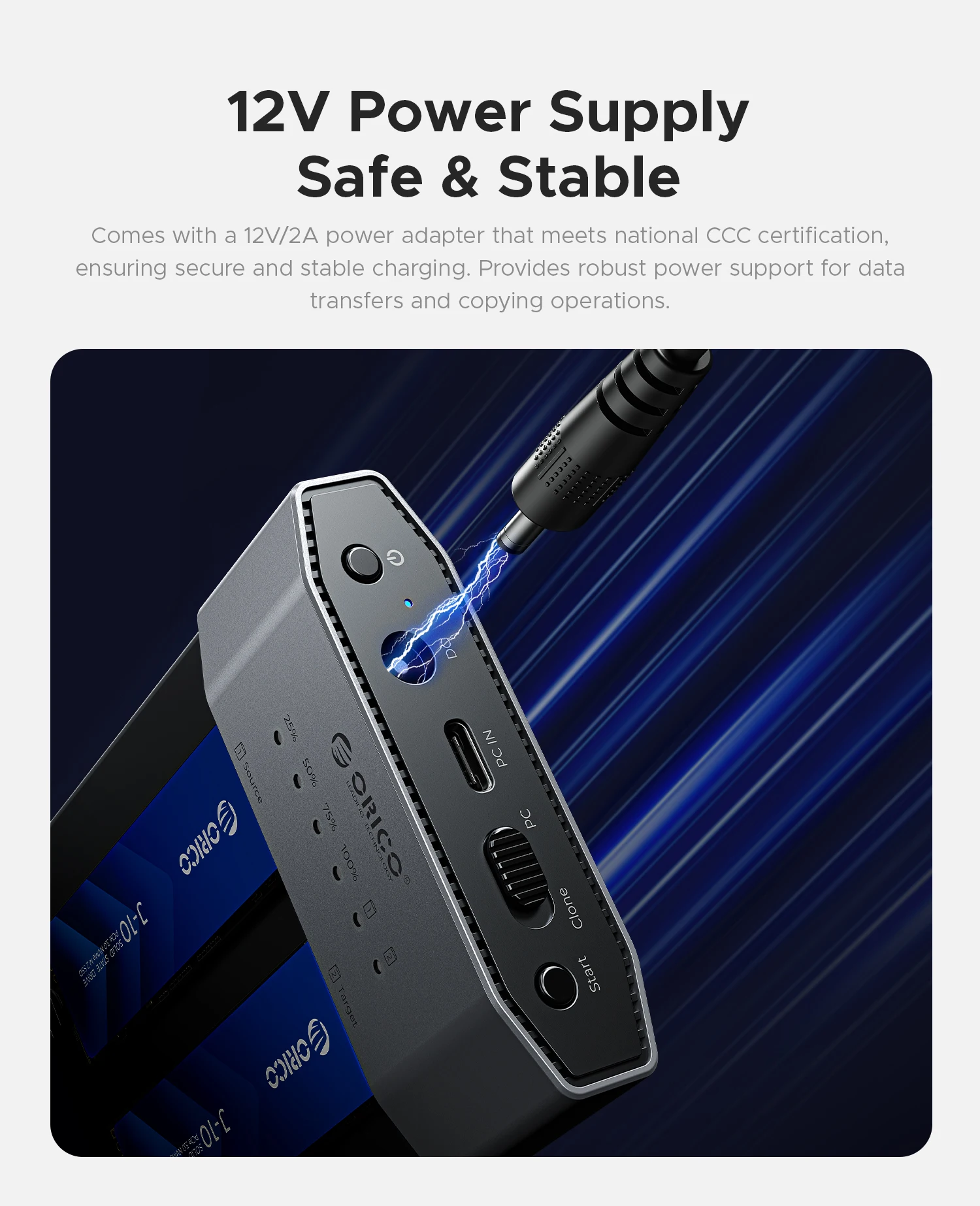
12V Power Supply, Safe & Stable
Comes with a 12V/2A power adapter that meets national CCC certification, ensuring secure and stable charging. Provides robust power support for data transfers and copying operations.
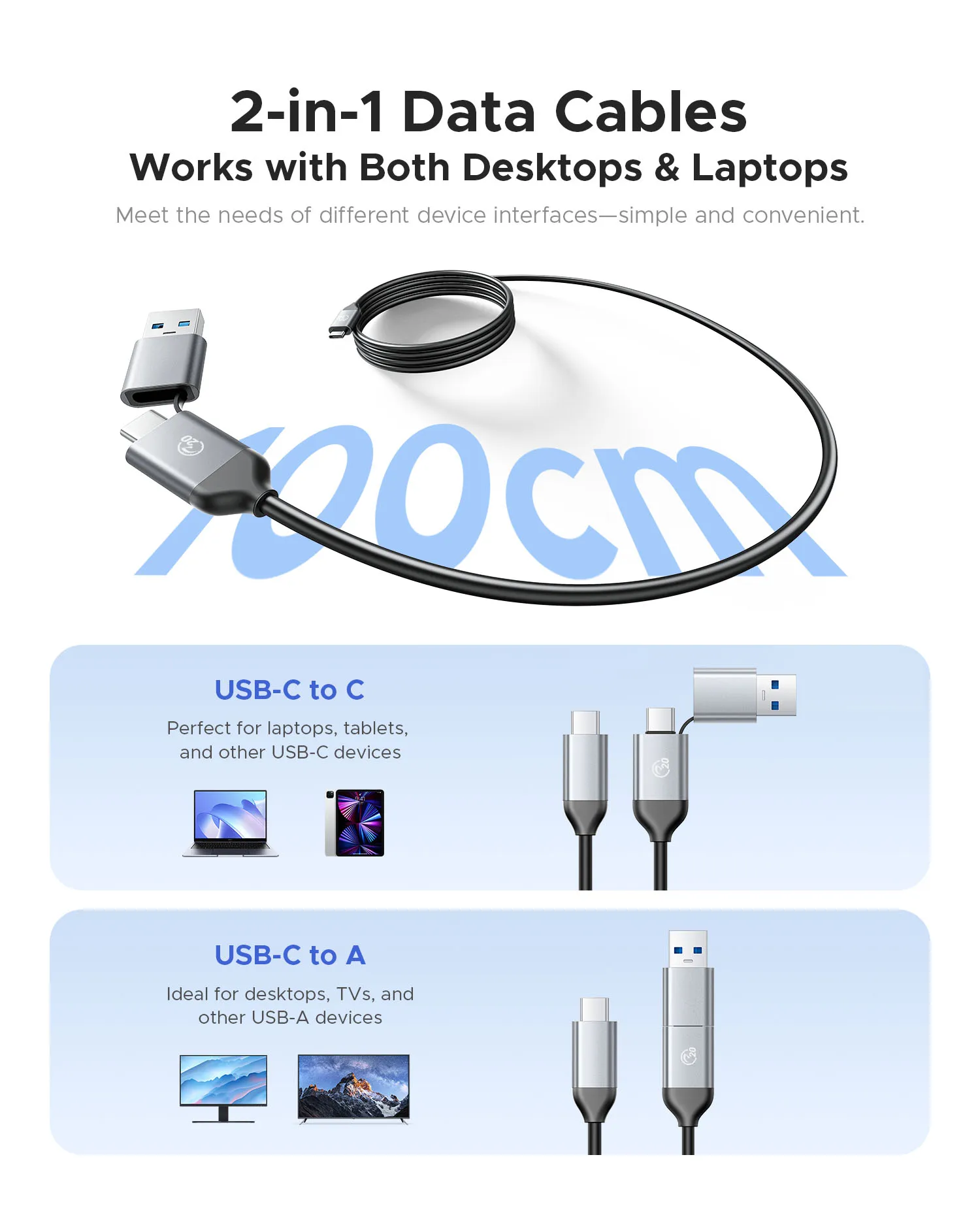
2-in-1 Data Cables
Meet the needs of different device interfaces. USB C to USB C Transmission Speed is 20Gbps. USB C to USB A Transmission Speed is 10Gbps.
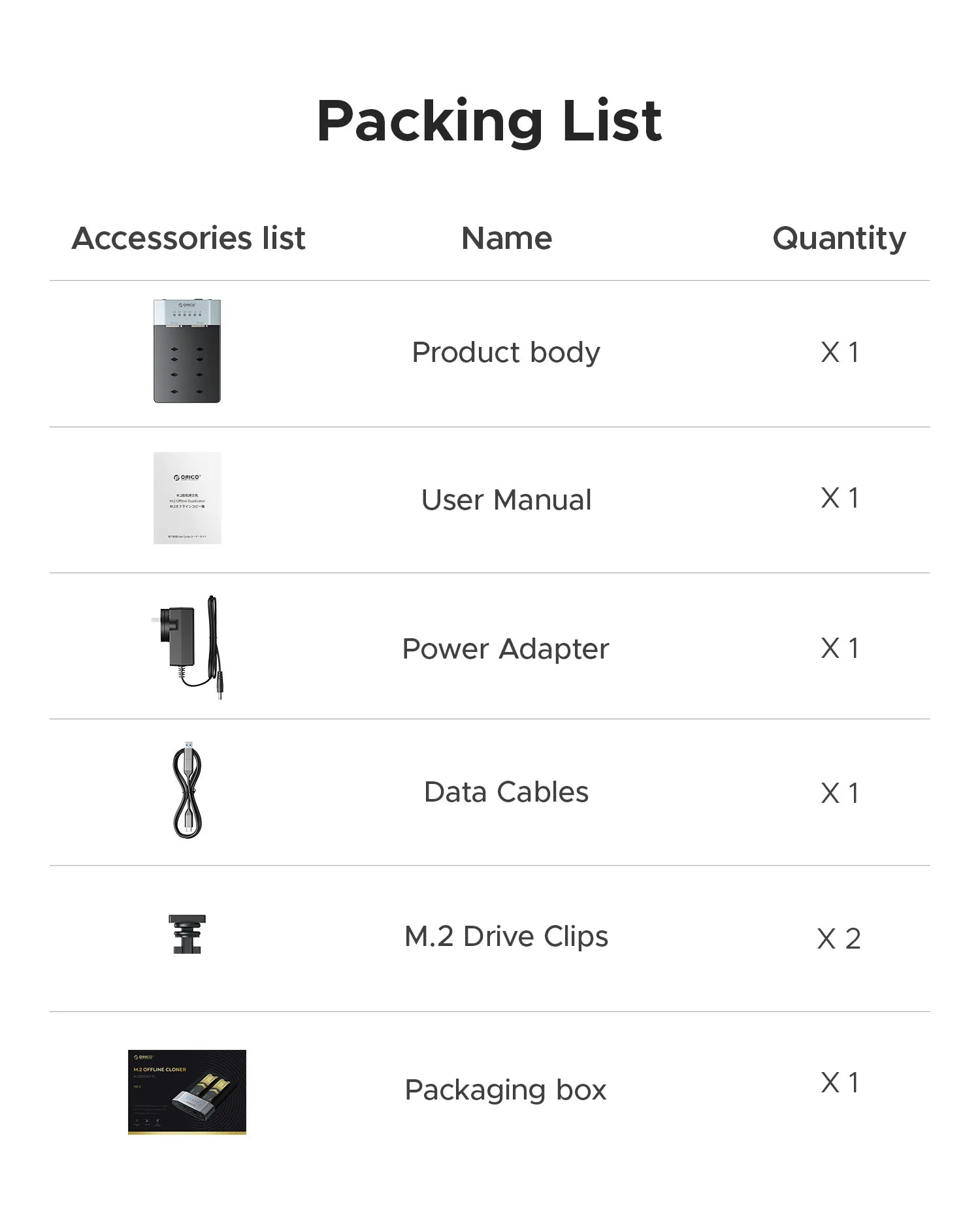
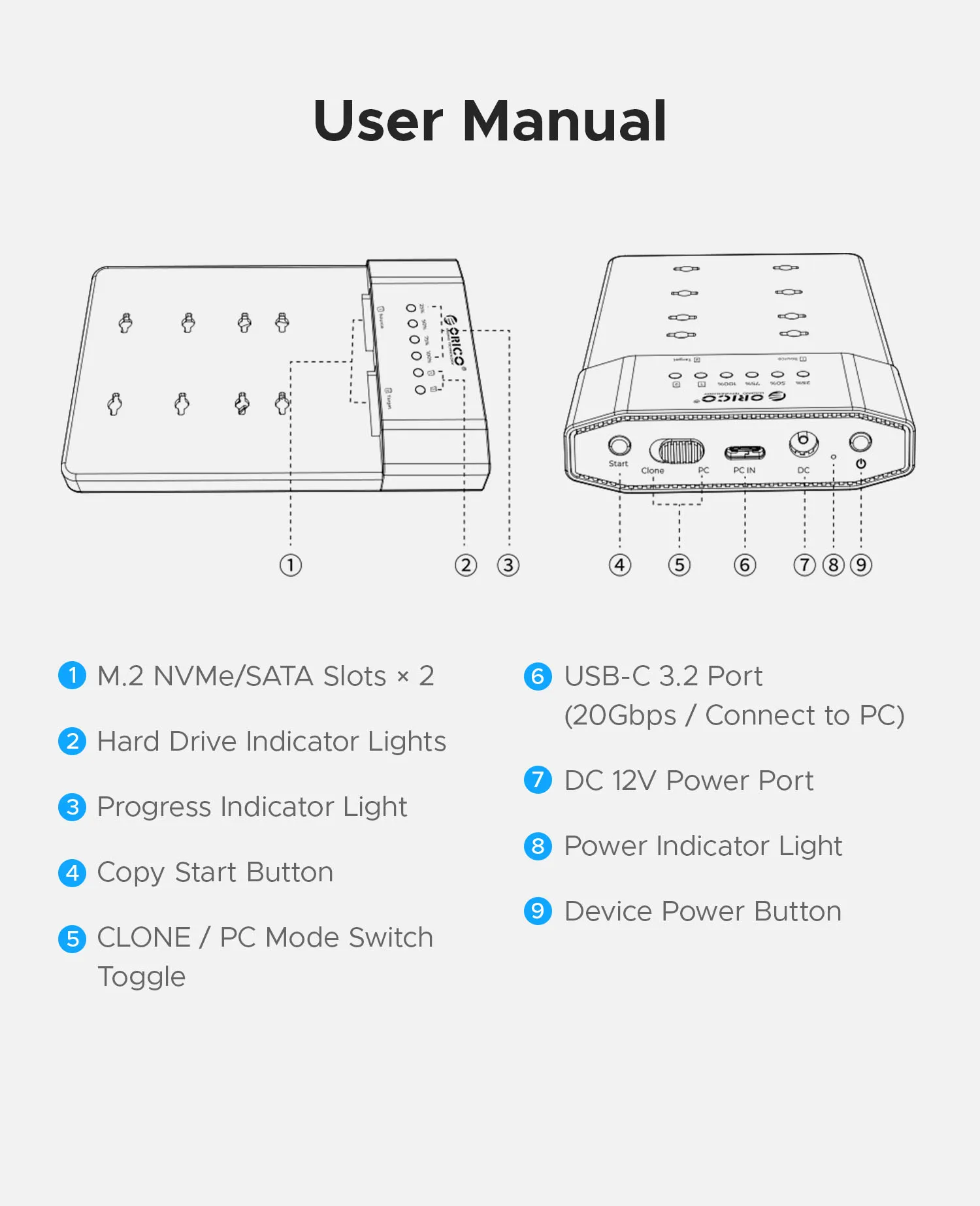
User Manual
① M.2 NVMe/SATA Slots × 2
② Hard Drive Indicator Lights
③ Progress Indicator Light
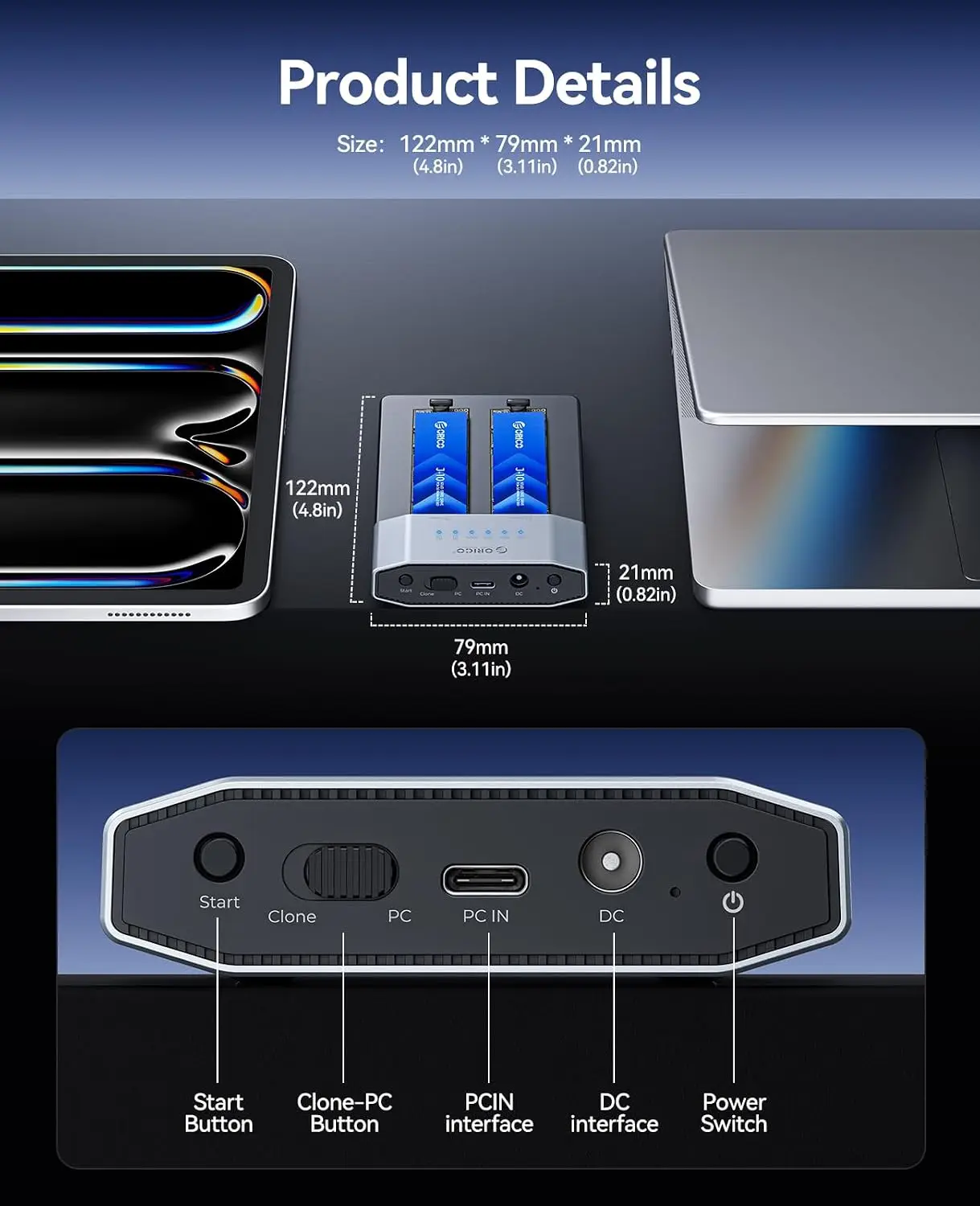
④ Copy Start Button
⑤ CLONE / PC Mode Switch Toggle
⑥ USB-C 3.2 Port (20Gbps / Connect to PC)
⑦ DC 12V Power Port
⑧ Power Indicator Light
⑨ Device Power Button
Online Mode (PC Mode) Operation Steps
1.With the device powered off, insert the M.2 SSD(s).
2.Connect the power adapter, set the mode switch to PC, connect the data cable to your computer, then press the power button to turn on the device.
3.If the drive is already partitioned, it will appear in This PC / My Computer.
4.If using a brand‑new or unpartitioned/unformatted drive, please refer to the Drive Formatting & Partitioning section in the user manual.
Offline Copy Mode (CLONE Mode) Operation Steps
(Source and target drive bays are marked accordingly.)
1. With the device powered off, insert the M.2 SSDs.
2. Connect the power adapter, set the mode switch to CLONE, then press the power button to turn on the device.
3. After the corresponding drive bay light turns on, press and hold the Start button for about 3 seconds, then press the Start button once to begin copying.
4. Once copying starts, the 25% progress light and the drive bay lights will flash, indicating the copy mode is active.
5. As copying proceeds through each stage, the corresponding stage light flashes. When copying is complete, all progress lights stay on steadily.
Important Notes
The N2-C model supports only M.2 drives of the same protocol. It enables simultaneous dual-drive reading in PC mode and offline cloning in CLONE mode.(The product does not include hard drives; drives must be provided by the user.)
Offline cloning completely overwrites the target drive—all existing data on the target drive will be lost. We strongly recommend backing up the target drive before cloning to avoid permanent data loss.
Once the cloning process begins, do not move the device or disconnect the power supply. This helps prevent data corruption or interruption.
Even drives from different manufacturers with the same labeled capacity may vary in actual usable space. For offline cloning, please place the drive with the smaller actual capacity in the source slot; otherwise, the cloning process will not start.
After cloning completes, the target drive remains in an offline state. You will need to set it back online in your operating system’s disk management utility before use.
Related products






Frequently Bought Together
No frequently bought products found!
Products from this Seller
View All

Demo Auction











Frosted Belt Watch

Business Quartz Sports Leisure Belt Men's Watch




Trusted & Reliable Global B2B & B2C Marketplace

Subscribe to our newsletter for regular updates about Offers, Coupons & more





Share with Friends
Trading is more effective when you share products with friends!Share you link
Share to