





Mortal Smart TV Stick Android 14 Google Assistan BT Voice Remote Supports 4K HDR10 Wireless Games 2G 16G TV Dongle TVR3+ RK3518
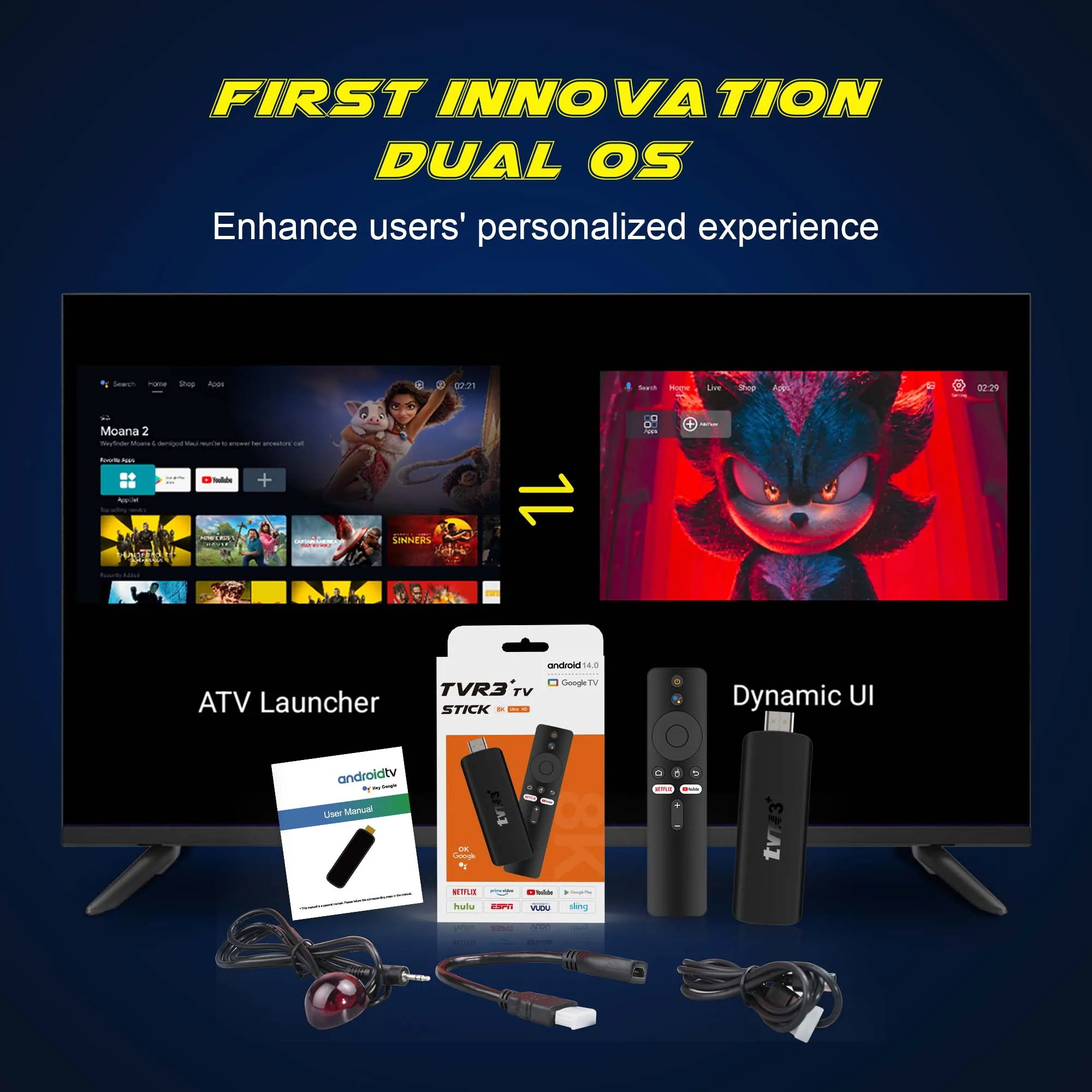
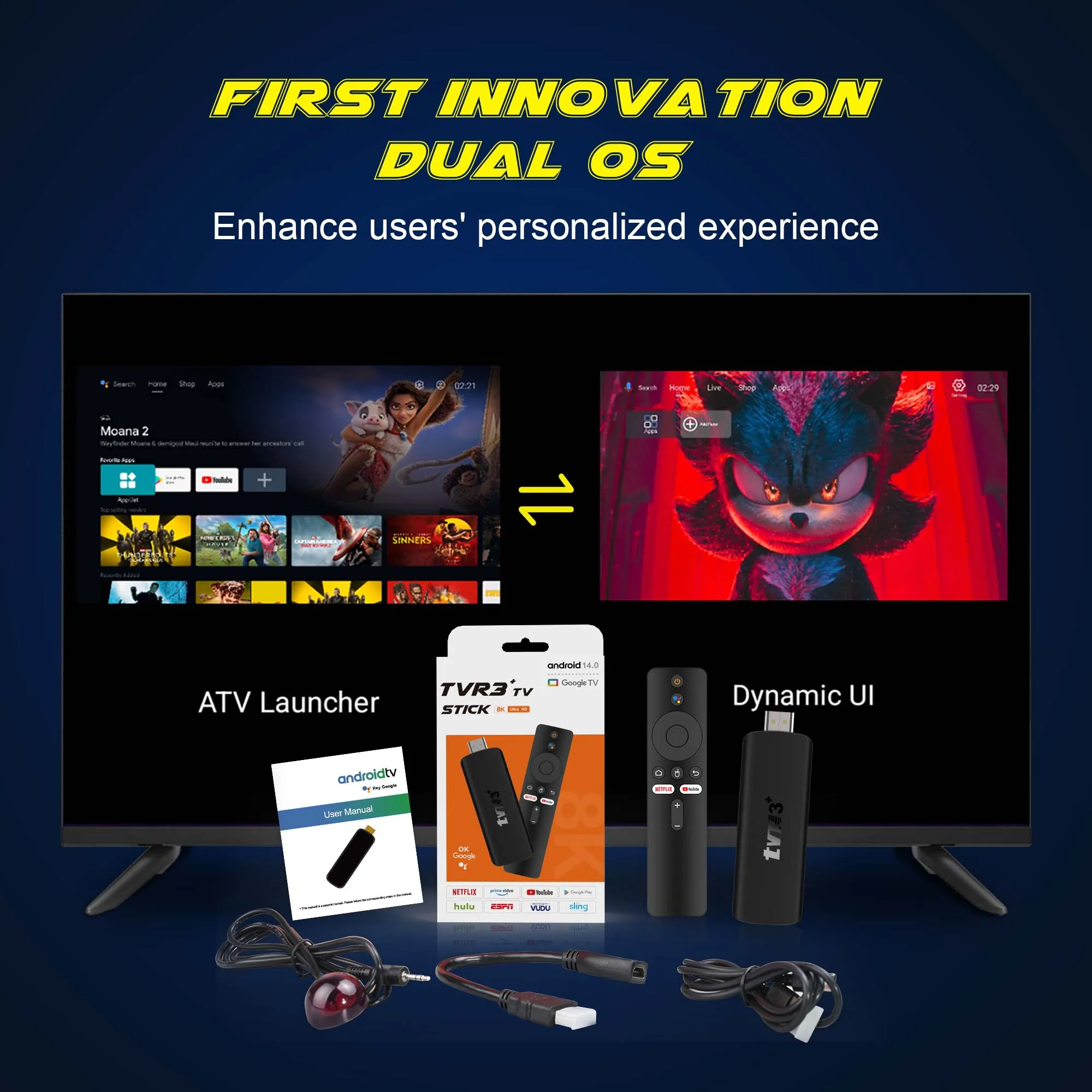
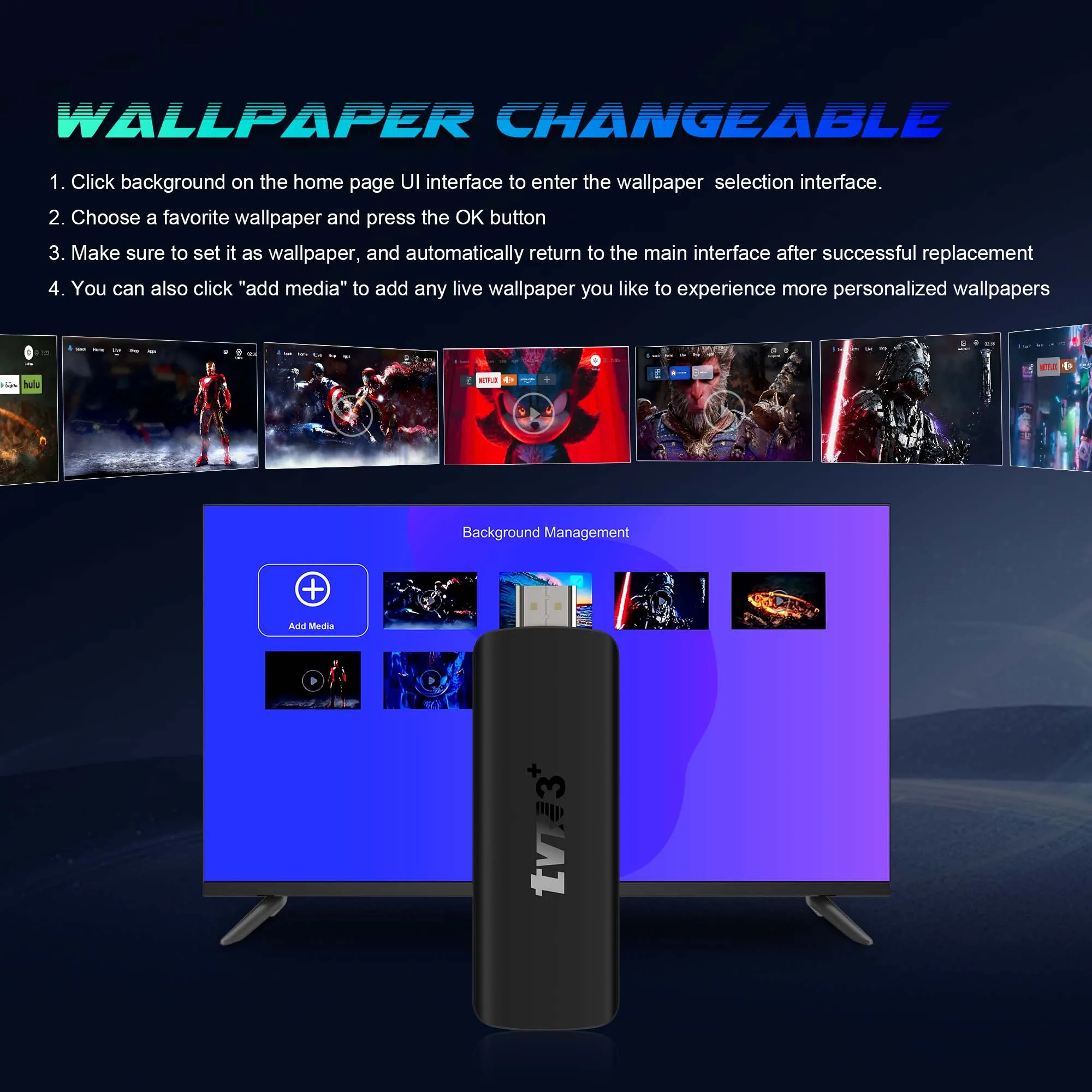
Dual UI interfaces, one is the system default interface, the other supports user-defined dynamic video, free switching of UI interfaces to meet different usage scenarios and diverse needs
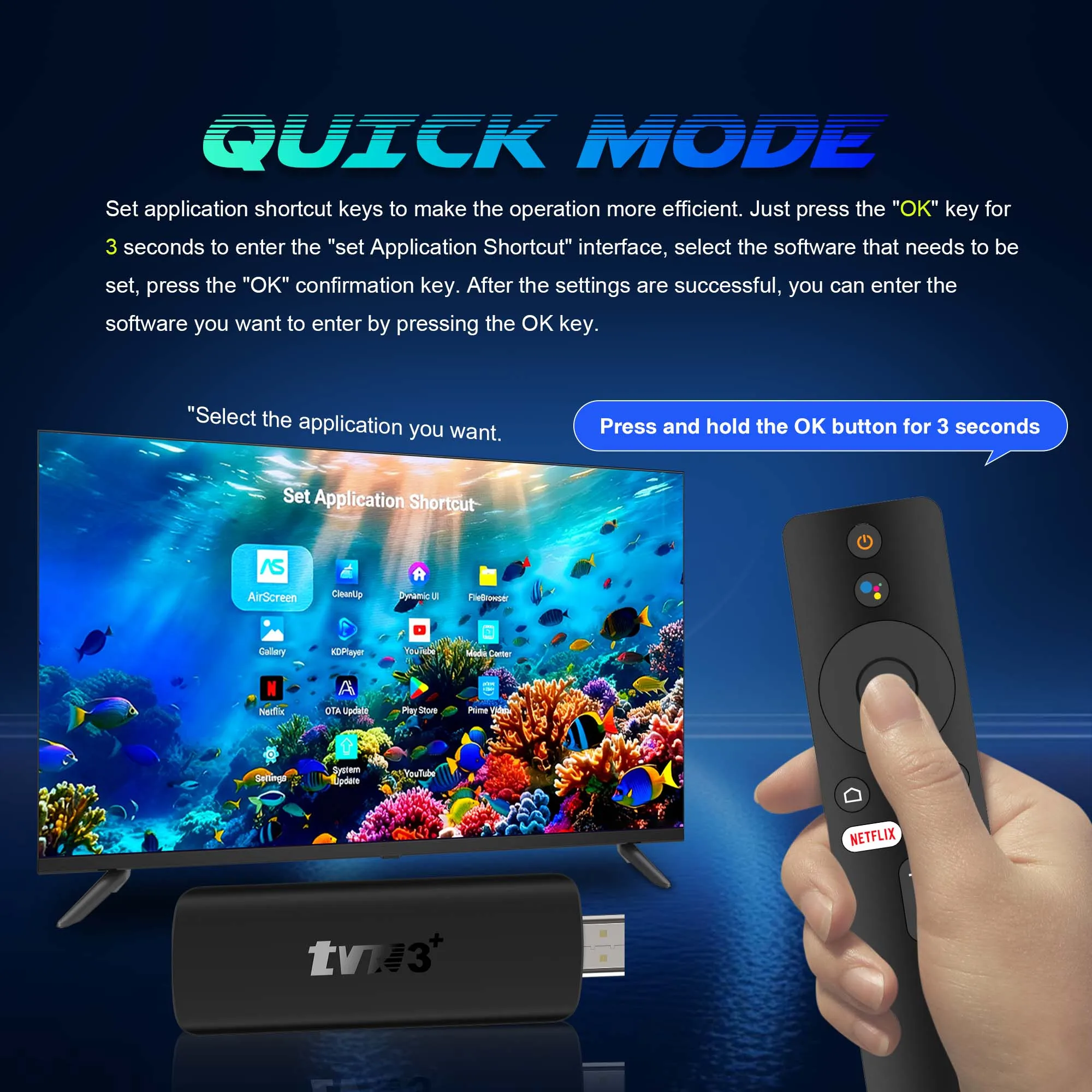
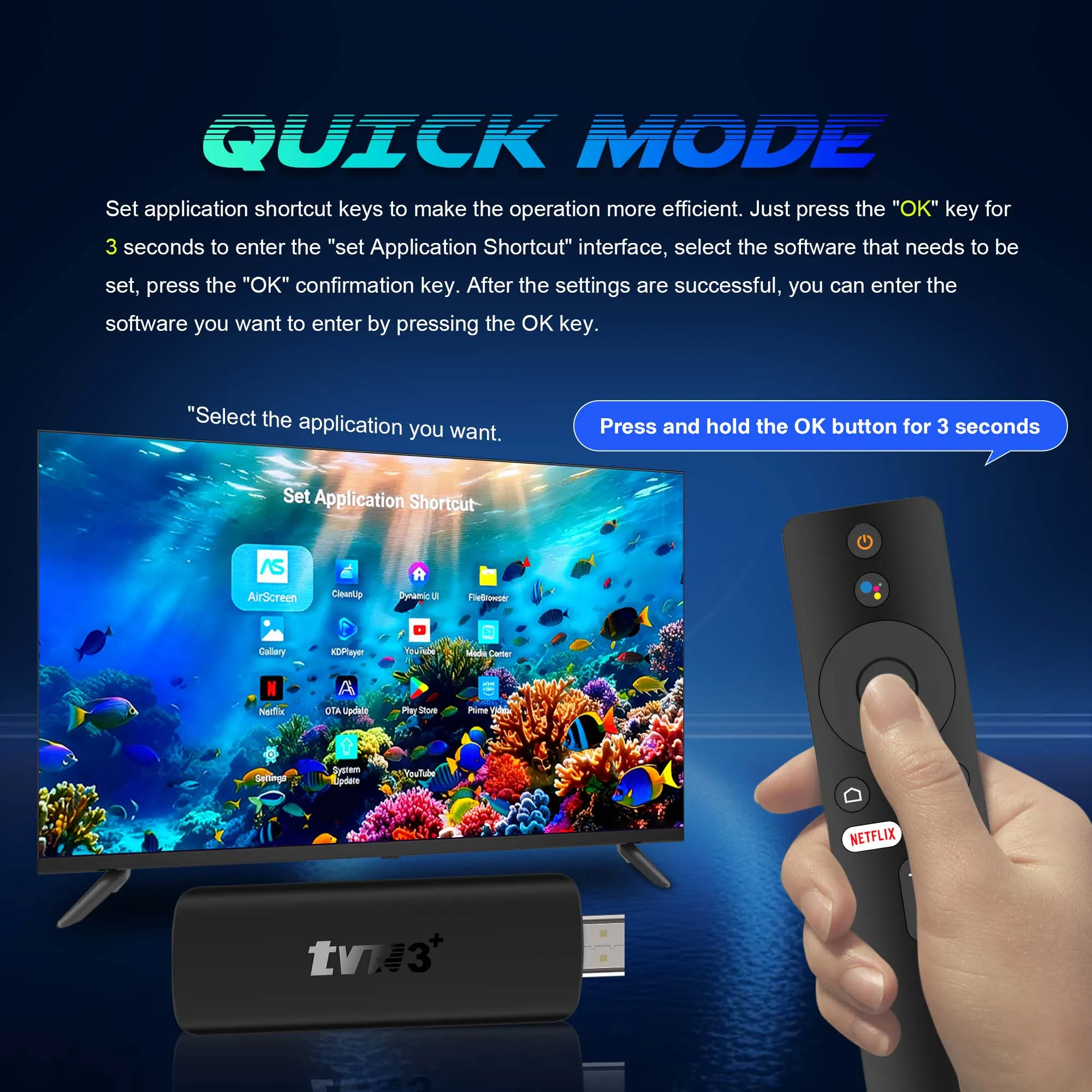
Shorten the operation path, improve interaction efficiency, and solve the tediousness of traditional multi-step operations through “one-click direct access” to specific needs
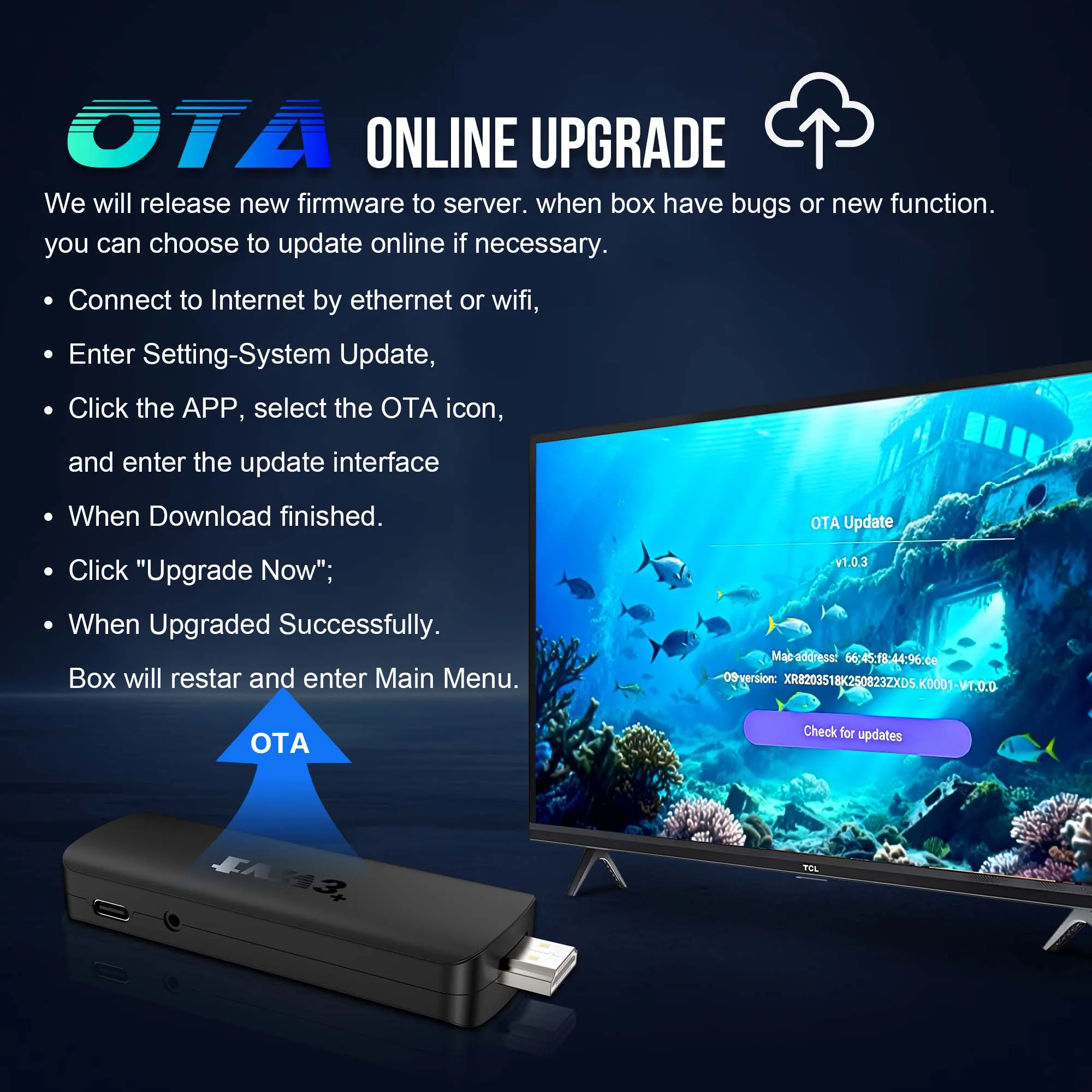
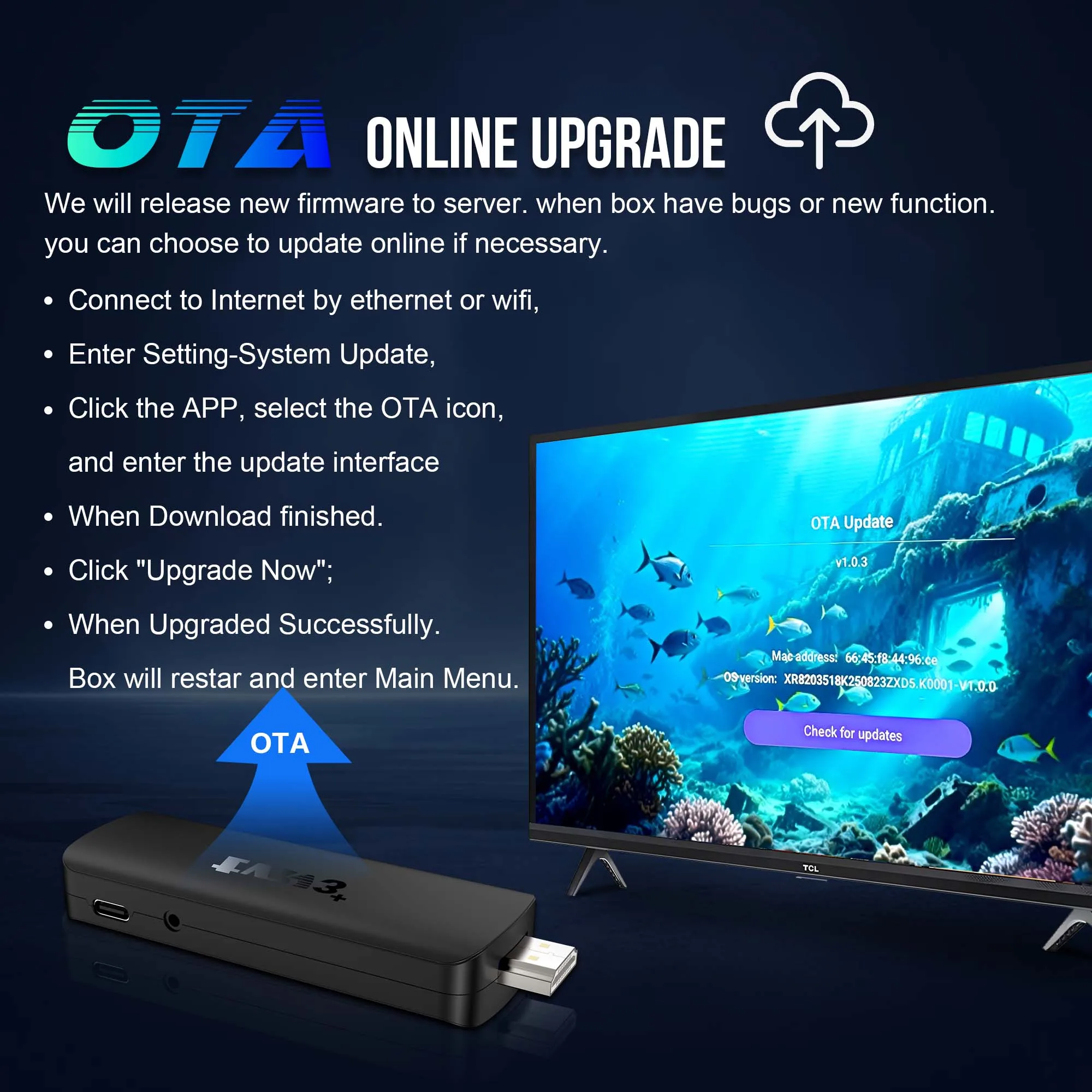
OTA online update: when the box has a bug or new features, you can choose to update it online if necessary
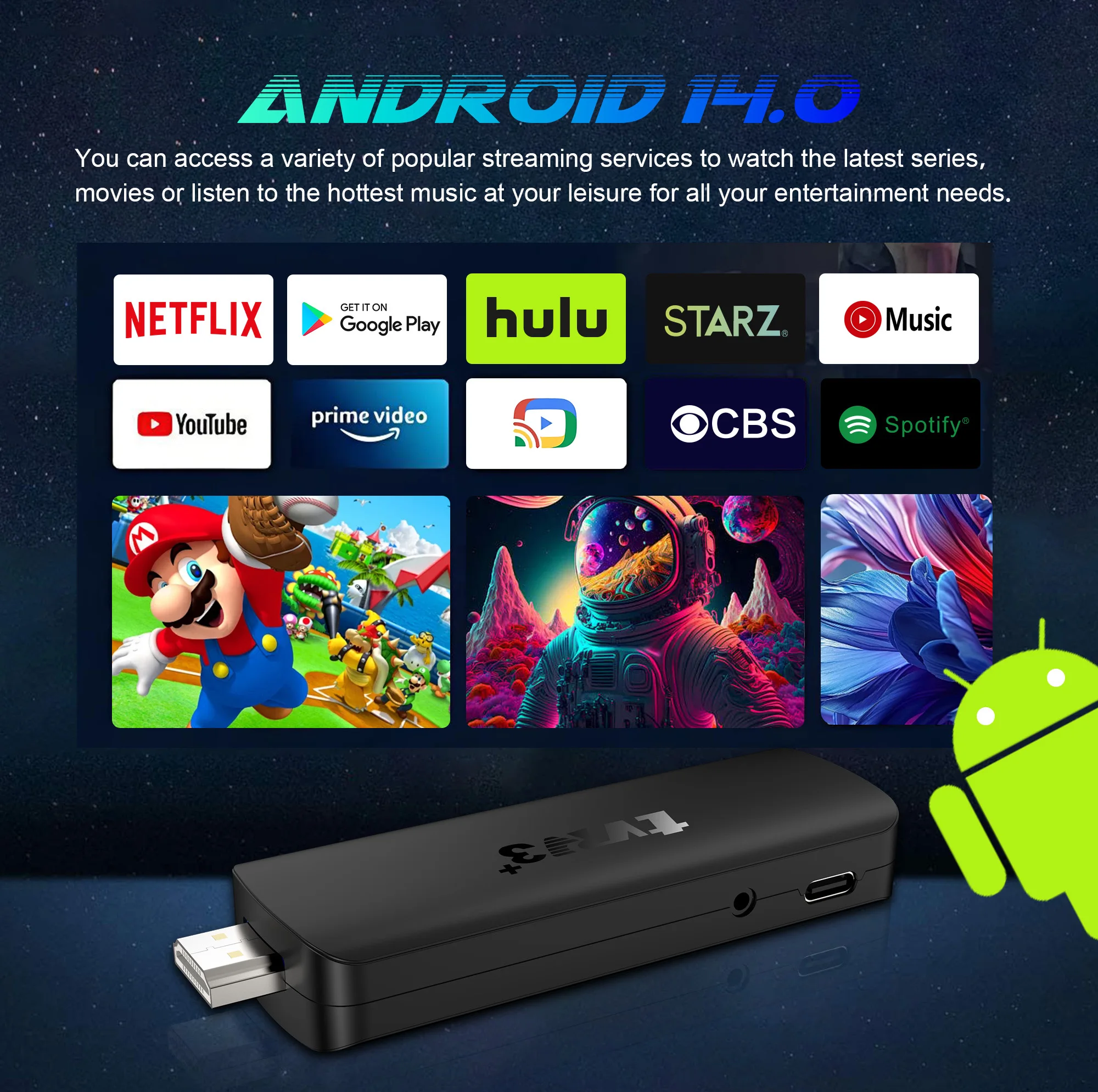
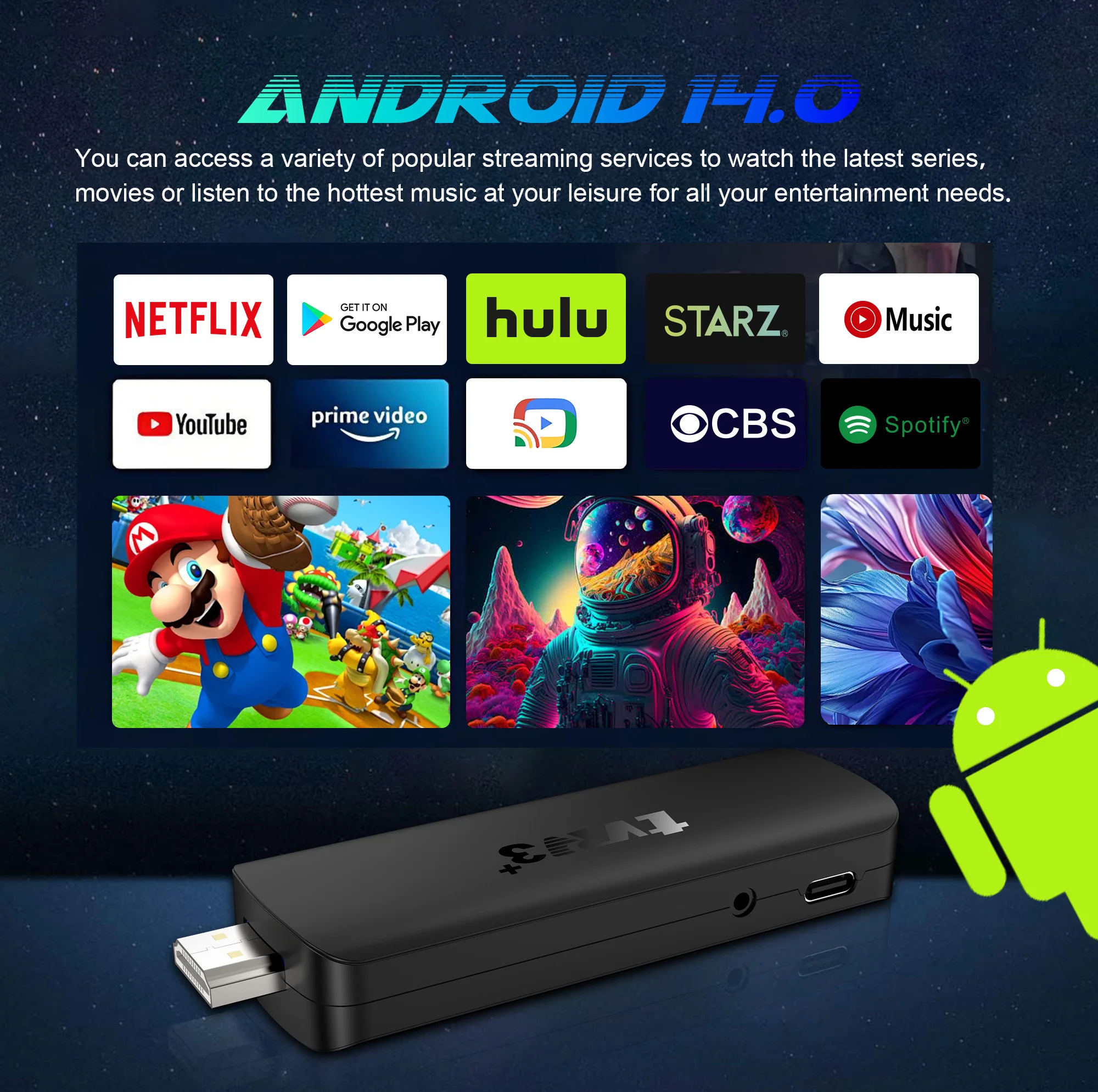
The Android TV Stick is equipped with the latest Android TV 14.0 operating system, ensures extensive compatibility, allowing you to easily install many of your favorite applications
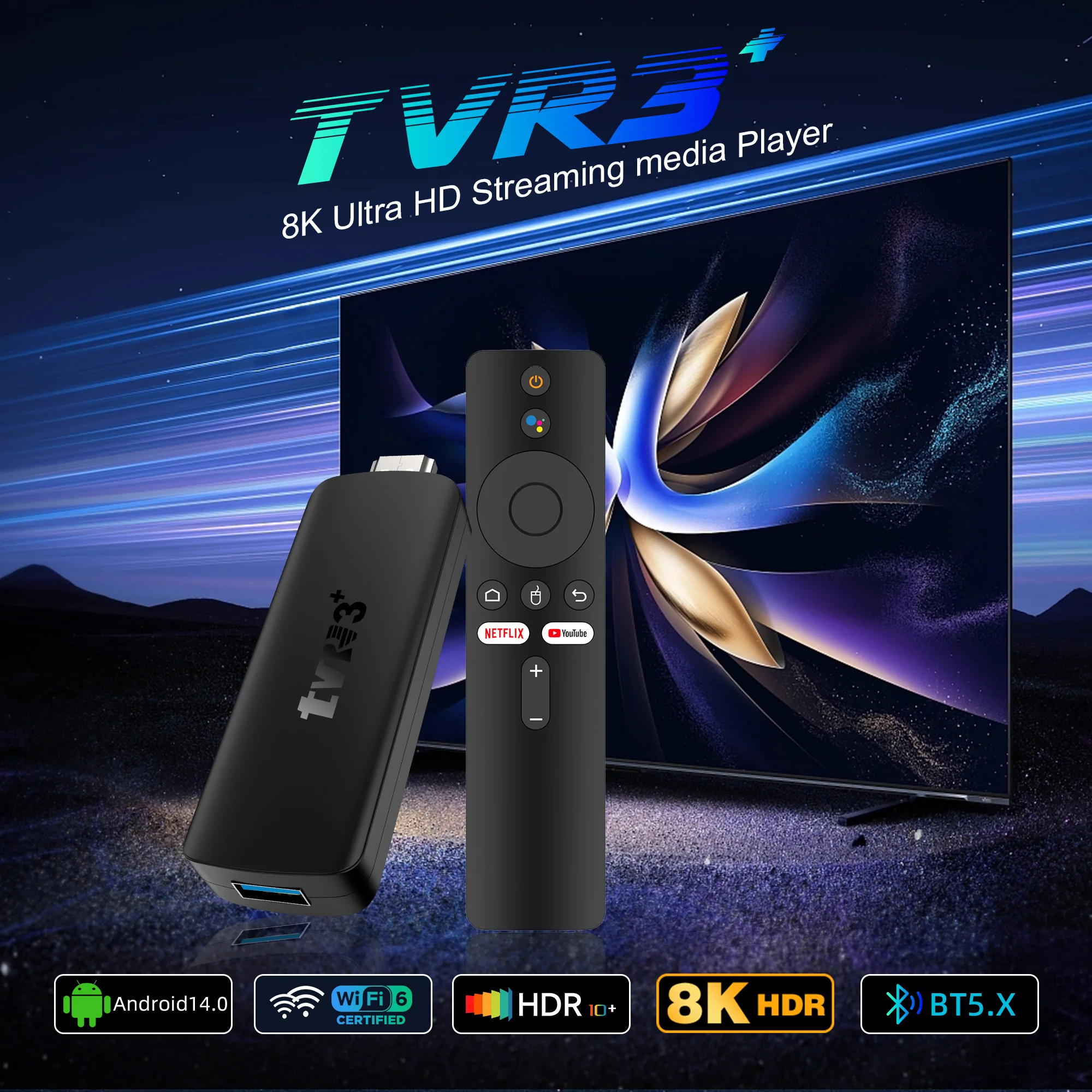
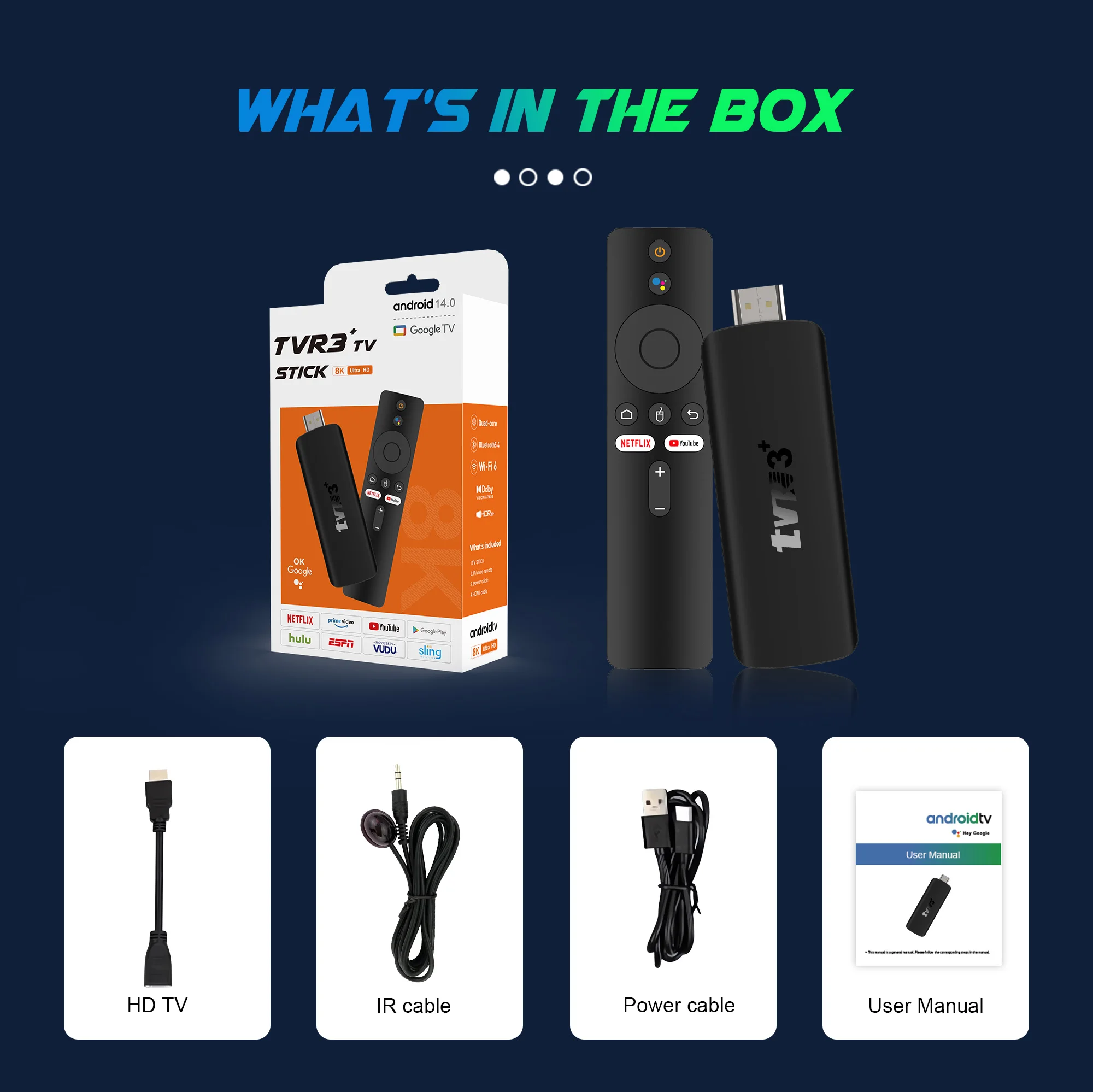
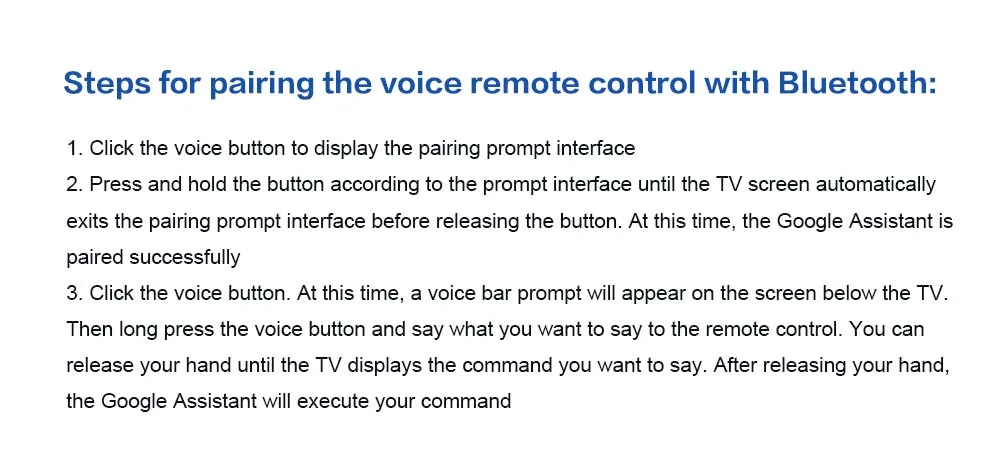
Android TV Stick comes with an improved Bluetooth remote control. You can navigate directly to the application list or open some supported applications with one click, which is quite convenient

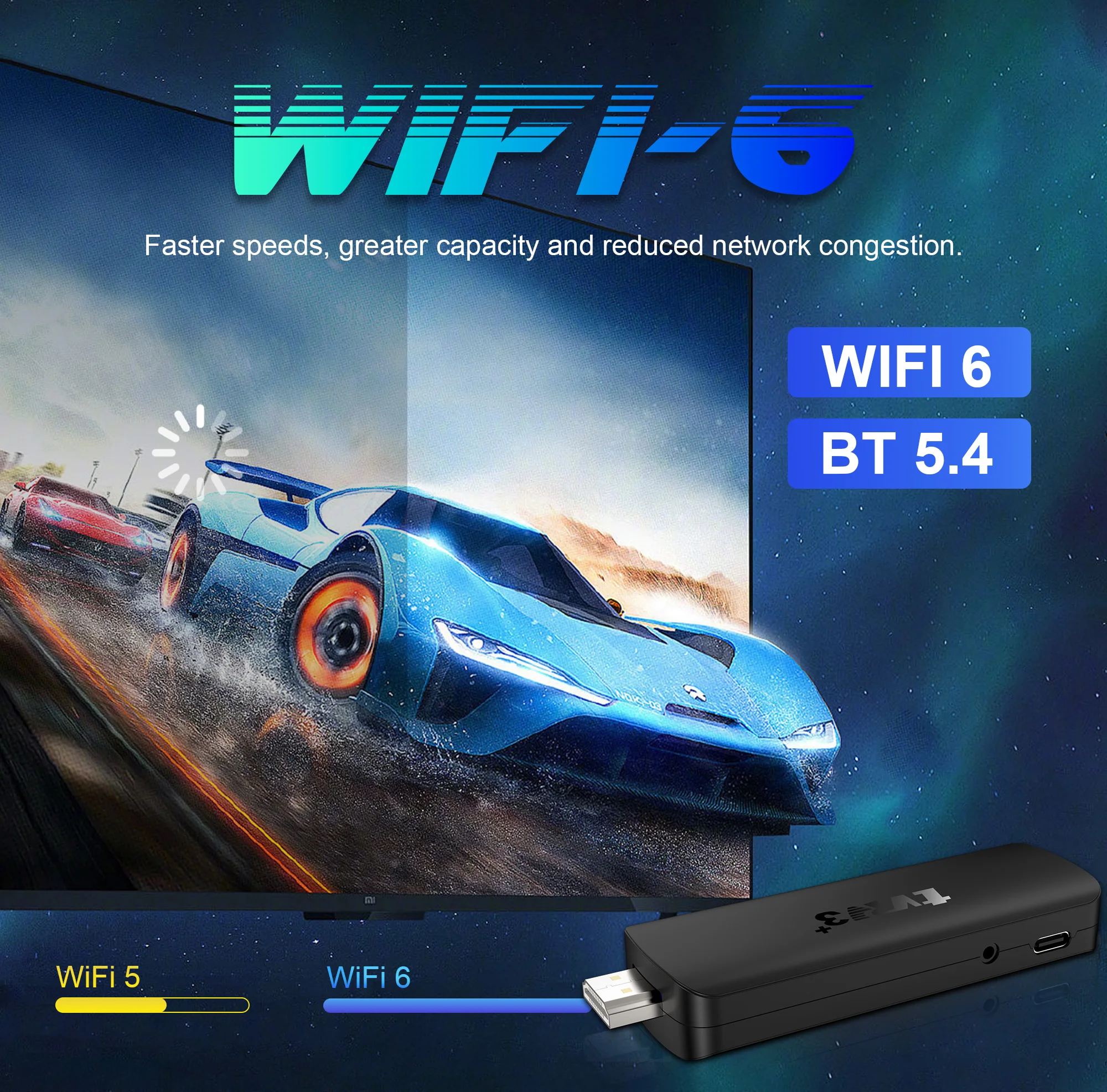
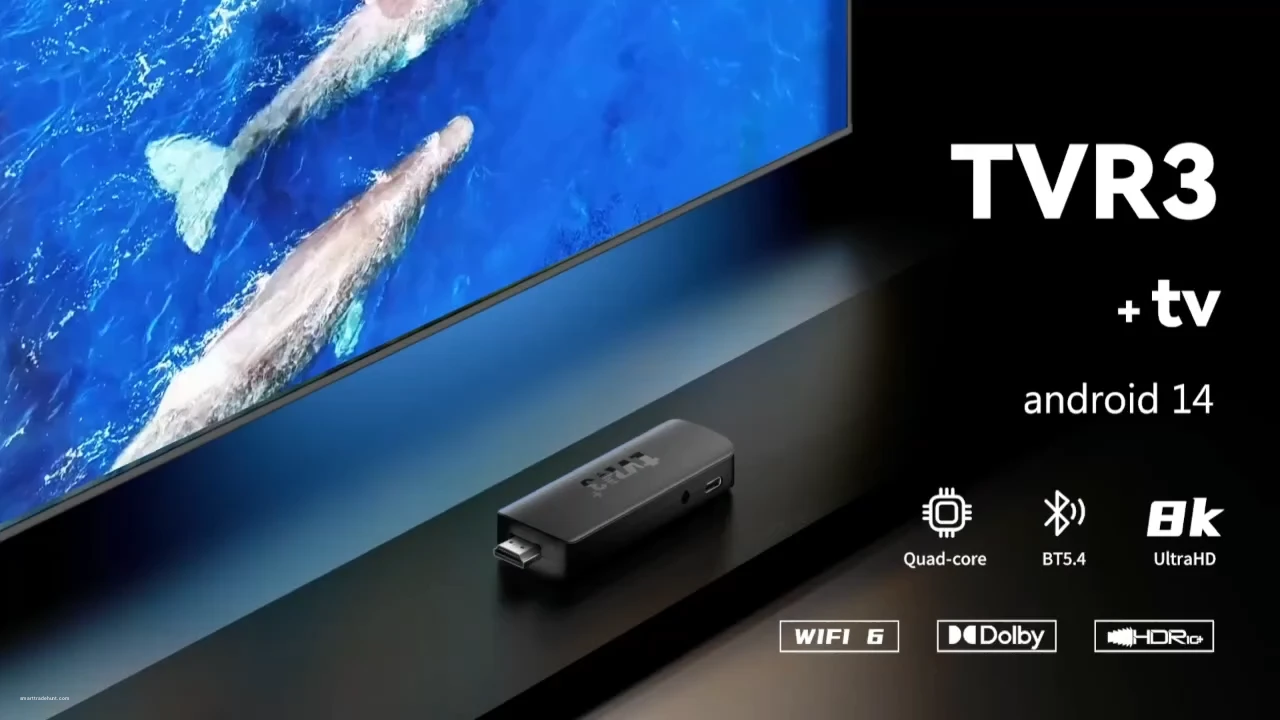
WiFi 6 being the sixth generation of network technology, ensuring download and upload faster, more stable signal. Bluetooth 5.0 also allows for easy connection to a wide range of peripherals

The ultimate viewing experience: 4K ultra high-resolution output takes video quality to another level. Partake in a vivid and immersive visual experience
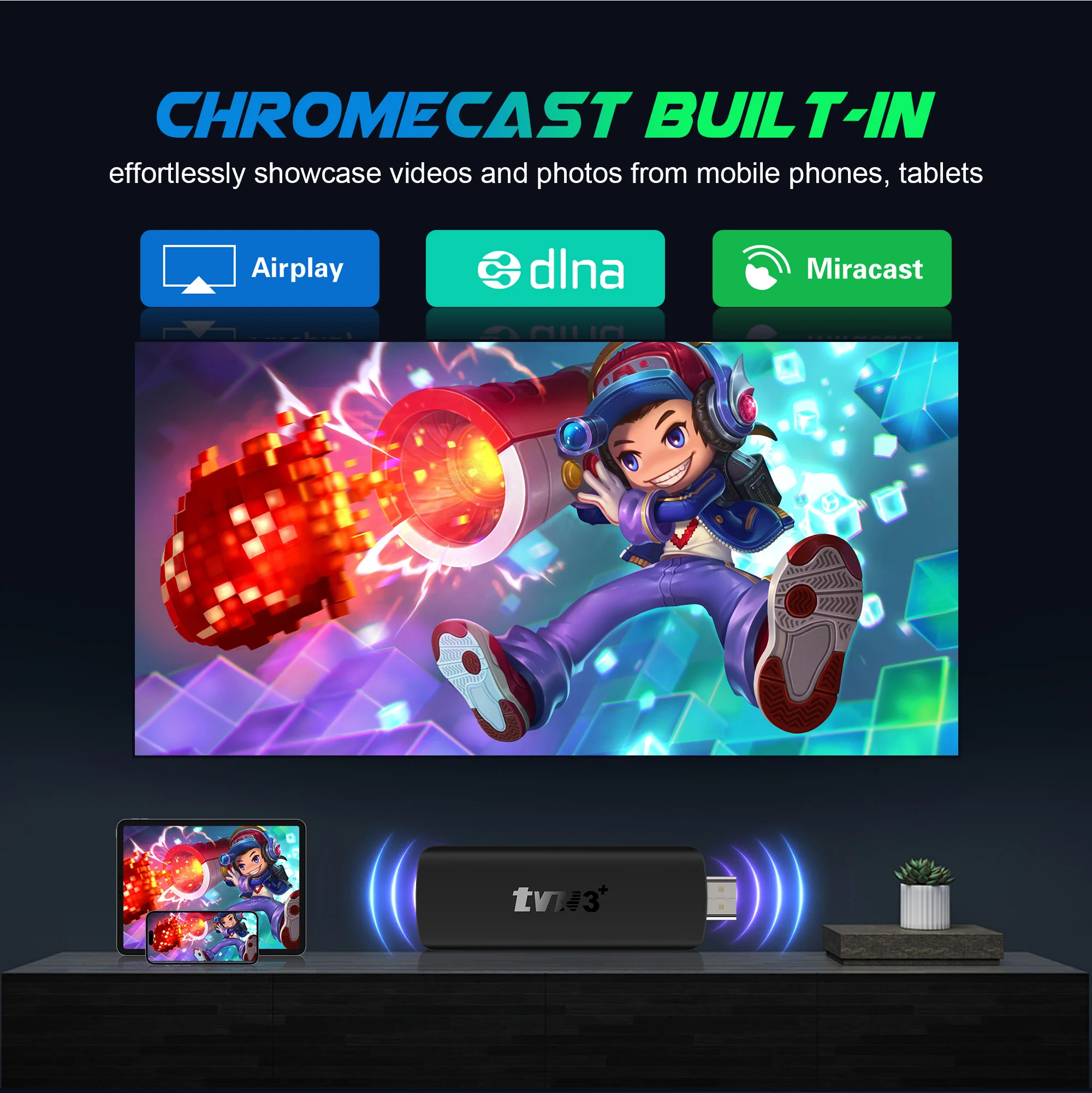
Put your little screen on the big screen: Stream the entertainment you love from your phone, tablet or laptop to your TV using Chromecast built-in
Hollow design heat dissipation: By optimizing air circulation and expanding the heat dissipation area, “no power consumption” basic heat dissipation is achieved
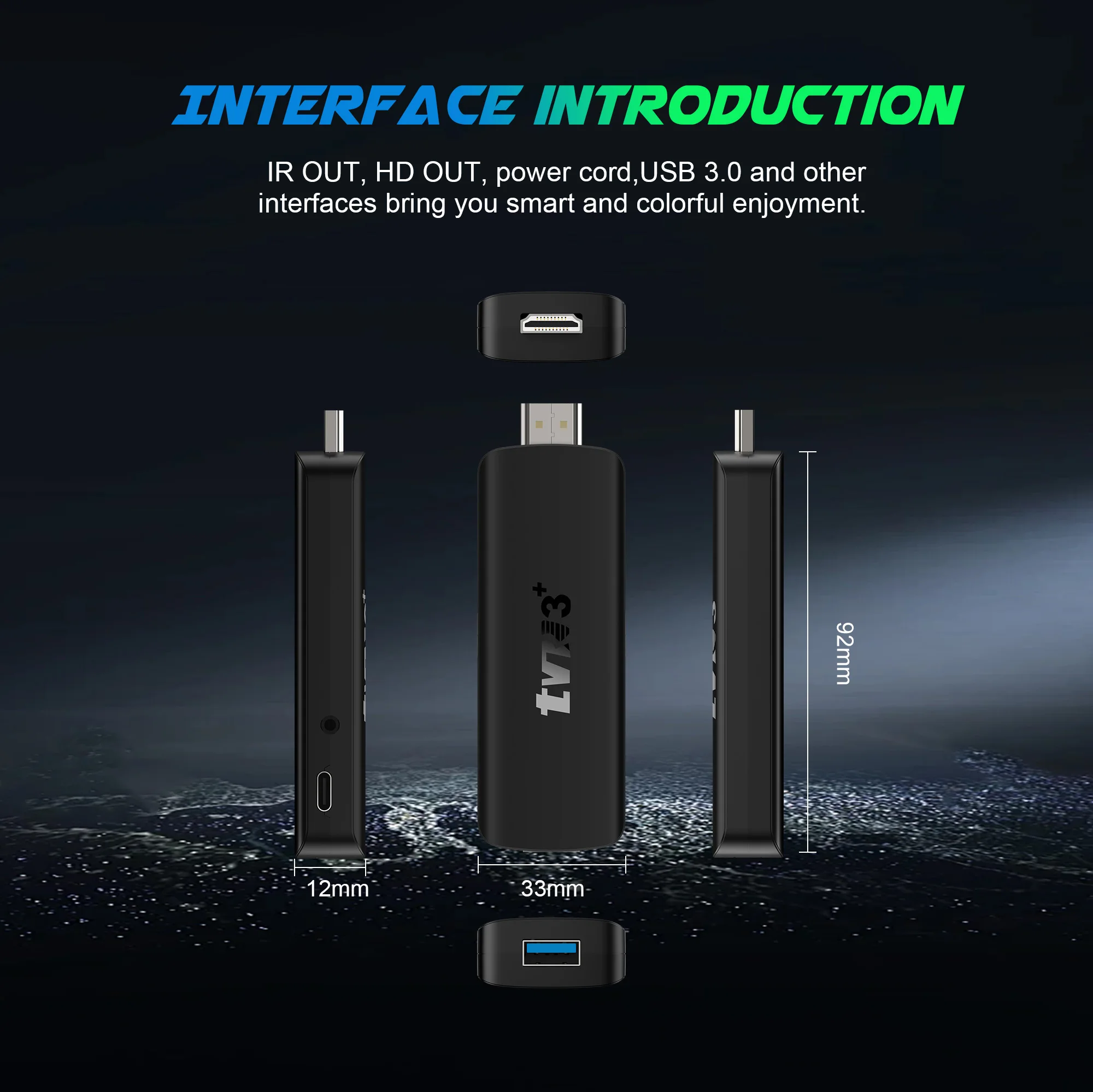
Support for more high-speed protocols: USB 3.0 interface supports more functions and faster transmission speed to meet the needs of screen projection and data transmission
 Frequently Asked Questions:
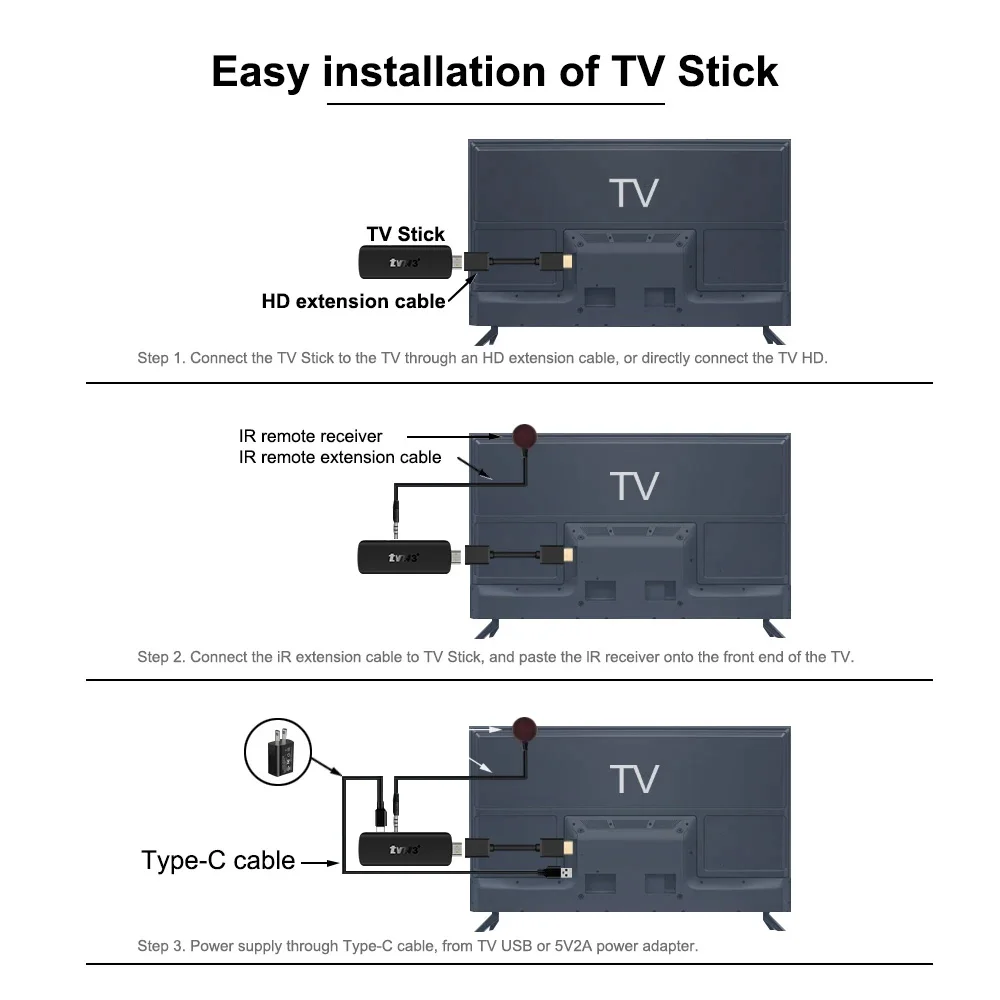
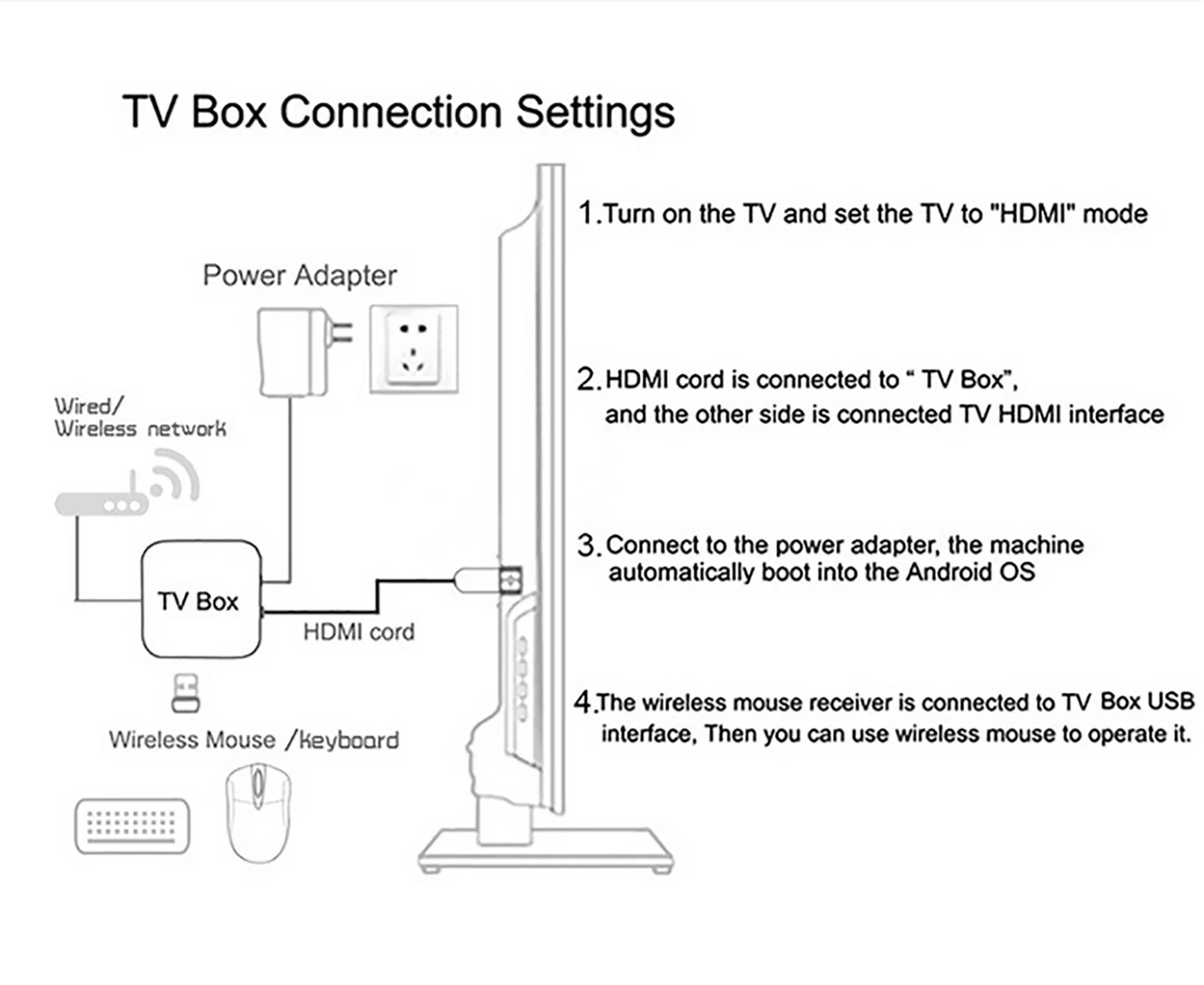
*Note: Please use the cables we provide, do not change the cables at will, so as to avoid the machine being unable to boot
If the TV box restarts repeatedly after a few seconds or minutes, or the red light on the front panel is on and the TV screen stops at the boot screen, the problem is that the output voltage and current of your power adapter are not 5V/2A. You can use a 5V/2A adapter to power the TV box, and it can be used normally.
Netflix usage tutorial:
1. After connecting to WiFi, open the APP, find the black Netflix software, and click to open
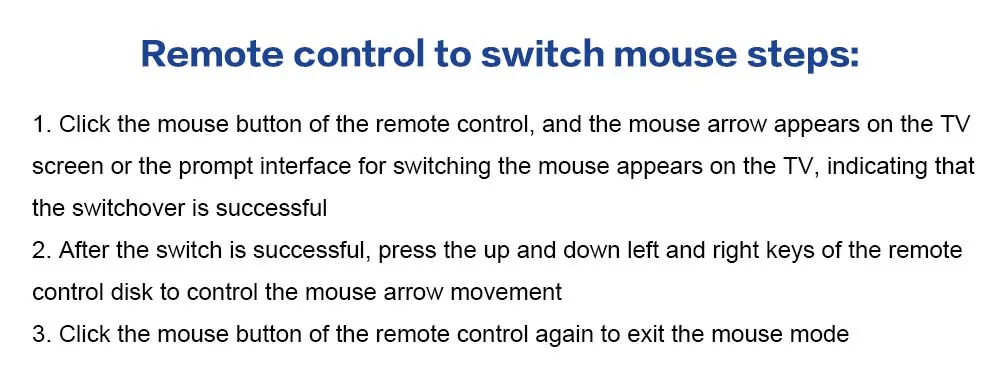
(2) After clicking to open Netflix, the login interface will appear. Click the mouse switch button on the remote control to switch the remote control to mouse mode, and click the login button of the software
(3) Click the mouse button again to switch the remote control to remote control mode, enter the account password to log in
(4) Use the mouse mode of the remote control to click the video to be played
2. Disney and other software cannot solve the problem. Disney software may not be compatible and cannot be used for a long time. If you need to use Disney software, please choose your purchase carefully to avoid unnecessary disputes. Based on the actual product!
3.Machine startup problem*
(1) Product startup: It is normal for the product to start up slowly for the first time. Each product has different configurations, so the startup time is also different.If the startup is slow, please wait patiently and do not unplug the power supply. For customers who have high requirements for startup time, please choose products with high prices and configurations in our store.
(2) If there is no signal when starting up, it is because the user has used an HDMl cable and power cable that don’t match the product. Please be sure to use the accessories provided by us and do not replace the cables at will .lf there is no signal when the machine is turned on, it may be that the user’s TV has multiple HDMl interfaces. The user can use the TV remote control to switch to the correct signal source, and the TV will display the picture normally.
Related products






Frequently Bought Together





Products from this Seller
View All

Demo Auction









Frosted Belt Watch

Business Quartz Sports Leisure Belt Men's Watch



Trusted & Reliable Global B2B & B2C Marketplace

Subscribe to our newsletter for regular updates about Offers, Coupons & more





Share with Friends
Trading is more effective when you share products with friends!Share you link
Share to